

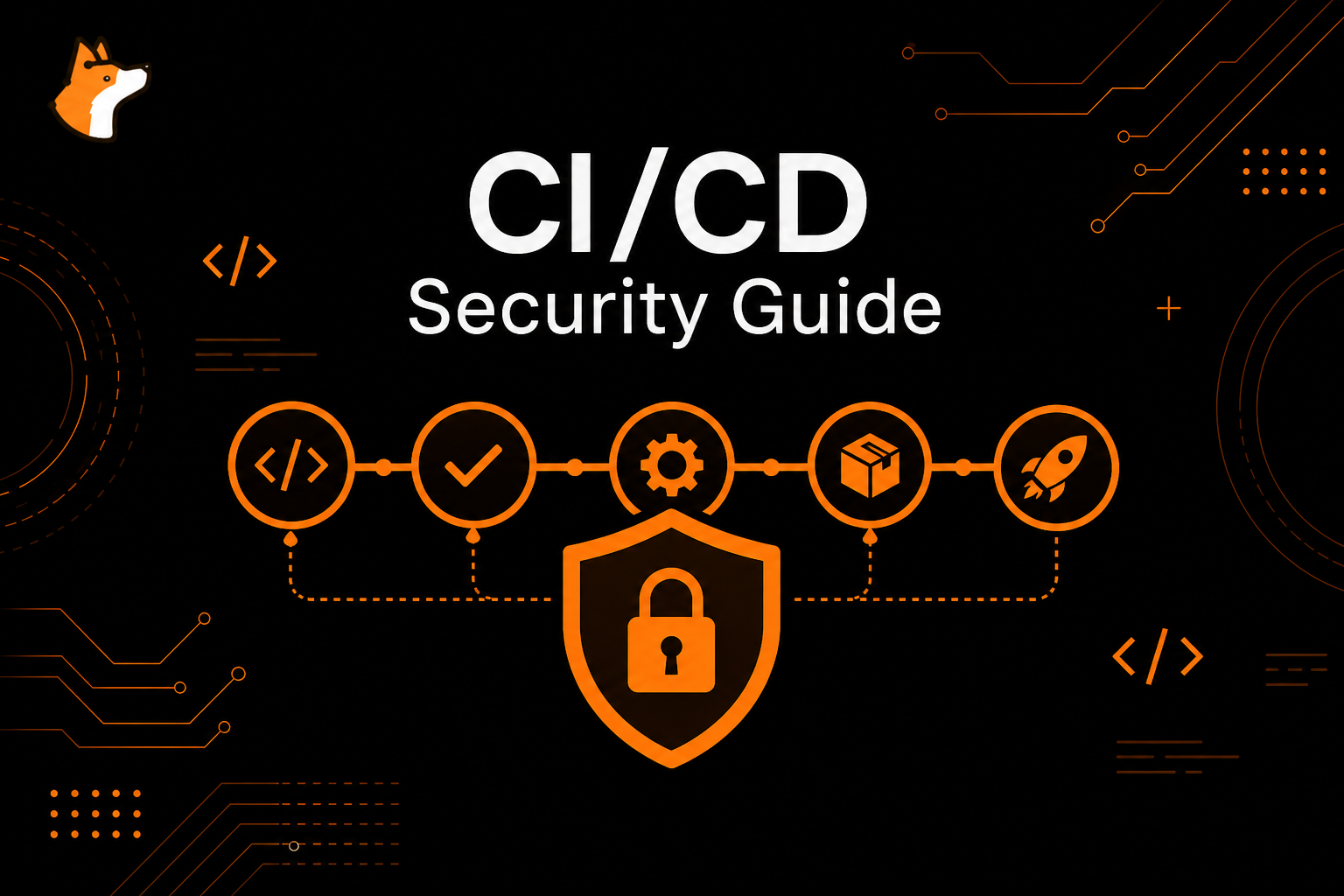
CI/CD security best practices protect the automation that builds, tests, packages, signs, and deploys software. A CI/CD pipeline can mint cloud credentials, publish packages, update infrastructure, and deploy production. That makes pipeline YAML, runners, artifacts, caches, and release jobs part of your trusted computing base.
This CI/CD security guide is platform-agnostic. Use it for GitHub Actions, GitLab CI/CD, Jenkins, CircleCI, Buildkite, Azure DevOps, TeamCity, and custom release systems.
CI CD security best practices checklist
Start with the controls that reduce the most supply chain risk:
- Set pipeline tokens to least privilege by default.
- Declare permissions explicitly at the workflow or job level.
- Separate untrusted pull request builds from privileged release jobs.
- Pin third-party actions, plugins, images, and reusable workflows.
- Use OIDC and short-lived cloud credentials instead of static secrets.
- Scope secrets to jobs, environments, and approvals.
- Harden self-hosted runners and avoid them for untrusted public PRs.
- Treat artifacts and caches as untrusted when crossing trust boundaries.
- Scan source code, dependencies, secrets, containers, and IaC in pull requests.
- Require CODEOWNERS review for workflow and deployment changes.
- Generate SBOMs and provenance for release artifacts.
- Monitor pipeline changes, runner registrations, and blocked policy events.
If your immediate focus is GitHub, read the dedicated GitHub Actions security checklist. If your focus is static analysis rollout, read how to integrate static analysis tools into CI/CD. For buyer comparisons of pipeline-adjacent scanners, see IaC security tools and secrets detection tools.
1. Make pipeline permissions least privilege
Default tokens should be read-only or disabled unless a job needs write access. Grant permissions per job, not globally.
permissions: {}

jobs:
  test:
    permissions:
      contents: read
    runs-on: ubuntu-latest
    steps:
      - uses: actions/checkout@<pinned-sha>
      - run: npm ci && npm test
The principle applies outside GitHub too. Jenkins service accounts, GitLab job tokens, cloud deploy roles, registry credentials, and package publishing tokens should be scoped to the exact operation.
2. Separate untrusted builds from privileged releases
Untrusted code should not run in the same context as production secrets or write tokens. This is the core lesson behind many poisoned pipeline execution attacks.
Safer design:
- Run tests and advisory scans on untrusted pull request code with read-only permissions.
- Publish only safe metadata or signed artifacts.
- Run privileged release jobs from protected branches, protected tags, or approved environments.
- Re-check the source revision and artifact integrity before deployment.
Do not let fork pull requests, issue comments, branch names, PR titles, or artifact contents reach privileged shell execution without validation.
3. Pin actions, plugins, images, and reusable workflows
CI/CD pipeline security depends on what the pipeline executes. Tags and branches can move. Package registries can be abused. Maintainer accounts can be compromised.
Practical controls:
- pin third-party GitHub Actions to full commit SHAs;
- pin container images by digest for release jobs;
- review Jenkins/GitLab plugins and update through change control;
- allowlist trusted reusable workflows;
- use dependency update PRs to refresh pins;
- apply minimum release age policies where package managers support them.
Mutable dependencies are convenient, but immutable references are safer for privileged automation.
4. Use OIDC instead of long-lived cloud secrets
OIDC lets CI/CD jobs exchange a short-lived identity token for cloud credentials at runtime. This removes static AWS, Azure, or GCP keys from CI secrets.
Strong OIDC trust policies restrict by:
- repository or project;
- branch or tag;
- workflow file;
- protected environment;
- audience;
- subject pattern.
Grant id-token or equivalent only to jobs that need it. Pair OIDC with environment approvals for production.
5. Protect secrets in jobs and logs
Secrets should be passed only to the step that needs them. Avoid job-wide environment variables for high-value credentials.
Bad patterns:
- echoing secrets for debugging;
- passing secrets as command-line arguments;
- using
secrets: inheritbroadly; - uploading
.envfiles as artifacts; - storing production credentials in repository-level secrets used by every branch;
- printing transformed secrets that log masking may not catch.
Use Corgea secrets scanning to catch leaked credentials before they spread through commits, branches, logs, and artifacts.
6. Harden runners
Hosted ephemeral runners reduce persistence risk. Self-hosted runners require much more care.
Runner security best practices:
- do not use persistent self-hosted runners for public fork PRs;
- use ephemeral or just-in-time runners for sensitive jobs;
- separate runner groups by trust level;
- restrict network egress from sensitive runners;
- patch runner images and installed tools;
- prevent one job from reading another job’s workspace;
- monitor new runner registrations and unusual job execution.
If a runner can deploy production, treat it like production infrastructure.
7. Treat artifacts and caches as trust boundaries
Artifacts and caches can carry attacker-controlled files between jobs and workflows.
Controls:
- avoid broad uploads such as
path: .; - exclude
.env, private keys, test credentials, and generated config; - validate filenames and formats before use;
- extract untrusted archives outside the workspace;
- do not use caches in privileged release jobs unless you trust the cache source;
- make release jobs rebuild or verify artifacts from protected source.
A safe artifact flow is explicit, narrow, and verifiable.
8. Add security scanning where developers review code
CI/CD security best practices should include scanning the code and configuration that the pipeline is about to ship:
- Corgea AI SAST for code-level vulnerabilities;
- Corgea dependency scanning for package risk;
- Corgea secrets scanning for credential leaks;
- Corgea container scanning for image risk;
- Corgea IaC scanning for Terraform, Kubernetes, and cloud config;
- Corgea SBOM and license enforcement for release inventory.
Start with pull request feedback. Developers are most likely to fix issues while the context is fresh.
9. Tune security gates by signal
Failing every build for every scanner finding is how AppSec programs lose trust. Failing no builds is how preventable incidents ship.
Good release-blocking candidates:
- leaked secrets;
- critical vulnerabilities in reachable code paths;
- public cloud exposure created by IaC;
- privileged containers in production manifests;
- package publishing from an untrusted branch;
- unsigned release artifacts where signing is mandatory.
Run noisy or new checks in advisory mode first. Tighten gates after false positives are handled. For more on signal, read how to reduce false positives in SAST.
10. Secure release workflows
Release jobs have the highest blast radius. They may publish packages, sign artifacts, deploy cloud infrastructure, or update production.
Release controls:
- run only from protected branches, tags, or approved environments;
- require human approval for production;
- use short-lived credentials;
- verify artifact checksums and provenance;
- generate SBOMs;
- sign packages and images where supported;
- block mutable third-party dependencies in the release path;
- log release metadata for incident response.
Do not let a test workflow automatically become a release workflow because it has convenient access to credentials.
11. Review pipeline changes like application code
Workflow YAML is code. It should have owners, review requirements, and scanning.
Add CODEOWNERS coverage for:
.github/workflows/;.gitlab-ci.yml;- Jenkinsfiles;
- Buildkite pipelines;
- deployment scripts;
- Terraform and Kubernetes release directories;
- package publishing configuration.
Security review should focus on triggers, permissions, secrets, third-party dependencies, artifact flow, and release authority.
12. Monitor and respond
Detection matters because CI/CD incidents often move fast.
Monitor:
- workflow file changes;
- new secrets and secret access changes;
- runner registrations;
- failed attempts to use blocked actions or plugins;
- unexpected package publishing;
- unusual cloud role assumptions from CI;
- public repository or fork settings changes.
Maintain an incident playbook that covers disabling workflows, revoking tokens, rotating secrets, invalidating artifacts, removing malicious releases, and reviewing runner state.
Try Corgea scanning in your CI/CD pipeline
Want CI/CD security best practices embedded in every pull request and pipeline?
- Corgea AI SAST scans application code before merge.
- Corgea dependency scanning prioritizes package risk.
- Corgea secrets scanning catches leaked credentials early.
- Corgea container scanning scans release images.
- Corgea IaC scanning catches Terraform, Kubernetes, and cloud misconfigurations.
- Corgea developer experience keeps findings and fixes in PR and IDE workflows.
Try Corgea today or book a custom demo for your CI/CD pipelines.
If you are comparing CI/CD and AppSec scanning options, read Corgea vs GitHub Advanced Security, Corgea vs Snyk, Corgea vs Checkmarx, and Corgea vs Semgrep. If your team is evaluating AI code review in pipelines, also see Corgea vs Claude Code Security.
FAQ
What are the most important CI/CD security best practices?
The most important CI/CD security best practices are least-privilege tokens, separating untrusted builds from privileged release jobs, using OIDC instead of long-lived secrets, pinning third-party actions or plugins, hardening runners, protecting artifacts and caches, and scanning code, dependencies, secrets, containers, and IaC in pull requests.
How does OIDC improve CI/CD security?
OIDC lets pipelines request short-lived cloud credentials at runtime instead of storing long-lived keys as CI secrets. Trust policies can restrict access by repository, branch, workflow, environment, and audience.
Should security scans fail CI/CD builds?
Security scans should fail builds for well-tuned, high-confidence policies such as leaked secrets, critical reachable vulnerabilities, unsafe infrastructure changes, or release-blocking container risk. Start with advisory mode for noisy checks, then tighten gates as signal improves.
Can Corgea run in CI/CD pipelines?
Yes. Corgea integrates security scanning into developer workflows and CI/CD so teams can scan application code, dependencies, secrets, containers, and infrastructure before risky changes merge.