

If you are shortlisting SAST tools in 2026, start here. We compared 13 SAST vendors, from AI-native scanners to legacy enterprise platforms and ASPM layers, on the four things that decide whether a static analysis program survives contact with developers: detection accuracy, false-positive rate, autofix quality, and workflow fit. The best SAST scanner is not the one with the longest checklist. It is the one that gives your team trusted findings, low-noise triage, useful fixes, and a workflow developers keep using after the pilot ends. (New to static analysis? Read what SAST is first.)
For most buyers, the top SAST tools to shortlist are:
- Corgea if you want AI-native SAST, contextual detection, low-noise findings, and autofix inside developer workflows.
- Semgrep if your AppSec team wants open-source rules, fast scans, and strong customization.
- GitHub Advanced Security / CodeQL if your company is deeply GitHub-native and wants SAST in the same platform.
- Checkmarx, Veracode, or Fortify if enterprise governance, compliance reporting, and mature procurement paths matter most.
- Endor Labs, OX Security, Apiiro, or Jit if you want SAST inside a broader AppSec posture or ASPM program.
How we evaluated these tools (and what changed in this update)
What changed on 25 August 2026: we merged our two earlier SAST listicles (the 2025 AI-powered SAST roundup and the early-2026 AI SAST tools post) into this single guide, added the head-to-head comparison table below, folded in the July 2026 Corgea vs Snyk and Corgea vs Aikido benchmark results, and refreshed every vendor’s AI and autofix notes.
How we rate: ratings are qualitative (Low / Medium / High) unless a number is cited. Numbers come from three places: Corgea’s published benchmarks on a public repository with 47 confirmed issues, Latio Tech’s independent autofix report, and independent third-party studies such as Doyensec’s Semgrep vs CodeQL comparison. Where a claim comes only from a vendor, we say so. “AI-native” means AI participates in detection itself, not only in triage or fix generation after a rules engine has run.
Top SAST tools in 2026: at-a-glance comparison
| Tool | Best for | Detection accuracy | False-positive rate | Autofix | AI-native? | Pricing model |
|---|---|---|---|---|---|---|
| Corgea | Low-noise AppSec, business-logic detection, autofix | High (89% recall, 82% precision on 47 confirmed issues, July 2026 benchmark) | Low (9 of 51 findings, 18%, in the same benchmark) | Yes, ranked #1 of 7 in Latio’s autofix report | Yes | Free trial, then vendor quote |
| Semgrep | Open-source rule control and fast CI scans | Medium-High, rule dependent (targeted configs precise, “auto” mode noisy) | Low with tuned rules, High in untuned auto mode | Partial (rule fix patterns plus Assistant suggestions) | No (AI-assisted) | Free OSS engine plus paid tiers |
| Snyk Code | Developer-first teams already on Snyk | Medium (55% recall, 79% precision in the same July 2026 benchmark) | Medium (7 of 33 findings, 21%) | Yes, Agent Fix with automatic retest | Hybrid (ML engine plus rules) | Free tier, then per-developer |
| Checkmarx | Enterprise AppSec governance | High on classic vulnerability classes | Medium-High without query tuning; vendor claims large reductions with AI Query Builder | Yes, AI-assisted remediation in IDE | No (AI-assisted) | Enterprise quote |
| Veracode | Compliance-led security programs | High on classic vulnerability classes | Low (vendor-reported), validate on your code | Yes, Veracode Fix for Pipeline Scan findings | No (AI-assisted) | Enterprise quote |
| GitHub Advanced Security / CodeQL | GitHub-native teams | High (deep semantic dataflow) | Medium, depends on query packs and build setup | Yes, Copilot Autofix for supported alerts | No (AI-assisted) | Free for public repos, paid for private |
| SonarQube | Code quality plus baseline security | Medium, varies by language | Medium, quality-profile driven | Partial (AI CodeFix in supported editions) | No (AI-assisted) | Free community edition plus commercial tiers |
| Fortify | Large regulated enterprises | High on classic vulnerability classes | Medium-High without audit tuning; Aviator classifies likely false positives | Partial (Aviator fix suggestions) | No (AI-assisted) | Enterprise quote |
| Endor Labs | SCA-heavy teams adding code risk | Medium (SAST is newer than its SCA) | Low-Medium via reachability | Limited for SAST | No | Enterprise quote |
| OX Security | ASPM consolidation | Depends on integrated scanners | Medium, reduced by correlation and dedup | Limited (ranked 5 of 7 in Latio’s autofix report) | No | Enterprise quote |
| Apiiro | Risk-based AppSec with code-to-cloud context | Medium, context-led rather than scanner-led | Low-Medium via risk prioritization | Limited, guidance-first | No | Enterprise quote |
| Jit | Security orchestration layer | Depends on underlying scanners | Depends on underlying scanners | Depends on underlying tools | No | Tiered or quote |
| CodeAnt AI | AI code review with security checks | Medium, review-oriented | Medium, PR-context driven | Yes, for supported issues | Yes (AI code review) | Tiered or quote |
Evaluate AI-native SAST on your own code
Use Corgea to find exploitable code risk, reduce noisy SAST findings, and generate review-ready fixes in the developer workflow.
Quick recommendation by buyer need
| Buyer need | Shortlist first | Why |
|---|---|---|
| Lowest practical noise and AI-native detection | Corgea | AI is part of detection, triage, and remediation, not only a summary layer. |
| Developer-first static analysis with rule control | Semgrep, Snyk Code, SonarQube | Strong developer workflows, IDE or PR feedback, and broad adoption. |
| Enterprise compliance and governance | Checkmarx, Veracode, Fortify | Mature reporting, policy controls, and established enterprise buying paths. |
| GitHub-native code scanning | GitHub Advanced Security / CodeQL | Native GitHub alerts, CodeQL queries, and Copilot Autofix workflow. |
| SCA-heavy AppSec programs adding SAST | Endor Labs, Snyk Code | Dependency risk, reachability, and custom code risk in one operating model. |
The SAST vendor landscape in 2026
“SAST vendor” now describes several different kinds of company, and the category a tool belongs to predicts more about your experience than any single feature.
- AI-native scanners use large language models and contextual reasoning inside detection itself, so they can reason about intent, authorization, and business logic that rules cannot express. Corgea is the clearest example on this list. For the full picture of this category, see the AI SAST guide.
- Developer-first static analysis (Semgrep, Snyk Code, SonarQube) optimizes for speed, IDE and PR feedback, and rule transparency, with AI added for triage and fixes.
- Enterprise incumbents (Checkmarx, Veracode, OpenText Fortify) sell governance, reporting, and long procurement histories, and are bolting AI onto mature rules engines.
- Platform-native scanning (GitHub Advanced Security with CodeQL) trades vendor breadth for zero-friction integration into one SCM.
- ASPM and orchestration layers (Endor Labs, OX Security, Apiiro, Jit) include SAST inside a broader posture, prioritization, or orchestration product.
- AI code review tools (CodeAnt AI) approach security from the code review side rather than from a scanner.
What buyers should expect from any top SAST tool in 2026, regardless of category:
- A clear story for where AI is used (detection vs triage vs remediation), not vague “AI-powered” marketing.
- Developer-native delivery (IDE plus PR feedback) so issues are fixed in flow, not routed into ticket purgatory.
- Fix suggestions with guardrails (quality gates, retesting, confidence scoring, or human-in-the-loop review).
- Forward-looking agentic patterns: tools that can plan, execute, and validate remediation steps, often through IDE assistants and integration standards such as MCP.
The best SAST tools in 2026, reviewed
1. Corgea
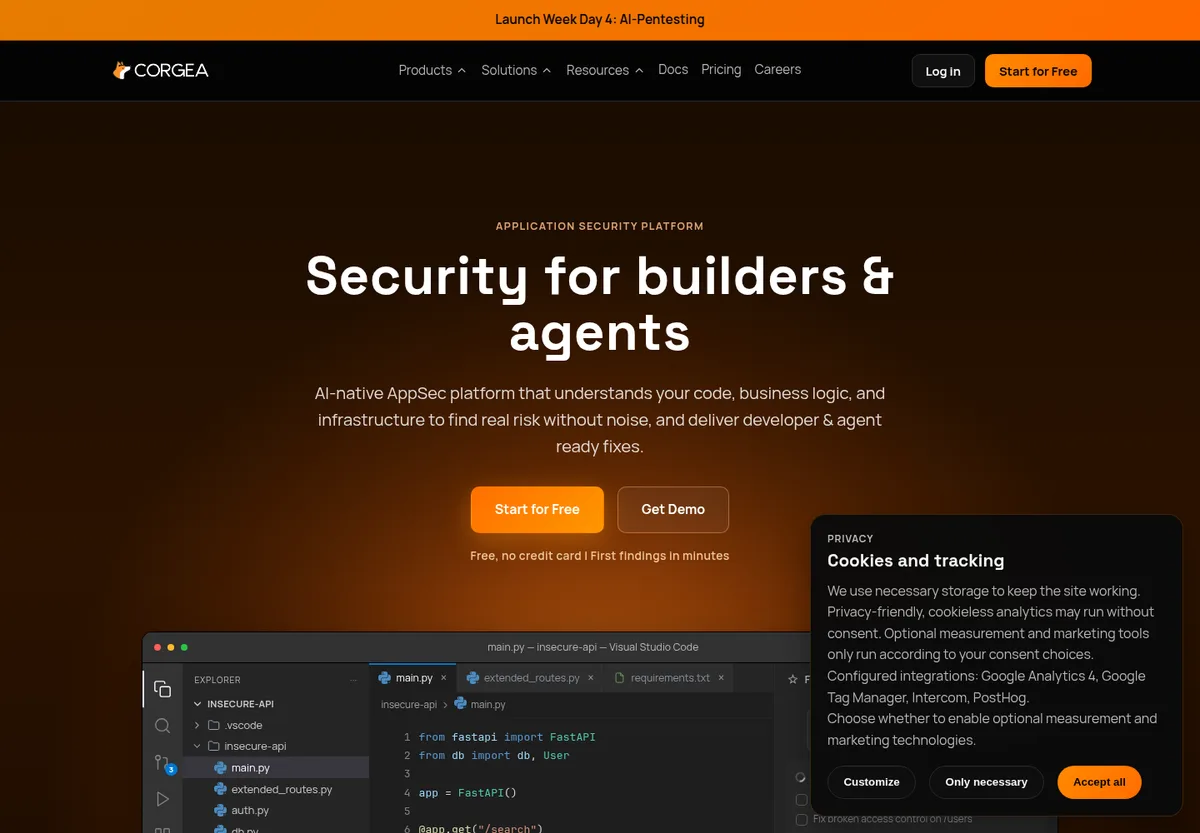
Corgea is an AI-native application security platform for finding, triaging, and fixing code vulnerabilities in developer workflows. It is built for teams that want a modern SAST solution with contextual detection, false-positive reduction, and autofix as core product behavior.
What it is: AI-native SAST for custom code across 20+ languages and frameworks, with broader AppSec coverage across dependencies, secrets, containers, IaC, and cloud posture.
Best fit: AppSec teams that need a lower-noise SAST scanner, better business-logic detection, and fixes developers can review in PRs.
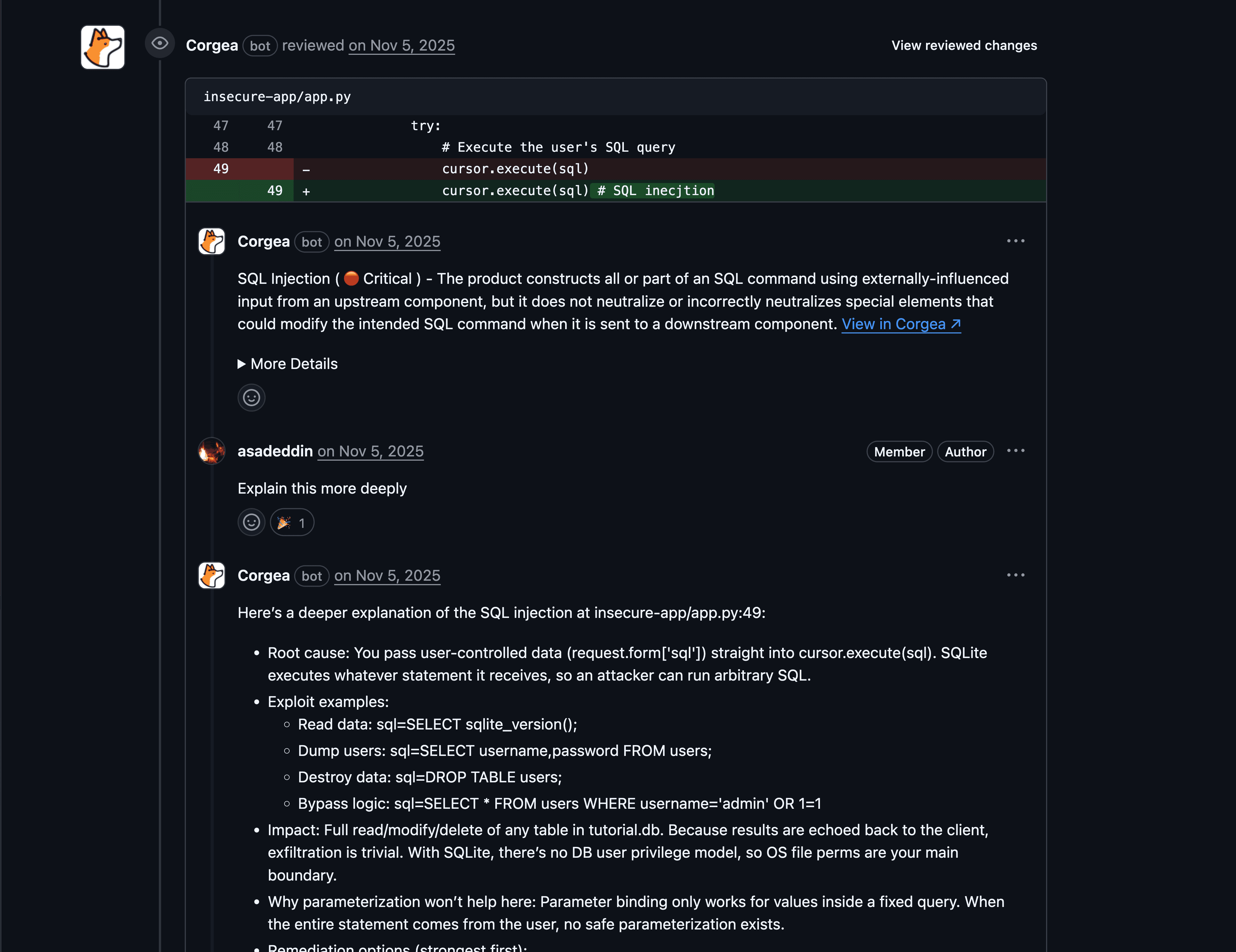
Detection model: Corgea combines static analysis, project context, reachability, framework understanding, and LLM-based reasoning. Instead of only matching dangerous sinks, it models data and control flow across modules, which is what lets it detect business-logic flaws such as missing authorization and broken authentication. The BLAST whitepaper describes the approach of combining LLMs with AST-based static analysis for semantic code understanding. Reachability analysis resolves endpoints and builds a call graph to the vulnerable function so developers can see whether a finding is actually reachable.
AI capabilities: AI is used during detection, triage, explanations, prioritization, and remediation. PolicyIQ lets security teams describe business and environment context in natural language (architecture, data-handling constraints, compliance requirements), and that context is used to improve detection accuracy, false-positive identification, and fix generation without building a custom rules DSL. Corgea’s AI SAST and developer experience pages position the platform around contextual findings and review-ready fixes.
Measured accuracy: In Corgea’s July 2026 benchmark on a public repository with 47 confirmed issues, Corgea reported 51 findings, of which 42 were true positives and 9 were false positives, missing 5 issues: 82% precision, 89% recall, F1 0.86. On the same repository and commit, Snyk reached 79% precision and 55% recall, and Aikido reached 87% precision and 28% recall. Full methodology and the list of issues each tool missed are in the Corgea vs Snyk and Corgea vs Aikido benchmark write-ups.
False-positive and noise approach: Corgea applies code context, reachability, framework behavior, and policy context to explain why a finding is exploitable or likely noise. Corgea’s product page reports 3x fewer false positives than traditional SAST. The benchmark above shows the honest version of that claim: low noise, not zero noise, so buyers should still validate on their own repositories.
Autofix and remediation workflow: Corgea generates fix suggestions intended for developer review, with explanations tied to the security finding and fix accuracy above 90% by Corgea’s reporting. Latio Tech’s independent “Actually Useful Product Guide” ranked Corgea first of seven tools on fix coverage multiplied by quality, citing the LLM-based scanner, developer experience, explanations, and the agentic approach to fixes, validation, and code context.
Developer workflow: IDE, pull request, CI/CD, and security team workflows are the main fit. Corgea is designed to bring findings and fixes into the places developers already review code.
Enterprise readiness: Corgea fits teams that need AppSec coverage beyond SAST, but buyers with strict analyst-report procurement requirements may want to run a hands-on proof of value and collect internal evidence.
Limitations: Corgea is a newer SAST vendor than Checkmarx, Veracode, Fortify, or SonarQube. AI-native detection reduces false positives but does not eliminate them, and if your purchasing process is driven by Magic Quadrant placement, a legacy vendor may be the safer procurement story.
Choose this if: you want AI-native SAST that prioritizes low noise, code context, business-logic detection, and review-ready fixes.
Avoid this if: your top requirement is a legacy enterprise SAST vendor with decades of internal procurement precedent.
2. Semgrep
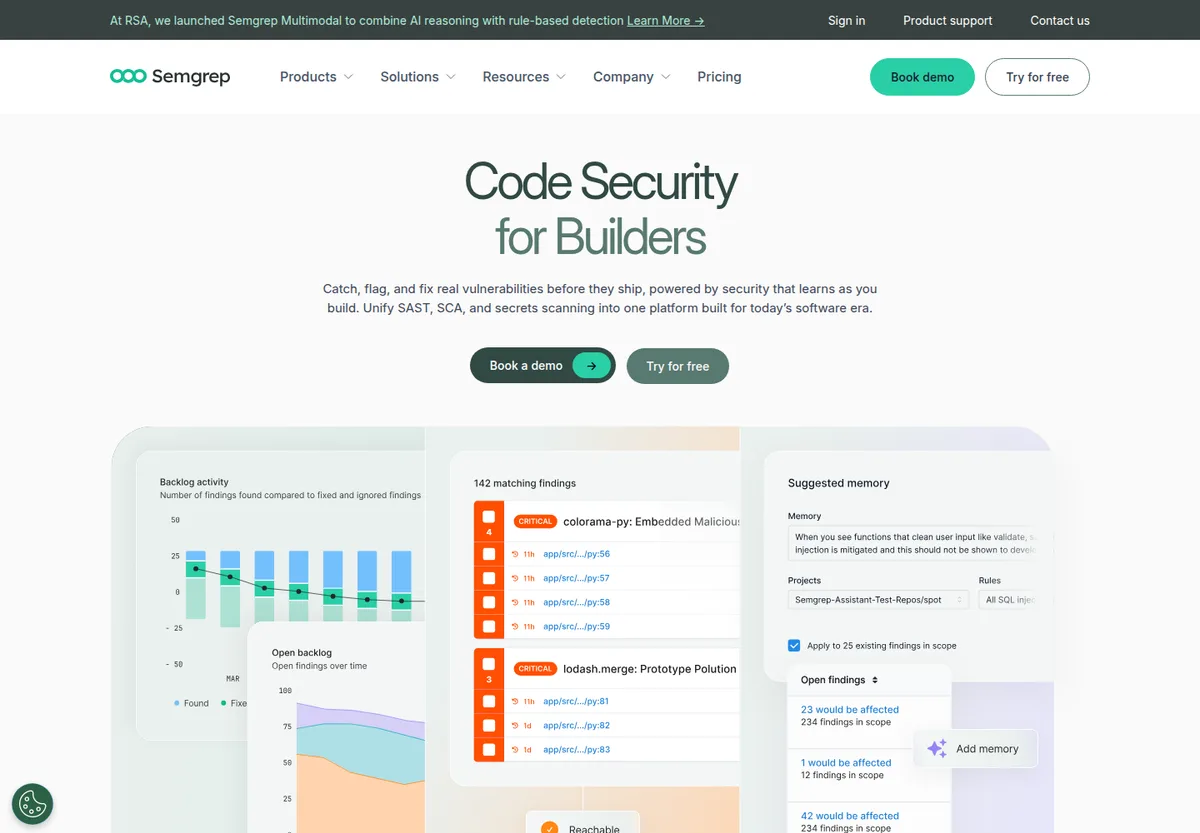
Semgrep is a developer-friendly static analysis platform with an open-source rule engine, commercial SAST features, and Semgrep Assistant for AI-assisted triage and remediation.
What it is: A fast static analysis and SAST platform with strong rule authoring and a large ecosystem of community and commercial rules. Semgrep reports support for 40+ languages and very fast CI scans.
Best fit: AppSec engineers who want transparent rules, fast CI scans, and the ability to write or customize detection logic.
Detection model: Semgrep uses pattern matching, semantic matching, taint analysis, Pro rules, and custom YAML rules. This makes it especially useful when a team knows exactly what coding patterns it wants to enforce. An independent Doyensec comparison of Semgrep and CodeQL on OWASP benchmark code found that a security-focused Semgrep configuration produced essentially no false positives, while CodeQL detected more issues at a higher false-positive rate; Semgrep’s untuned “auto” mode, by contrast, produced thousands of findings. The lesson is that Semgrep’s accuracy is a function of rule curation.
AI capabilities: Semgrep Assistant combines static analysis with LLMs for triage, explanations, remediation guidance, and “memories” that reuse your past triage decisions. Noise filtering suppresses PR comments for likely false positives while keeping findings visible to security. Semgrep documents that some Assistant features (such as explanations) are not available for custom or community rules and labels noise filtering as beta.
False-positive and noise approach: Semgrep gives teams rule control, ignores, triage workflows, and Assistant-based support. The strongest noise reduction usually comes from tuning rules to match the codebase.
Autofix and remediation workflow: Semgrep supports fix: patterns inside rules and AI-assisted remediation in supported Assistant workflows, with confidence thresholds and workflow controls. Verify fix quality on your own top vulnerability classes during a pilot.
Developer workflow: CLI, CI, pre-commit, IDE, PR comments, and SCM integrations are central strengths.
Enterprise readiness: Semgrep has commercial tiers, policy management, and enterprise features, but it is most powerful when AppSec has the appetite to own rules and tuning.
Limitations: Pattern-first tools can miss business-logic vulnerabilities that require deeper application intent. Custom rule programs also need maintenance.
Choose this if: your team values speed, transparency, open-source rule control, and AppSec-owned detection logic.
Avoid this if: you need a tool to infer organization-specific business logic with minimal rule authoring.
For a deeper buyer comparison, see the best Semgrep alternatives guide.
3. Snyk Code
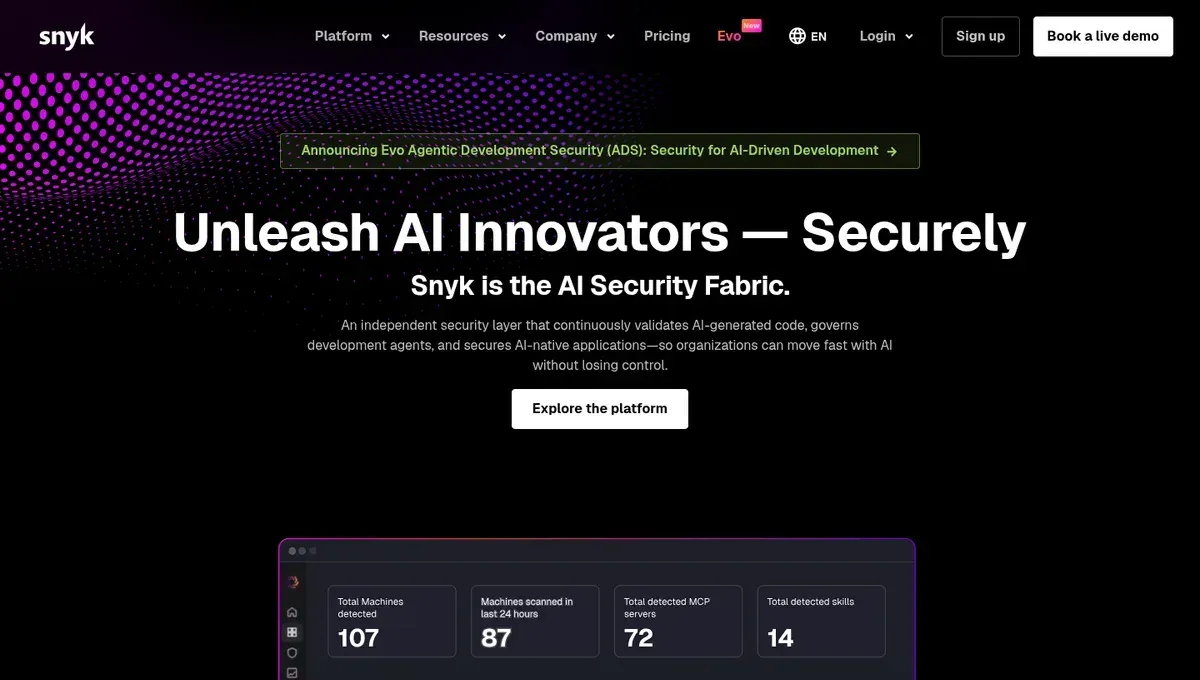
Snyk Code is Snyk’s SAST product, commonly bought by teams that already use Snyk for developer-first security and software composition analysis.
What it is: A developer-oriented SAST tool within the broader Snyk platform.
Best fit: Engineering teams that want SAST, SCA, container, and IaC security in one developer-friendly vendor ecosystem.
Detection model: Snyk Code uses static analysis and DeepCode AI, with data-flow analysis and language-specific engines. Snyk describes DeepCode AI as a hybrid of symbolic and generative AI trained on 25M+ data-flow cases across 19+ languages, positioned as “fewer false positives” without LLM-only hallucination risk.
Measured accuracy: On the same July 2026 benchmark repository, Snyk reported 33 findings with 26 true positives and 7 false positives, missing 21 of 47 confirmed issues: 79% precision, 55% recall. The misses were concentrated in context-dependent classes such as missing authorization on data-modifying routes, XXE in a Flask app, and sensitive data exposure without authorization. See the Corgea vs Snyk benchmark for the full list.
AI capabilities: Snyk describes DeepCode AI and Agent Fix as AI-supported capabilities for finding, prioritizing, and fixing vulnerabilities. In Snyk’s docs, “Generate Fix” produces up to five candidate fixes and automatically retests them with the Snyk Code engine before showing them to the developer.
False-positive and noise approach: Snyk uses prioritization, ignore workflows, developer feedback loops, and platform context. Buyers should measure true-positive rate and suppression volume during a pilot.
Autofix and remediation workflow: Snyk’s vendor-reported Agent Fix workflow can generate and validate fixes for supported issues. Fix generation is most complete in the IDE experience, so verify how fixes reach your PR workflow.
Developer workflow: IDE plugins, SCM integrations, PR workflows, CLI, and CI/CD are strong Snyk adoption points.
Enterprise readiness: Snyk is mature for enterprise developer security programs, especially where SCA is a major buying driver.
Limitations: If SAST is your only buying need, Snyk may feel broader than necessary. Custom detection control requires Snyk’s own rule tooling and does not match rule-first tools like Semgrep, and recall on logic-dependent classes lagged in our benchmark.
Choose this if: your developers already like Snyk or your AppSec roadmap combines SAST and SCA.
Avoid this if: you want AI-native detection focused primarily on custom-code logic flaws and low-noise remediation.
For a deeper buyer comparison, see the best Snyk alternatives guide or the head-to-head Corgea vs Snyk page.
4. Checkmarx
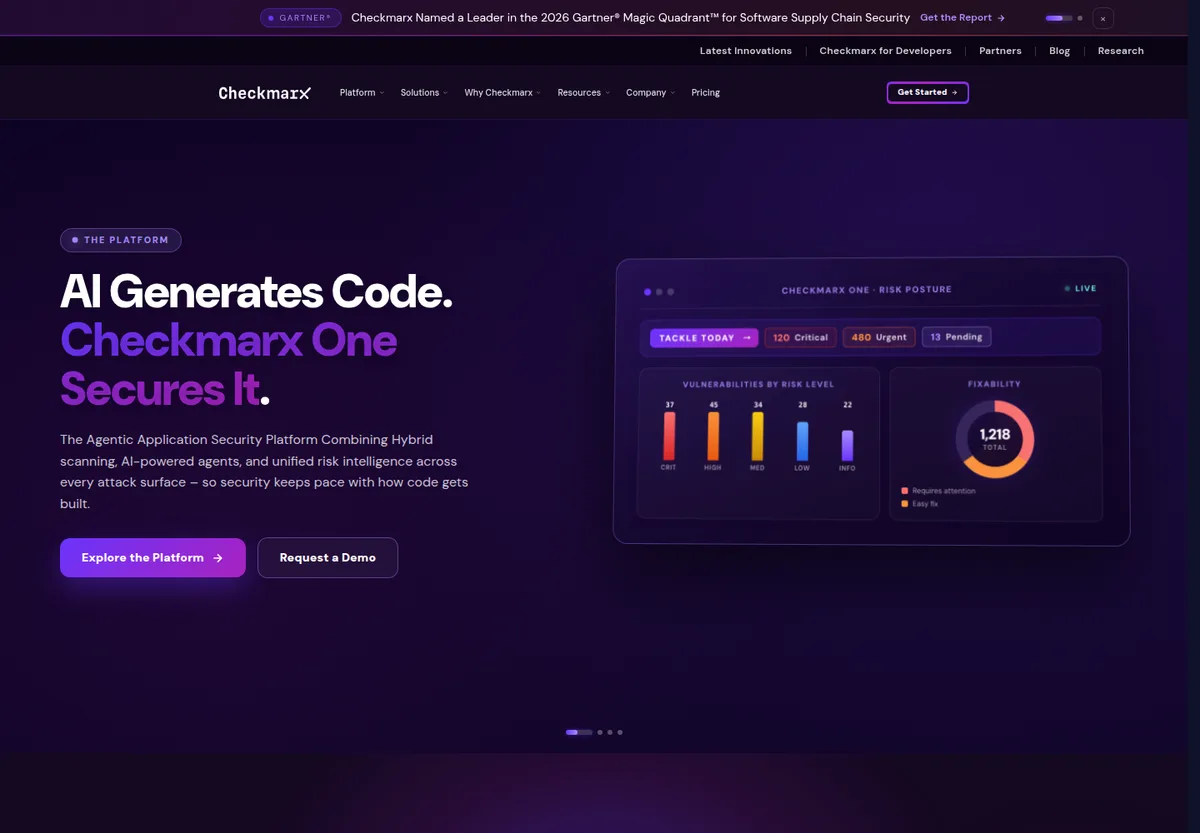
Checkmarx is a long-running enterprise AppSec vendor with SAST, SCA, IaC, API security, and related platform capabilities.
What it is: Enterprise SAST and AppSec platform tooling for organizations with complex governance and compliance needs. Checkmarx reports support for 35+ languages and 80+ frameworks.
Best fit: Large security teams that need policy control, reporting, integrations, and mature enterprise buying paths.
Detection model: Checkmarx SAST uses static analysis, data-flow analysis, custom queries, incremental scanning, and enterprise policy controls, with Best Fix Location to point developers at the one change that closes multiple flows.
AI capabilities: Three AI features matter for buyers. AI Query Builder lets teams author and tune SAST queries from natural-language prompts, which addresses the “we can’t express our codebase’s patterns” problem. AI Security Champion adds remediation guidance and an exploitability score per finding in the IDE. Developer Assist supports agentic remediation in the IDE, where Checkmarx feeds context to an AI agent via an MCP server to generate patches the developer accepts or refines; access varies by IDE and AI-assistant tier.
False-positive and noise approach: Checkmarx relies on policy tuning, query customization, triage, severity controls, and workflow management. Checkmarx markets large false-positive reductions from AI-tuned queries; those are vendor claims, and independent reporting has been more mixed, so calibrate on your own code.
Autofix and remediation workflow: AI-assisted remediation is part of Checkmarx’s current positioning, but coverage and workflow details should be verified against the languages and IDEs your teams use.
Developer workflow: IDE, CI/CD, SCM, and ALM integrations are available, with an enterprise platform operating model.
Enterprise readiness: Strong. Checkmarx is built for larger programs with governance, auditability, and cross-team controls.
Limitations: Setup, tuning, and operational ownership can be heavier than developer-first or AI-native point solutions, and a rules-first engine still struggles with business-logic flaws and missing authentication.
Choose this if: your organization needs established enterprise SAST controls and a platform procurement story.
Avoid this if: your biggest pain is developer trust and you need the fastest path to low-noise PR-level fixes.
For a deeper buyer comparison, see the best Checkmarx alternatives guide or the head-to-head Corgea vs Checkmarx page.
5. Veracode
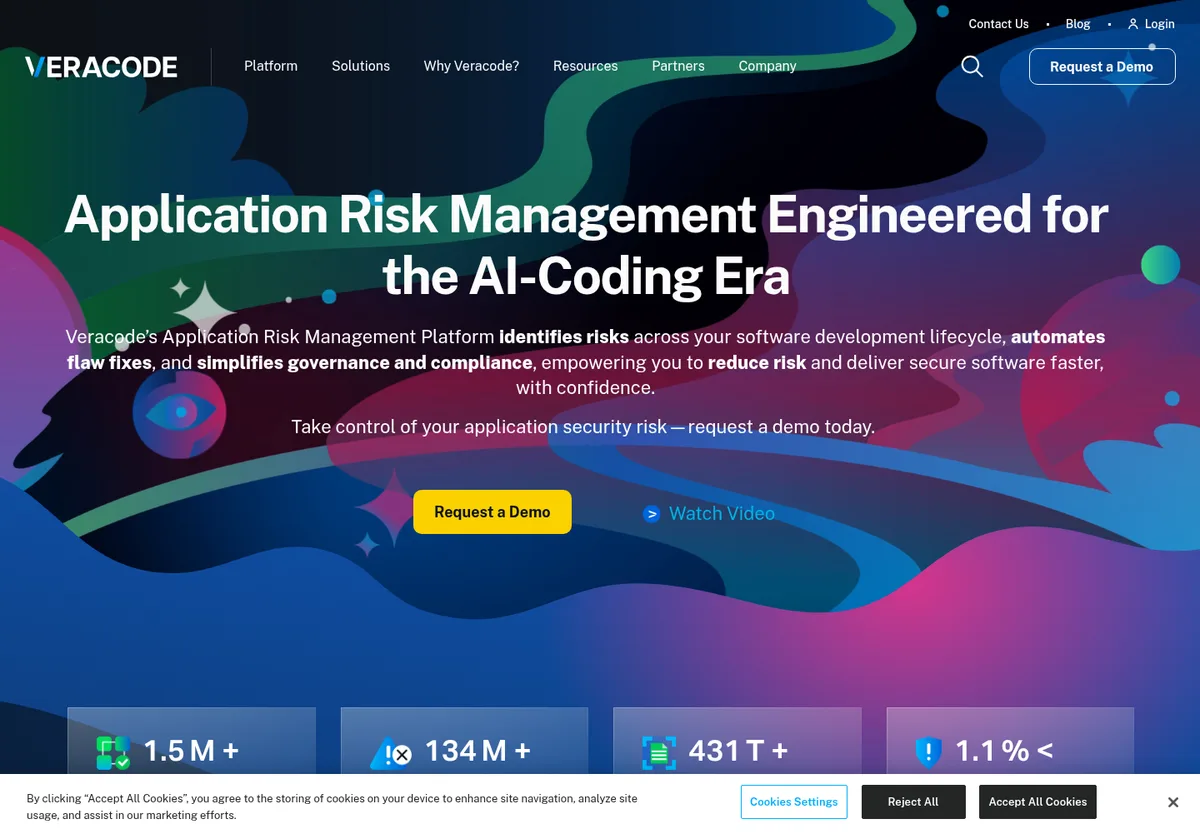
Veracode is an enterprise application security platform with a long-standing SAST product, cloud delivery model, and compliance-oriented workflows.
What it is: Enterprise static analysis and application security testing for organizations that prioritize governance and policy enforcement. Veracode reports support for 100+ languages and frameworks and 40+ DevOps tool integrations.
Best fit: Security leaders managing large application portfolios, compliance reporting, and centralized risk programs.
Detection model: Veracode combines static analysis, policy scanning, pipeline scanning, reachability analysis that traces whether tainted data reaches a sensitive sink, and platform risk workflows.
AI capabilities: Veracode Fix uses a machine-learning model plus retrieval-augmented generation over Veracode’s remediation data to produce secure patches from a finding’s CWE, language, sink, and surrounding code. It returns up to five candidate patches per flaw, supports single and batch fix flows, and Veracode emphasizes quality gates and not retaining customer code.
False-positive and noise approach: Veracode emphasizes accuracy and policy-driven workflows. Veracode publishes a very low vendor-reported false-positive rate; treat it as a vendor claim and validate on your own codebase.
Autofix and remediation workflow: Veracode Fix can propose patches for supported findings. Its documented scope is Pipeline Scan findings, not Upload and Scan, which matters when you design the end-to-end workflow.
Developer workflow: CI/CD, IDE, CLI, API, SCM integrations, and enterprise dashboards are available.
Enterprise readiness: Strong for regulated organizations and centralized AppSec programs.
Limitations: Smaller teams may find the platform and buying motion heavier than they need, and like every AI-assisted remediation tool, patches still need engineering review.
Choose this if: compliance, centralized governance, and established enterprise process are the priority.
Avoid this if: your evaluation is primarily about developer speed, AI-native detection, and low-friction trial adoption.
6. GitHub Advanced Security / CodeQL
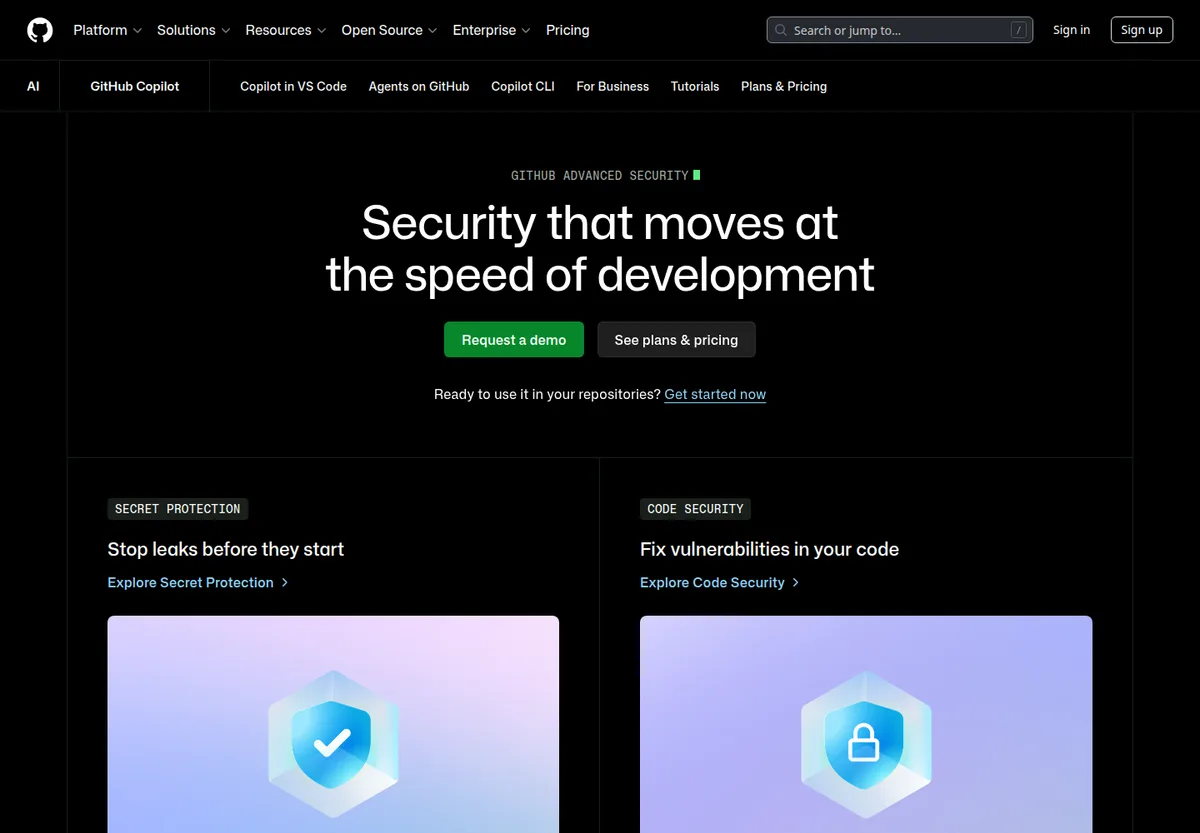
GitHub Advanced Security uses CodeQL for code scanning, plus GitHub-native workflows for alerts, pull requests, secret scanning, and dependency security. GitHub now sells Code Security and Secret Protection as separate products.
What it is: GitHub’s native application security suite for code scanning and repository security.
Best fit: Teams already standardized on GitHub that want SAST inside existing repository and pull request workflows.
Detection model: CodeQL builds a semantic database of code and runs security queries over it, tracing data flow across functions and modules. Language coverage is narrower than most commercial scanners and compiled languages need a working build. In Doyensec’s independent comparison, CodeQL detected more vulnerabilities than Semgrep but with a higher false-positive rate and more setup effort.
AI capabilities: GitHub promotes Copilot Autofix for generating fixes for supported code scanning alerts; GitHub reports coverage for the large majority of alert types and uses automated testing to check suggestions before display.
False-positive and noise approach: Noise depends heavily on enabled queries, language support, build setup, and alert triage practices. The curated default query packs are tuned for precision; broader packs trade precision for coverage.
Autofix and remediation workflow: Copilot Autofix can generate suggested fixes for supported alerts, and developers review them in the PR.
Developer workflow: GitHub PRs, Actions, code scanning alerts, security overview, and Dependabot workflows are the main advantage.
Enterprise readiness: Strong for GitHub Enterprise customers.
Limitations: It is less natural for teams with mixed SCMs, unsupported languages, or requirements outside the GitHub operating model. CodeQL custom query authoring has a steep learning curve, and scans on large repositories can be slow.
Choose this if: your developers live in GitHub and native workflow matters more than vendor breadth.
Avoid this if: you need one SAST workflow across multiple source control systems or want a low-code way to express custom security policy.
For a head-to-head view, see the GitHub Advanced Security alternative page.
7. SonarQube
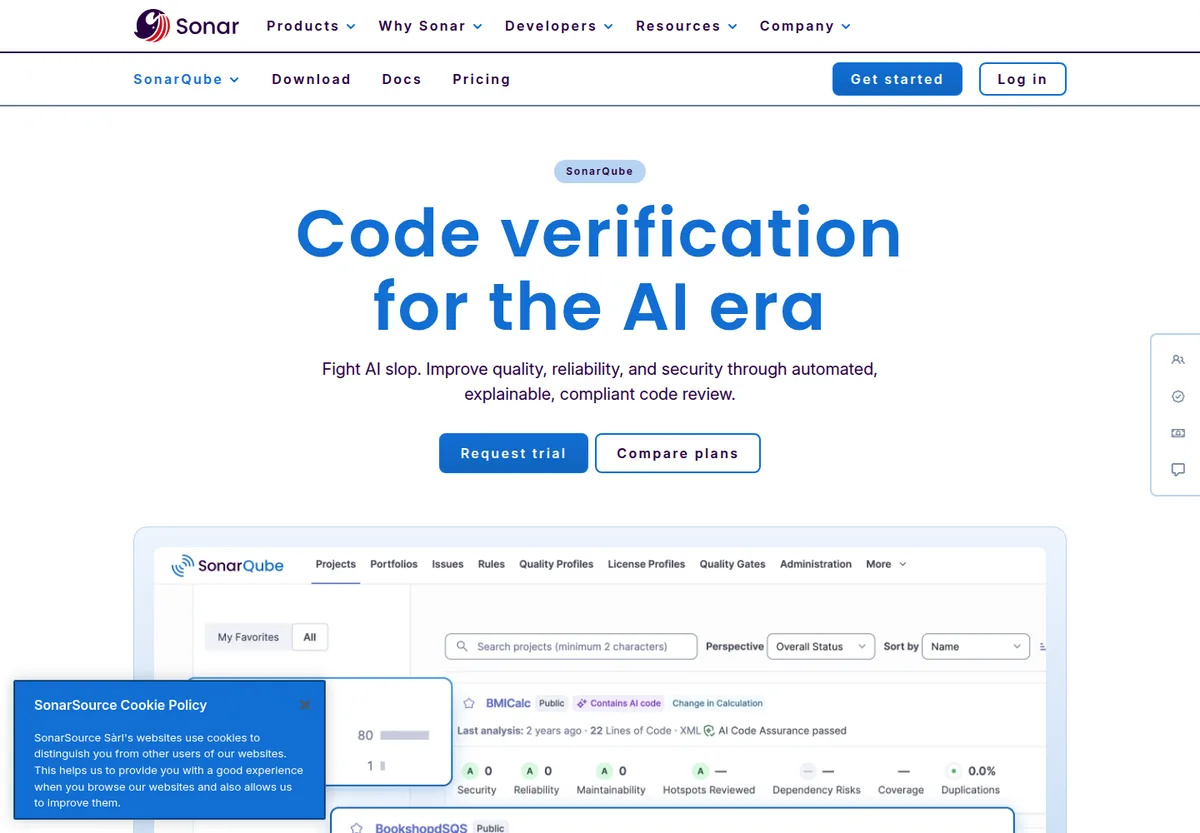
SonarQube is a widely adopted static analysis platform for code quality, maintainability, reliability, and security rules.
What it is: Code quality and security analysis with quality gates, rule profiles, and broad language support.
Best fit: Teams that want security checks alongside maintainability and code-quality controls.
Detection model: SonarQube primarily uses deterministic rules, analyzers, and quality profiles.
AI capabilities: Sonar has AI CodeFix capabilities in supported product editions and workflows.
False-positive and noise approach: Quality profiles, issue workflows, rule tuning, and “won’t fix” or accepted-risk flows are the primary levers.
Autofix and remediation workflow: AI CodeFix is available for supported issues and editions, but buyers should verify language and rule coverage.
Developer workflow: IDE feedback, CI analysis, PR decoration, and quality gates are major strengths.
Enterprise readiness: Strong, especially for organizations already using SonarQube as a standard quality gate.
Limitations: Security depth varies by language and rule set. It is not purpose-built only for security, and it may miss logic-heavy vulnerabilities.
Choose this if: you want one familiar platform for code quality and baseline code security.
Avoid this if: your SAST program is measured mainly on exploitability, reachability, and advanced AppSec workflows.
8. Fortify
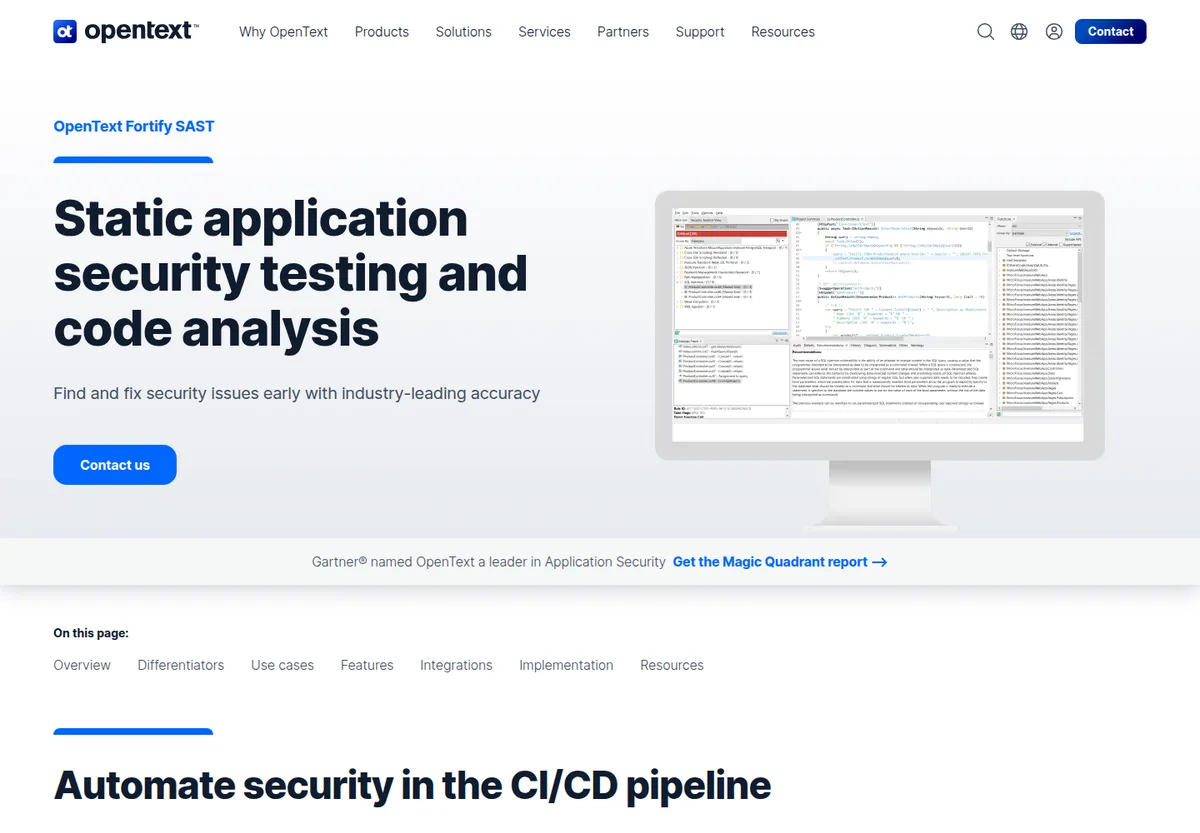
Fortify from OpenText is one of the longest-running enterprise SAST products.
What it is: Mature enterprise SAST and application security testing with cloud, on-premises, and managed service options.
Best fit: Large regulated enterprises, especially existing Fortify customers modernizing workflows.
Detection model: Fortify uses static analysis, data-flow analysis, enterprise rules, and policy controls, backed by two decades of vulnerability research.
AI capabilities: Fortify Aviator is OpenText’s AI layer for triage and remediation assistance. Its prediction model classifies each finding as a likely true vulnerability or false positive, explains why, learns from past fixes and developer feedback, and proposes contextualized code-fix blocks inside the developer environment.
False-positive and noise approach: Audit workflows, scan policies, filter sets, and Aviator’s classification are the key controls. Fortify openly acknowledges that SAST false positives are inevitable and positions Aviator as the way to manage them.
Autofix and remediation workflow: Aviator can provide fix suggestions in supported workflows.
Developer workflow: IDE integrations, CI/CD integrations, enterprise dashboards, and deployment flexibility are central.
Enterprise readiness: Very strong for legacy and regulated enterprise environments.
Limitations: The platform can feel heavy compared with newer developer-first or AI-native SAST tools.
Choose this if: you already have Fortify or need a deeply established enterprise SAST product.
Avoid this if: you want a lightweight pilot focused on fast developer adoption.
9. Endor Labs
Endor Labs is best known for software composition analysis and dependency risk, with SAST and code security capabilities added into the broader platform.
What it is: An AppSec platform centered on dependency security, reachability, prioritization, and code risk.
Best fit: Teams where open-source dependency risk and reachability are primary AppSec concerns.
Detection model: Endor Labs combines dependency intelligence, reachability, code analysis, and contextual risk prioritization.
AI capabilities: AI is used for prioritization, insights, and workflow assistance in vendor positioning.
False-positive and noise approach: The core value is contextual prioritization, especially around reachable and exploitable risk.
Autofix and remediation workflow: Remediation is stronger in dependency workflows than in dedicated SAST autofix workflows.
Developer workflow: SCM, CI/CD, pull request, and AppSec dashboard workflows are supported.
Enterprise readiness: Strong for organizations buying SCA and reachability-led AppSec.
Limitations: SAST is newer than the vendor’s SCA reputation, so buyers should test custom-code detection depth carefully.
Choose this if: your SAST decision is tied to SCA, reachability, and dependency risk prioritization.
Avoid this if: you want a dedicated AI-native SAST scanner as the primary product.
10. OX Security
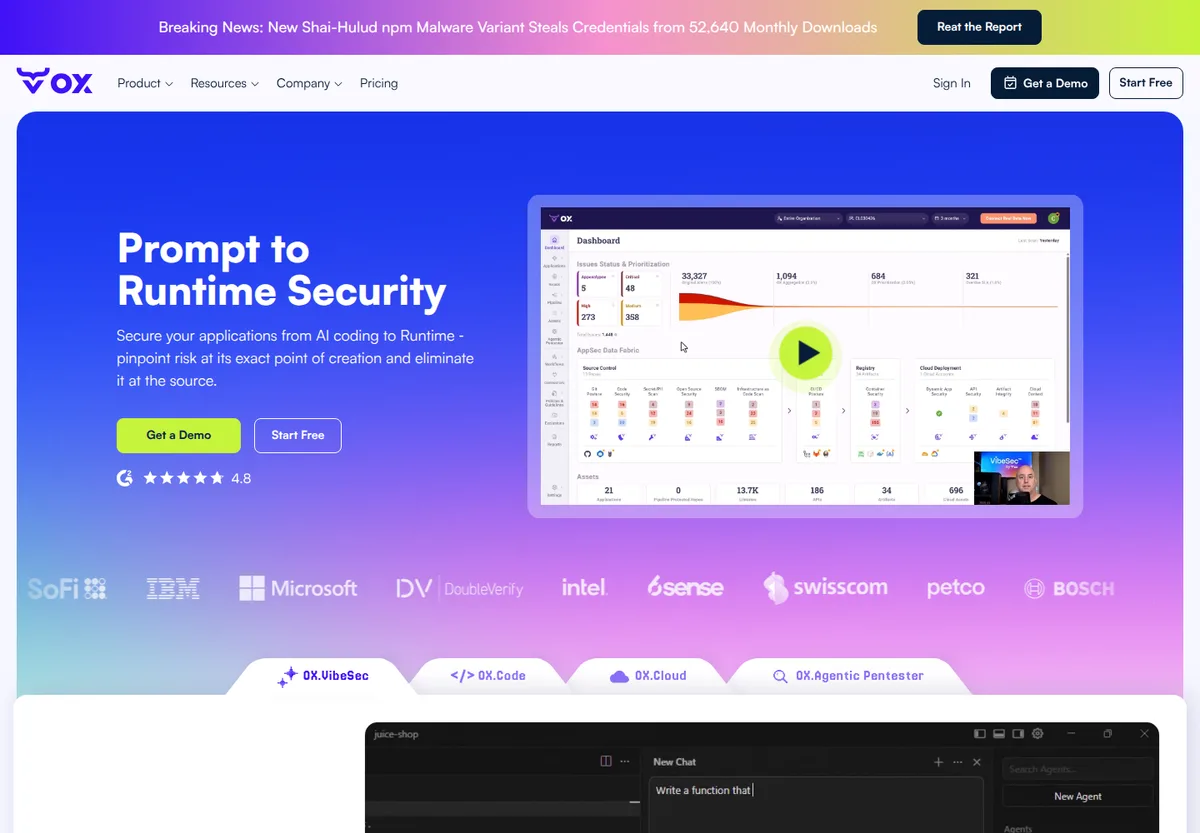
OX Security positions around application security posture management, ASPM, and risk consolidation across the software delivery lifecycle.
What it is: An ASPM platform that correlates AppSec findings across code, pipelines, identities, artifacts, and deployment context.
Best fit: Security leaders who want one operating layer for AppSec posture rather than a point SAST scanner.
Detection model: OX aggregates and correlates code, pipeline, and AppSec signals. SAST is part of a broader posture workflow.
AI capabilities: AI is commonly positioned around prioritization, correlation, and security workflow assistance.
False-positive and noise approach: OX focuses on deduplication, prioritization, and contextual risk reduction across sources.
Autofix and remediation workflow: Remediation depends on integrations and workflow configuration more than standalone SAST autofix. In Latio Tech’s autofix report, OX ranked fifth of seven tools evaluated.
Developer workflow: SCM, CI/CD, ticketing, and ASPM dashboards are the natural workflow.
Enterprise readiness: Strong fit for buyers consolidating multiple AppSec signals into one program view.
Limitations: If you are buying only a SAST scanner, ASPM breadth may add complexity.
Choose this if: your leadership team wants AppSec posture, prioritization, and tool consolidation.
Avoid this if: your immediate goal is replacing a noisy SAST scanner with a focused developer workflow.
11. Apiiro
Apiiro is a risk-based application security platform with code-to-cloud context, ownership, posture, and remediation workflows.
What it is: A risk-based AppSec platform that combines code, architecture, ownership, security findings, and business context.
Best fit: Enterprises that want AppSec prioritization based on application context and ownership, not only scanner output.
Detection model: Apiiro correlates code changes, architecture, dependencies, controls, and risk signals.
AI capabilities: AI and automation are used to assist risk prioritization and remediation workflows.
False-positive and noise approach: Apiiro’s strength is contextual prioritization and ownership mapping, which helps teams decide what matters.
Autofix and remediation workflow: Remediation guidance and workflows are available, but buyers should verify source-level autofix expectations.
Developer workflow: SCM, PR, ticketing, and security dashboards are important integration points.
Enterprise readiness: Strong for mature AppSec organizations with risk-based governance goals.
Limitations: It is not the cleanest choice if you only want a point SAST scanner with PR-level autofix.
Choose this if: you want code-to-cloud risk context and ownership-aware AppSec workflows.
Avoid this if: your evaluation is a narrow SAST bake-off focused on scanner precision and fix acceptance.
12. Jit
Jit is a developer-centric security orchestration platform that helps teams assemble and operate security controls across the SDLC.
What it is: A DevSecOps orchestration layer that can include SAST among other security checks.
Best fit: Teams that want security coverage managed as a program, especially in GitHub-centric or modern engineering workflows.
Detection model: Jit commonly orchestrates and operationalizes multiple security tools, so SAST quality depends on the selected scanners and configuration.
AI capabilities: AI capabilities should be evaluated in the context of prioritization and workflow support rather than standalone AI-native detection.
False-positive and noise approach: Centralization and prioritization can reduce operational noise, but underlying scanner noise still matters.
Autofix and remediation workflow: Autofix depends on the underlying tools and configured workflows.
Developer workflow: GitHub, CI/CD, ticketing, and developer workflow integrations are the key fit.
Enterprise readiness: Useful for teams that want a security control plane, though large enterprise buyers should verify governance and reporting needs.
Limitations: It is not a dedicated SAST engine in the same sense as CodeQL, Semgrep, Checkmarx, or Corgea.
Choose this if: you want to orchestrate AppSec controls and simplify developer security rollout.
Avoid this if: you need to benchmark one scanner’s detection engine against another.
13. CodeAnt AI
CodeAnt AI is an AI code review and code quality platform with security review capabilities.
What it is: AI-assisted code review that can surface quality, maintainability, and security issues in pull requests.
Best fit: Engineering teams that want AI review comments and lightweight security checks in the development workflow.
Detection model: CodeAnt AI combines static checks and AI review workflows. Buyers should validate exact security coverage against their vulnerability classes.
AI capabilities: AI is central to code review, explanations, suggestions, and issue remediation guidance.
False-positive and noise approach: Pull request context and deduplication can reduce review noise, but AppSec teams should measure confirmed vulnerability accuracy.
Autofix and remediation workflow: CodeAnt can suggest fixes for supported issues in review workflows.
Developer workflow: PR comments and developer review surfaces are the natural workflow.
Enterprise readiness: A fit for engineering-led adoption, though buyers should validate enterprise AppSec reporting and policy controls.
Limitations: It is less established as a standalone enterprise SAST platform than legacy SAST vendors.
Choose this if: your team wants AI code review with some security coverage and fix guidance.
Avoid this if: your board or compliance program expects a dedicated enterprise SAST control with mature audit workflows.
Other SAST vendors we considered
- Aikido Security bundles SAST with SCA, secrets, IaC, and cloud scanning in a developer-friendly package. In our July 2026 benchmark it was precise (87%) but caught only 13 of 47 confirmed issues (28% recall), and Latio’s autofix report scored it sixth of seven, noting that “fix coverage was low.” See the Corgea vs Aikido benchmark and Aikido alternatives.
- Qwiet AI (now part of Harness) is built on a Code Property Graph that combines data flow, control flow, and syntax analysis, with an LLM-based AutoFix that runs in Qwiet’s own cloud. AutoFix is off by default and generates suggestions only for a subset of top findings, and its speed and false-positive claims come from vendor-published bake-offs, so validate them on your repos.
- depthfirst is a newer entrant in autonomous AppSec; see depthfirst alternatives.
How to choose a SAST tool in 2026
Start with the operational failure you need to fix. Most SAST purchases fail because teams evaluate feature lists instead of workflow outcomes.
1. Decide whether you need a scanner, a platform, or a workflow layer
- Choose a SAST scanner if your primary problem is custom-code vulnerability detection.
- Choose an AppSec platform if you need SAST, SCA, secrets, IaC, containers, and reporting together.
- Choose an ASPM or orchestration layer if you already have scanners but need prioritization, ownership, and governance.
2. Match the tool to your codebase
Language support on a marketing page is not enough. Ask vendors to show:
- Framework-specific detection for your stack.
- Multi-file data flow across your real architecture.
- Authentication, authorization, and business-logic coverage.
- How generated code, tests, migrations, and vendored code are handled.
- Whether custom sanitizers and internal frameworks can be modeled.
- Whether custom policies require a rules DSL (YAML, CodeQL, Rego) or can be described in natural language.
3. Prioritize developer trust
SAST works only when developers believe the findings. Evaluate whether developers can:
- Understand why a finding is exploitable.
- See the vulnerable path.
- Reproduce or reason about the issue.
- Apply a fix without switching tools.
- Dismiss noise with a clear reason.
- Avoid seeing the same false positive repeatedly.
4. Name the bottleneck you are buying AI for
Many platforms do one of detection, triage, or remediation exceptionally well and the others “well enough.” Decide whether your bottleneck is noisy findings, slow prioritization, or slow fixes before you compare AI features, and demand safe remediation ergonomics: quality gates, retesting, confidence thresholds, or review workflows, because fast wrong fixes are worse than slow correct ones.
For a deeper implementation view, read what SAST means for software engineers and how to reduce false positives in SAST.
AI-native vs AI-assisted SAST
The phrase “AI SAST tools” now covers two different product models.
| Model | What AI does | Strong fit | Risk |
|---|---|---|---|
| AI-native SAST | AI participates in detection, context selection, triage, and fixes | Logic-heavy applications, noisy legacy SAST programs, teams seeking new detection depth | Newer category, fewer public long-term benchmarks |
| AI-assisted SAST | Traditional scanner detects issues, AI explains, prioritizes, or fixes | Enterprises keeping existing scanners, teams adding remediation speed | May not detect issues the underlying scanner cannot express |
Most “AI-powered SAST” tools start with classic detection (rules, patterns, data-flow analysis) and use AI after the scan to explain, group, filter, or fix. The engine is still traditional SAST; AI makes the output more usable. AI-native SAST uses LLMs and contextual reasoning inside scanning itself, analyzing code more like a security engineer would: understanding intent, control flow, and business logic rather than matching patterns. The practical difference shows up in recall on context-dependent classes such as missing authorization, which is exactly where rules-first tools lagged in our benchmark.
AI-native tools like Corgea AI SAST are best when your current scanner misses contextual issues or drowns developers in noise. AI-assisted tools are useful when you already trust the scanner but need faster triage and fixes. For the full category guide, see AI SAST; for a wider view beyond SAST, see best AI code security tools and the foundational AI code security guide.
The key buyer question is not “does it use AI?” Ask:
- Is AI used before, during, or after detection?
- What evidence does the model see?
- Can the tool explain why a finding is real?
- Does it validate generated fixes?
- Can you audit decisions for compliance?
- How does the vendor prevent hallucinated vulnerabilities and unsafe patches?
- Where does the model run, and is customer code used for training?
For Corgea’s technical framing, see the BLAST AI-powered SAST scanner whitepaper and the analysis in Given Enough Inference, All Bugs Are Shallow.
How to run a real SAST bake-off
A SAST bake-off should use your repos, your developers, and your known security history.
Step 1: Pick representative repositories
Use three to five repositories that include:
- Your primary languages and frameworks.
- A high-change service.
- A legacy service with known scanner noise.
- A security-sensitive service with auth, payments, data access, or admin workflows.
- A repo with dependency and custom-code risk if SCA is part of the buying decision.
Step 2: Define ground truth
Build a benchmark set from:
- Recently fixed vulnerabilities.
- Findings confirmed by pentests or bug bounty reports.
- Seeded issues in a test branch.
- Known false positives from your current scanner.
- Vulnerability classes your current tool misses.
Step 3: Run each tool under realistic conditions
Do not let vendors cherry-pick only a clean demo. Require:
- Same repositories.
- Same branch and commit.
- Same build context where practical.
- Same time window.
- Same allowed integrations.
- No manual vendor tuning unless every vendor gets equivalent tuning time.
Step 4: Score outcomes, not alert volume
More findings are not automatically better. Score:
- Confirmed true positives.
- Confirmed false positives.
- Missed known issues.
- Duplicate findings.
- Time to first useful result.
- Time to a clean triaged list.
- Fix quality.
- Developer acceptance.
- Report usefulness for AppSec leadership.
What metrics to measure in a SAST pilot
| Metric | Why it matters | How to measure |
|---|---|---|
| True-positive rate | Shows useful detection | Security review of sampled findings |
| False-positive rate | Shows developer trust risk | Confirmed false positives divided by reviewed findings |
| False-negative rate | Shows missed risk | Seeded issues and known historical vulnerabilities |
| Duplicate rate | Shows triage load | Count repeated alerts for one root cause |
| Mean time to triage | Shows AppSec operating cost | Time from scan complete to disposition |
| Fix acceptance rate | Shows remediation value | Accepted fixes divided by generated fixes |
| Fix regression rate | Shows patch safety | Fixes that break tests or behavior |
| PR friction | Shows developer adoption risk | Comments, failed checks, and developer survey |
| Setup effort | Shows total cost | Hours to onboard repos and tune rules |
| Reporting usefulness | Shows leadership value | Can the tool support audits, SLAs, and risk reviews? |
Do not accept “scan completed” as a success metric. A scanner can complete quickly and still create work nobody trusts.
Worked example: scoring two scanners on one repository
Here is how the scoring works using Corgea’s July 2026 benchmark on a public repository with 47 confirmed issues. Every finding from each tool was reviewed and labeled true or false positive, and the confirmed issue list was used to count misses.
| Tool | Findings reviewed | True positives | False positives | Missed issues | Precision | Recall | F1 |
|---|---|---|---|---|---|---|---|
| Corgea | 51 | 42 | 9 | 5 | 82% | 89% | 0.86 |
| Snyk | 33 | 26 | 7 | 21 | 79% | 55% | 0.65 |
| Aikido | 15 | 13 | 2 | 34 | 87% | 28% | 0.42 |
Three lessons for your own pilot:
- Precision alone rewards silence. Aikido had the best precision and the worst recall. A tool that reports very little always looks clean.
- Look at what was missed, not only how much. Snyk’s and Aikido’s misses clustered in context-dependent classes (missing authorization on data-modifying routes, SSRF, XXE, hardcoded credentials in deployment templates), which is where AI-native analysis earns its keep.
- Report F1 or a cost-weighted score, not a single number. Decide before the pilot whether a missed critical issue costs more than a false positive in your environment, then weight accordingly.
SAST tool pricing and total cost of ownership
SAST pricing varies widely. Common models include:
- Per developer seat.
- Per committer.
- Per repository or project.
- Per line of code.
- Per application.
- Platform bundles.
- Usage-based AI or scan consumption (some vendors meter AI features in credits).
- Enterprise quote.
The bigger cost is often operational:
- AppSec hours spent triaging noise.
- Developer time spent understanding findings.
- Rule tuning and suppression maintenance.
- CI build time and failed pipeline cost.
- Training for custom DSLs.
- Tool administration and reporting.
- Security debt backlog management.
- Cost of unsafe or unreviewed AI fixes.
For high-noise environments, a cheaper scanner can be more expensive than a higher-signal tool. During the pilot, convert triage hours and developer interruptions into cost.
Common SAST buying mistakes
Mistake 1: Buying the biggest vulnerability count
A tool that finds 5,000 issues is not better than a tool that finds 500 if most of the 5,000 are duplicates, unreachable code, or low-confidence noise.
Mistake 2: Treating AI as one feature
AI that summarizes findings is different from AI that helps detect, prove, prioritize, and fix vulnerabilities. Ask where AI sits in the workflow.
Mistake 3: Ignoring developer experience
If findings do not appear in IDEs, PRs, or existing ticket workflows, adoption will suffer. See how Corgea approaches developer experience.
Mistake 4: Skipping false-negative testing
Most buyers test false positives. Fewer test missed vulnerabilities. Use seeded issues and known historical bugs.
Mistake 5: Confusing SAST and SCA
SAST finds vulnerabilities in your custom code. SCA finds vulnerable dependencies. You usually need both.
Mistake 6: Not testing autofix quality
AI-generated fixes must be reviewed. Measure whether fixes compile, pass tests, preserve behavior, and address the actual root cause.
Mistake 7: Forgetting governance
Security leaders still need SLAs, ownership, trend reporting, audit evidence, and exception workflows.
Best SAST tools by use case
| Use case | Best-fit tools | Why |
|---|---|---|
| Best for low-noise AppSec | Corgea, Veracode, Semgrep with strong tuning | Prioritize context, reachability, evidence, and noise control. |
| Best for developer-first teams | Corgea, Snyk Code, Semgrep, SonarQube | Strong IDE, PR, CI, and remediation workflows. |
| Best for enterprise compliance | Checkmarx, Veracode, Fortify | Mature reporting, policy controls, and procurement familiarity. |
| Best for GitHub-native teams | GitHub Advanced Security / CodeQL, Jit | Fits GitHub PRs, Actions, and repository security workflows. |
| Best for open-source rule control | Semgrep, CodeQL | Strong rule or query ecosystems and transparent detection logic. |
| Best free or open-source SAST | Semgrep OSS, CodeQL (public repos), SonarQube Community | Free to run, with the trade-off that you own tuning and triage. |
| Best for SCA-heavy teams | Snyk Code, Endor Labs | SAST and dependency risk can be evaluated together. |
| Best for AI-native detection | Corgea | AI participates in detection and remediation, not only explanation. |
If you are comparing Corgea with specific vendors, see the Snyk alternative, Checkmarx alternative, Semgrep alternative, and GitHub Advanced Security alternative pages.
Related AppSec tool comparisons
If you are shortlisting against a specific vendor, these buyer-focused comparison guides break down each competitor tool by tool, with capability tables, pricing notes, and honest “when to stay” sections:
- Best Snyk alternatives in 2026: compare Snyk against AI-native and enterprise SAST options.
- Best Semgrep alternatives in 2026: compare Semgrep against AI-native and open-source SAST options.
- Best Checkmarx alternatives in 2026: compare Checkmarx against faster, lower-noise AppSec tools.
- Best Aikido alternatives in 2026: compare Aikido against deeper AI-native and enterprise platforms.
- Best depthfirst alternatives in 2026: compare depthfirst against proven autonomous AppSec tools.
SAST evaluation checklist
Use this checklist before signing a contract.
- The tool supports your main languages and frameworks deeply, not just syntactically.
- It can analyze representative repos without excessive setup.
- It catches known historical vulnerabilities.
- It catches seeded vulnerabilities in your pilot branch.
- It explains exploitability clearly.
- It shows source-to-sink, reachability, or equivalent evidence where relevant.
- It distinguishes test code, generated code, and unreachable paths.
- It has a practical false-positive workflow.
- It avoids duplicate alert floods.
- Developers can see findings in IDEs or PRs.
- Fix suggestions are reviewed and validated.
- Security can track SLAs and ownership.
- Reporting supports audits and leadership reviews.
- Pricing aligns with expected rollout scale.
- The vendor can explain AI data handling, retention, and model behavior.
Video: How to buy a SAST tool in 2026
This section is reserved for a future buyer walkthrough. The video will cover how to shortlist SAST vendors, design a bake-off, evaluate AI-native versus AI-assisted SAST, measure false positives and false negatives, test autofix quality, and turn pilot evidence into a defensible buying decision.
Frequently asked questions
What is the best SAST tool?
There is no universal best SAST tool for every company, but the shortlist is short. Corgea is the strongest fit for AI-native detection, low-noise triage, and autofix, and posted 89% recall and 82% precision in our July 2026 benchmark. Semgrep is strong for open-source rules. GitHub Advanced Security is strong for GitHub-native teams. Checkmarx, Veracode, and Fortify are strong for enterprise governance and compliance.
What are the top SAST vendors in 2026?
The top SAST vendors fall into five groups: AI-native scanners (Corgea), developer-first static analysis (Semgrep, Snyk Code, SonarQube), enterprise incumbents (Checkmarx, Veracode, OpenText Fortify), platform-native scanning (GitHub Advanced Security with CodeQL), and ASPM or orchestration layers that include SAST (Endor Labs, OX Security, Apiiro, Jit). AI code review tools such as CodeAnt AI are an emerging sixth group.
Which SAST tool has the fewest false positives?
No public benchmark proves one SAST tool has the fewest false positives across every stack, and precision alone is misleading because a scanner that reports very little always looks clean. In our July 2026 benchmark, Corgea reported 9 false positives across 51 findings while catching 42 of 47 confirmed issues; Snyk reported 7 across 33 findings but missed 21 issues; Aikido reported 2 across 15 findings but missed 34. Measure false positives and false negatives together on your own repositories.
Is there a free or open-source SAST tool?
Yes. Semgrep’s open-source engine and community rules are free to run locally and in CI, CodeQL is free for public open-source repositories on GitHub, and SonarQube has a free community edition. Free tools are strong for pattern-based checks and known vulnerability classes, but you own rule tuning, triage, and reporting, and they generally lack AI-native business-logic detection and validated autofix.
What are SAST tools?
SAST tools, or static application security testing tools, analyze source code, bytecode, or binaries for vulnerabilities without running the application. They are used in IDEs, pull requests, CI/CD pipelines, and release gates. For the fundamentals, see what is SAST.
What is the difference between SAST and SCA?
SAST analyzes custom application code. SCA analyzes open-source dependencies and known vulnerable packages. Use SAST for code-level vulnerabilities and SCA for dependency risk.
What is the difference between AI-native and AI-assisted SAST?
AI-native SAST uses AI as part of detection and contextual reasoning. AI-assisted SAST uses AI after a traditional scanner finds issues, usually for triage, explanation, prioritization, or fix suggestions.
Can SAST tools fix vulnerabilities automatically?
Some can generate fixes or suggested patches. Treat these as developer-reviewed fixes, not blind automatic merges. Good SAST autofix should preserve behavior, pass tests, and address the actual root cause. In Latio Tech’s independent autofix report, Corgea ranked first of seven tools on coverage multiplied by quality.
How should we evaluate a SAST tool?
Run a bake-off on representative repositories. Measure true positives, false positives, missed known issues, duplicate findings, triage time, fix acceptance, setup effort, developer workflow, reporting, and total cost.
Is SAST enough for application security?
No. SAST should be part of a layered AppSec program with SCA, secrets scanning, DAST or API testing, IaC scanning, container scanning, cloud posture, code review, and secure design review. See SAST vs DAST for how static and dynamic testing complement each other.
What should a SAST pilot measure?
Measure whether the tool creates trusted outcomes. The key metrics are confirmed true positives, false positives, missed known issues, duplicate rate, time to triage, fix quality, developer acceptance, reporting usefulness, and operating cost.
Should I choose a SAST scanner or an ASPM platform?
Choose a SAST scanner if your main problem is source-code vulnerability detection. Choose ASPM if your main problem is prioritizing and governing AppSec findings across many scanners and teams.
Related AppSec tool guides
SAST is one layer of application security. To evaluate the rest of the stack, see these companion guides:
- What is SAST? for the fundamentals of static application security testing.
- AI SAST for how AI-native scanners differ from rules-first tools.
- SAST vs DAST and SAST vs SCA vs DAST to understand what each testing type finds and when to use it.
- Best SCA tools in 2026 for software composition analysis and dependency risk.
- Container security tools for image scanning and release prioritization.
- IaC security tools and secrets detection tools for infrastructure and credential scanning.
- Software composition analysis tools: complete buyer guide for a deeper SCA overview.
Sources and vendor references
- Corgea AI SAST: Corgea AI SAST, developer experience, BLAST whitepaper, Corgea vs Snyk benchmark, Corgea vs Aikido benchmark, Latio autofix report coverage
- Semgrep: Semgrep, Semgrep Assistant, and Doyensec: Comparing Semgrep and CodeQL
- Snyk Code: Snyk Code and DeepCode AI
- Checkmarx: Checkmarx
- Veracode: Veracode and About Veracode Fix
- GitHub Advanced Security and CodeQL: GitHub Advanced Security, CodeQL, and Responsible use of Copilot Autofix
- SonarQube: SonarQube
- Fortify: OpenText Fortify and Application Security Aviator
- Endor Labs: Endor Labs
- OX Security: OX Security
- Apiiro: Apiiro
- Jit: Jit
- CodeAnt AI: CodeAnt AI
Ready to test a lower-noise SAST workflow? Try Corgea AI SAST or book a demo.