

If you’re comparing SonarQube vs Veracode, you’re likely weighing two mature but very different application security platforms. SonarQube is rooted in code quality, static analysis, and developer feedback loops. Veracode is a broader enterprise AppSec platform with strong governance, static analysis, dynamic testing, SCA, and risk management capabilities. Both can help teams find real issues, but both also create operational trade-offs around tuning, prioritization, and remediation ownership. Corgea approaches the problem from a different angle: it works alongside tools like SonarQube and Veracode, ingests their findings, and turns validated issues into code fixes submitted as pull requests. That makes the decision less about replacing every scanner and more about closing the gap between detection and resolution.
TL;DR: SonarQube excels at code quality, SAST, secrets, IaC analysis, and developer-friendly quality gates. Veracode is strongest as an enterprise AppSec platform across SAST, SCA, DAST, container/IaC scanning, policy, and compliance workflows. Both detect vulnerabilities and offer remediation guidance, but remediation still depends heavily on supported workflows and developer follow-through. Corgea can detect business logic flaws and authentication vulnerabilities, ingest findings from SonarQube, Veracode, and other scanners, and auto-generate verified code fixes as pull requests - turning detection into resolution.
What Is SonarQube?
SonarQube is an automated code review and static analysis platform from SonarSource. It is best known for helping engineering teams enforce code quality, maintainability, reliability, and security standards before code reaches production. Many teams first adopt SonarQube for “clean code” quality gates, then expand its use into SAST, secrets detection, and infrastructure-as-code checks as their DevSecOps program matures.
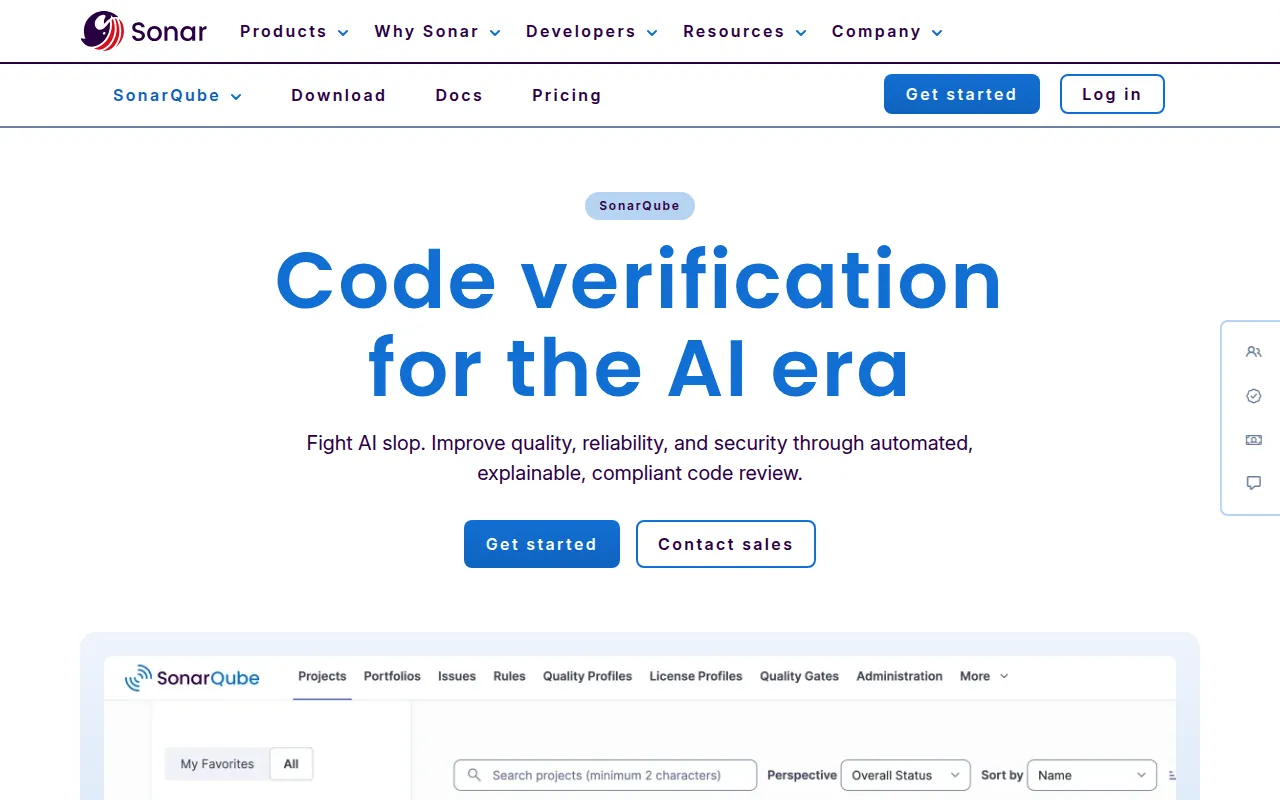
SonarQube is available as SonarQube Server, SonarQube Cloud, and Community Build, with feature coverage varying by edition. As of 2026, SonarQube Server documentation lists support across a broad set of languages and configuration formats, including Java, JavaScript, TypeScript, Python, C#, C/C++, Go, Kotlin, PHP, Ruby, Scala, Swift, Terraform, Kubernetes, Docker, CloudFormation, Azure Resource Manager, YAML, XML, and others. Enterprise-oriented languages such as Apex, COBOL, JCL, PL/I, RPG, and VB6 are edition-dependent.
Key capabilities include:
- Static analysis and security rules for code vulnerabilities, security hotspots, maintainability issues, bugs, and code smells.
- Taint analysis and injection detection for supported languages and editions.
- Secrets and IaC scanning for hardcoded credentials and misconfigurations in tools such as Terraform, Docker, Kubernetes, CloudFormation, Ansible, and Azure Resource Manager.
- Quality gates and pull request analysis across GitHub, GitLab, Bitbucket, Azure DevOps, and CI/CD pipelines.
- Advanced Security features such as SCA, malicious package detection, license management, SBOMs, and AI CodeFix in eligible commercial plans.
Known limitations and trade-offs:
- No native DAST; SonarQube focuses on static analysis, code quality, secrets, IaC, and supply chain features rather than runtime web testing.
- Security depth depends on edition and plan, especially for SCA, advanced SAST, AI CodeFix, and enterprise reporting.
- AI remediation is suggestion-oriented, not a broad cross-scanner pull request remediation layer for every finding.
See our SonarQube vs Checkmarx comparison →
What Is Veracode?
Veracode is an enterprise application security platform focused on helping organizations test, manage, prioritize, and remediate application risk across the software development lifecycle. It is widely associated with mature SAST programs, centralized policy management, compliance reporting, and large-scale enterprise AppSec operations. Compared with SonarQube, Veracode is usually evaluated less as a code quality platform and more as a security testing and application risk management platform.
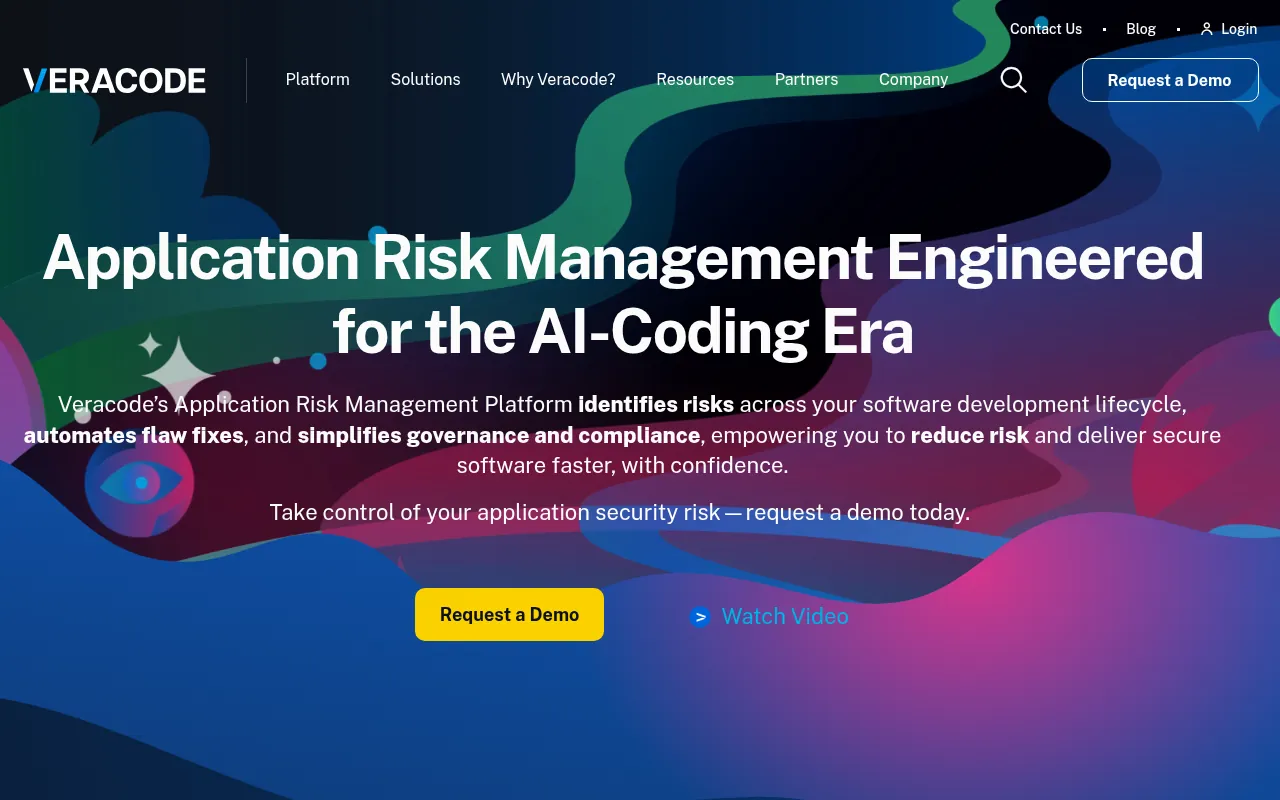
Veracode’s platform includes static analysis, dynamic analysis, software composition analysis, API security testing, container and IaC scanning, secrets detection, SBOM generation, policy workflows, analytics, and developer enablement. Its SAST product supports more than 30 programming languages and 100+ frameworks, including enterprise stacks such as Java, .NET, C/C++, JavaScript, TypeScript, Python, PHP, Ruby, Go, Kotlin, Scala, COBOL, Classic ASP, Apex, PL/SQL, T-SQL, mobile frameworks, and more. Veracode also supports source, binary, and hybrid scanning patterns, which is useful in organizations with packaged applications, legacy systems, or third-party code review requirements.
Key capabilities include:
- SAST, DAST, SCA, API testing, container security, IaC scanning, and secrets detection under one enterprise platform.
- Policy-driven governance for compliance, risk acceptance, reporting, and application portfolio management.
- Broad language and framework support for modern, legacy, web, mobile, and enterprise application stacks.
- Veracode Fix for AI-generated code patches on supported Pipeline Scan findings.
- Enterprise workflow integrations across source control, CI/CD, IDEs, ticketing, APIs, and developer training workflows.
Known limitations and trade-offs:
- Pricing is custom and enterprise-oriented, so buyers usually need a sales process to understand total cost.
- Operational setup can be heavier than developer-first tools, especially when rolling out policies across many business units.
- Veracode Fix is limited by scan type, language, and CWE support; it resolves Pipeline Scan findings, not every finding from every Veracode scan mode.
What Is Corgea?
Corgea is an AI-powered application security platform built around auto-remediation. It can run its own AI-native analysis, including SAST, SCA with AI reachability, secrets detection, IaC scanning, container scanning, and business logic and authentication testing. But Corgea is not limited to replacing scanners. It can also sit on top of the AppSec tools you already use and convert their findings into reviewed, testable code changes.
That distinction matters for teams already invested in SonarQube, Veracode, Checkmarx, Snyk, Semgrep, GitHub Advanced Security, Coverity, or other scanners. Corgea ingests findings, analyzes the affected code in context, generates a fix, validates the proposed change, and opens a pull request developers can review in GitHub, GitLab, Bitbucket, or Azure DevOps. Instead of asking developers to interpret a report and schedule manual remediation later, Corgea brings the fix into the code review workflow.
For teams measuring mean time to remediation, Corgea is best understood as the action layer: it makes existing scanners more useful by turning alerts into pull requests.
SonarQube vs Veracode vs Corgea: Comparison Table
| Feature | SonarQube | Veracode | Corgea |
|---|---|---|---|
| Primary Focus | Code quality, static analysis, security hotspots, and quality gates | Enterprise application risk management and AppSec testing | Auto-remediation of vulnerabilities |
| SAST | ✅ Static analysis, taint analysis, security hotspots, Advanced SAST in eligible plans | ✅ Mature SAST with source, binary, and hybrid scanning across 30+ languages | ✅ AI-native SAST - Can detect business logic flaw and auth issues |
| SCA | ⚠️ Available through Advanced Security in eligible commercial plans | ✅ Native SCA with open-source risk, license, and SBOM workflows | ✅ SCA with AI Reachability |
| DAST | ❌ No native DAST | ✅ Native DAST and API security testing | ⚠️ Works with existing DAST findings and focuses on fixing validated issues |
| IaC Scanning | ✅ Ansible, Azure Resource Manager, CloudFormation, Docker, Kubernetes, Terraform | ✅ Repository and directory IaC scans through Veracode Container Security | ✅ Native IaC scanning |
| Container Scanning | ⚠️ Dockerfile analysis, but not full container image scanning as a core SonarQube focus | ✅ Container image and archive scanning through Veracode Container Security | ✅ Native container/image scanning |
| Secrets Detection | ✅ Native secrets analysis and custom secret patterns in eligible editions | ✅ Secrets scanning through Veracode Container Security/repository scanning workflows | ✅ Native secrets detection |
| Auto-Remediation / AI Fix | ⚠️ AI CodeFix and remediation agent features for eligible issues, plans, and languages | ⚠️ Veracode Fix generates patches for supported Pipeline Scan findings | ✅ AI-generated PRs |
| CI/CD Integration | ✅ GitHub, GitLab, Bitbucket, Azure DevOps, scanners, quality gates, webhooks | ✅ CI/CD, SCM, IDE, CLI, GitHub Action, APIs, and ticketing workflows | ✅ GitHub, GitLab, Bitbucket, Azure DevOps, PR-driven workflows |
| False Positive Handling | ✅ Quality profiles, quality gates, security hotspots review, taint analysis | ✅ Policy tuning, risk management, analytics, and published low-false-positive positioning | ✅ Fixes real issues, deprioritizes noise |
| Pricing Model | ⚠️ LOC-based; free/community options plus commercial plans and custom enterprise tiers | ⚠️ Custom quote, typically based on applications/modules/enterprise scope | ⚠️ Public tiered pricing plus custom Enterprise |
| Deployment | ✅ Cloud, self-managed Server, Data Center for HA | ✅ SaaS platform with CLI/agent/repository workflows and enterprise integrations | ✅ SaaS with enterprise single-tenant option |
Security Coverage: SonarQube vs Veracode vs Corgea
The SonarQube vs Veracode coverage question usually starts with scope. SonarQube is strongest when the primary unit of work is source code quality and static analysis. It is excellent at enforcing consistent quality gates across repositories, catching maintainability issues early, surfacing security hotspots, and blocking pull requests when code does not meet policy. Its language coverage is broad, but the exact set depends on whether you use Community Build, SonarQube Cloud, Developer, Enterprise, or Data Center editions.
SonarQube has expanded into more security categories. Secrets detection, IaC analysis, taint analysis, and Advanced Security features such as SCA, malicious package detection, license management, and SBOMs make it more capable than older “code quality only” perceptions suggest. The important caveat is that SonarQube is still not a DAST platform and is not usually bought as a full enterprise AppSec suite in the same way Veracode is.
Veracode is broader from an AppSec testing perspective. It includes SAST, DAST, SCA, API security testing, container and IaC scanning, secrets detection, SBOM workflows, policy management, and application portfolio risk views. It also has unusually strong coverage for enterprise and legacy stacks, including compiled and binary scanning use cases that many developer-first tools do not emphasize. That makes Veracode attractive to regulated organizations with diverse applications, acquisitions, third-party software, and older codebases.
Corgea addresses coverage differently. It provides native scanning for modern AppSec categories, including AI-native SAST, dependency scanning, secrets, IaC, container scanning, business logic issues, and authentication vulnerabilities. More importantly, it can ingest results from SonarQube, Veracode, and other major scanners, so teams do not have to abandon a mature coverage strategy just to improve remediation. Coverage finds the problem; Corgea focuses on making the fix happen.
Auto-Remediation: Where Both Tools Fall Short
Auto-remediation is the most important distinction in this comparison, and it deserves a careful answer because both SonarQube and Veracode now have AI-assisted remediation features. SonarQube offers AI CodeFix in eligible plans and languages such as Java, JavaScript, TypeScript, Python, C#, C++, HTML, and CSS. SonarQube Cloud also documents a remediation agent for supported reliability, maintainability, security, and secrets issues in selected languages. These features are useful because they meet developers where they already review issues. But they are primarily issue-level fix suggestions inside the SonarQube workflow, with availability determined by plan, rule support, language, and product surface.
Veracode has a stronger remediation product than many legacy SAST vendors. Veracode Fix can generate AI-assisted patches for supported Pipeline Scan findings, with documented support for languages including C#, COBOL, Go, Java, JavaScript/TypeScript, Kotlin, PHP, Python, Ruby, and Scala. It can be used through the Veracode CLI, IDE integrations, and a GitHub Action that can create branches, comments, and pull request workflows. The limitation is also documented: Veracode Fix resolves Pipeline Scan findings, not findings from Upload and Scan, and support depends on eligible CWEs and languages.
So the fair conclusion is not that SonarQube and Veracode do nothing for remediation. They do. The gap is that remediation is not their central cross-tool operating model. They still largely begin with scanner findings, dashboards, policies, and developer action.
Corgea is designed around the opposite workflow. It can take findings from SonarQube, Veracode, or Corgea’s own scanners, analyze the vulnerable code in context, generate a fix, validate it, and submit a pull request. That PR-based model matters because it maps to how engineering teams already ship code. Instead of asking developers to turn scanner output into a patch, Corgea turns validated scanner output into a code review artifact.
Developer Experience & CI/CD Integration
SonarQube is often a good fit for engineering organizations because it uses concepts developers already understand: quality profiles, quality gates, pull request decoration, inline issue comments, and pass/fail checks in CI. It integrates with GitHub, GitLab, Bitbucket, Azure DevOps, common build systems, scanners, and webhooks. Developers see SonarQube results as part of code review rather than as a separate security portal they must remember to check.
That developer experience is strongest when SonarQube is used consistently across teams. If quality gates are well tuned, the feedback is predictable. If profiles are noisy or policies are applied without engineering buy-in, developers may treat the tool as a gatekeeper instead of a helper. SonarQube gives teams the mechanisms to tune this, but the rollout still requires discipline.
Veracode’s developer experience has improved significantly over the years, especially through IDE plugins, CLI workflows, Pipeline Scan, repository scanning, APIs, and GitHub Action support. It can fit into CI/CD, but enterprise buyers often use Veracode not just as a developer feedback tool but as a system of record for application risk, policy status, compliance evidence, and security program reporting. That breadth is valuable, but it can also make the platform feel heavier for developers who only want fast, local feedback.
Corgea integrates into the same development systems, but it changes the artifact developers receive. Instead of only seeing a failed gate, a policy violation, or a dashboard item, developers get a pull request with the proposed code change. That keeps the security workflow close to normal engineering review, reduces context switching, and gives AppSec teams a measurable path from scanner finding to merged remediation.
Accuracy & False Positive Rates
Accuracy is hard to compare directly because SonarQube and Veracode optimize for different workflows. SonarQube combines rules, quality profiles, security hotspots, taint analysis, and review states to help teams separate code quality problems from security issues that require human assessment. Security hotspots are intentionally review-driven: they identify security-sensitive code that may or may not be vulnerable depending on context. That approach can reduce overclaiming, but it also means teams must review and classify certain results.
SonarQube’s accuracy depends heavily on edition, language, rule set, and profile tuning. In well-managed deployments, it can provide a strong signal because teams can tune quality profiles to their codebase and enforce quality gates only on the issues they care about. In poorly tuned deployments, the same flexibility can create alert fatigue, especially if maintainability issues and security issues are treated with the same urgency.
Veracode positions its static analysis around low false positives and whole-program analysis, and public Veracode material has cited a false positive rate under 1.1% for static analysis. That claim is part of its enterprise appeal: security teams want high confidence findings when they are enforcing policy across hundreds or thousands of applications. Veracode also uses risk scoring, policy evaluation, analytics, and mitigation workflows to help teams prioritize what matters.
Corgea changes the accuracy conversation by focusing on actionability. A finding that cannot be confidently fixed should not automatically become developer work. Corgea uses code context, reachability, validation, and generated remediation to separate issues worth fixing from noise. The result is not just a cleaner dashboard; it is a smaller set of changes developers can review and merge.
Pricing & Total Cost of Ownership
SonarQube pricing is relatively understandable at the model level: SonarQube Server commercial editions are licensed per instance per year based on lines of code capacity, while SonarQube Cloud uses subscription tiers tied to organization needs and LOC. Developer Edition is publicly listed with starting pricing for smaller commercial deployments, while Enterprise and Data Center are typically evaluated through larger commercial conversations. The main cost driver is not developer count in the same way as some tools; it is codebase size, edition, and enterprise requirements.
That model can be attractive if you want broad static analysis across a large engineering organization without paying per active developer. It can be less attractive if you need features only available in higher editions, such as advanced security analysis, enterprise languages, governance, reporting, or high availability. Teams should evaluate SonarQube pricing against the actual features they need, not only the base static analysis use case.
Veracode pricing is less transparent publicly. It is generally custom-quoted based on application portfolio scope, products selected, scan types, enterprise requirements, and contract structure. Veracode can be cost-effective for organizations that need a central AppSec program with SAST, DAST, SCA, compliance reporting, and governance. It can feel expensive if a team only needs a fast scanner for a small number of repositories.
Corgea’s total cost argument is tied to remediation labor. License cost matters, but the larger hidden cost in AppSec is often the backlog: triage meetings, Jira tickets, developer interruptions, missed SLAs, and repeated re-scans. Corgea can work alongside SonarQube or Veracode, so teams can preserve existing scanner investments while reducing the manual effort required to fix what those scanners find.
Compliance & Enterprise Readiness
SonarQube has a strong enterprise story for code governance. Higher editions include features such as portfolios, security reports, regulatory reports, SSO/SAML, SCIM auto-provisioning, audit logs, configurable session policies, multiple DevOps platform instances, and high availability through Data Center Edition. For organizations that want consistent code quality and security gates across many teams, SonarQube’s governance model is mature and familiar.
The caveat is that SonarQube’s enterprise readiness is centered on code analysis governance, not every AppSec testing modality. If your compliance program requires DAST evidence, application-level risk dashboards, third-party binary review, or a broad testing suite from one vendor, SonarQube may need to sit beside other tools.
Veracode is built for that broader enterprise AppSec environment. It provides policy management, application portfolio views, analytics, reporting, mitigation workflows, integrations, and support for multiple testing types. This is why Veracode often appears in large financial services, healthcare, government, and regulated enterprise buying processes. It is designed for central AppSec teams that need to prove coverage and enforce policy across many applications, not only give developers code quality feedback.
Corgea complements enterprise readiness by reducing the operational burden after compliance tools find issues. Reporting that shows thousands of open findings is useful for visibility, but it does not reduce risk unless fixes ship. Corgea gives enterprise teams a remediation layer that can work with existing governance systems while creating PRs developers can review, test, and merge.
Which Tool Should You Choose?
Choose SonarQube if you need a mature code quality and static analysis platform that developers can use every day. It is especially strong when your main goals are consistent quality gates, pull request analysis, security hotspots, secrets detection, IaC analysis, and governance across many repositories. SonarQube is also a good fit if your organization already thinks in terms of code quality profiles and wants security checks embedded into that existing engineering workflow.
Choose Veracode if you need a broad enterprise AppSec platform with SAST, DAST, SCA, API testing, container/IaC scanning, policy management, compliance reporting, and support for modern and legacy application stacks. It is a better fit than SonarQube when security program governance, application portfolio risk, dynamic testing, and enterprise reporting matter as much as developer pull request feedback.
Choose Corgea if you’re tired of growing vulnerability backlogs and want to go from detection to remediation. Corgea works alongside SonarQube, Veracode, or whatever scanners you already use - it does not require you to rip them out. It makes those tools actionable by generating verified pull requests that fix vulnerabilities instead of leaving remediation as another ticket in the queue.
Frequently Asked Questions
What is the difference between SonarQube and Veracode?
SonarQube is primarily a code quality, static analysis, and quality gate platform with expanding security features. Veracode is a broader enterprise AppSec platform covering SAST, DAST, SCA, API testing, container/IaC scanning, policy, and compliance workflows. In short, SonarQube is usually closer to the developer code review process, while Veracode is usually closer to enterprise AppSec governance.
Can I use SonarQube and Veracode together?
Yes. Many organizations use SonarQube for code quality gates and developer feedback while using Veracode for enterprise security testing, DAST, SCA, compliance reporting, or application portfolio risk management. If both tools produce findings, Corgea can help reduce duplication by focusing on which issues can be turned into validated fixes.
Which is better for SAST: SonarQube or Veracode?
It depends on the workflow you care about. SonarQube is often better when you want SAST embedded into code quality gates, pull request checks, and day-to-day developer workflows. Veracode is often better when you need enterprise SAST with broad language/framework support, binary or hybrid scanning, policy enforcement, and centralized AppSec reporting.
What are the best alternatives to SonarQube and Veracode?
Common alternatives include Snyk, Checkmarx, Semgrep, GitHub Advanced Security, Coverity, and Corgea. The best fit depends on whether you need developer-first scanning, custom static analysis rules, enterprise governance, or auto-remediation. If your team already has enough scanners but not enough fixes, Corgea is the alternative focused on remediation throughput.
Does Corgea replace SonarQube or Veracode?
Corgea can provide native scanning capabilities, but it does not have to replace SonarQube or Veracode. Many teams use Corgea as a complementary layer that takes findings from existing scanners and generates fixes. That model lets you keep the coverage and governance you already have while reducing the remediation backlog.
How does Corgea’s auto-remediation work?
Corgea analyzes the vulnerable code, surrounding application context, and scanner finding, then generates a code change to remediate the issue. It validates the proposed fix and submits it as a pull request for developer review. The result is a normal engineering workflow: review the diff, run checks, and merge the fix.
Ready to Fix Vulnerabilities, Not Just Find Them?
Corgea integrates with SonarQube, Veracode, and 20+ other security tools to auto-generate verified fixes. Stop triaging. Start fixing.