

Automated remediation is useful when it shortens the path from a credible finding to a safe, reviewable change. It is not a reason to remove engineering review. A tool can prove that it cleared its own alert and still miss a regression, an authorization rule, or a test gap that matters to your application.
This guide compares the products with public documentation for remediation workflows: Corgea, SonarQube AI CodeFix, GitHub Copilot Autofix, Snyk Agent Fix, Semgrep Autofix, and DeepSource Autofix. Product capabilities and packaging change quickly, so treat the comparison as a shortlist for a pilot rather than a procurement decision.
At a glance
| Tool | Finding types supported | Where AI is used | Fix and validation model | Workflow | Pricing model |
|---|---|---|---|---|---|
| Corgea | Custom code, dependencies, and cloud configuration | Detection, prioritization, explanation, and remediation | Review-ready fixes; validate behavior in your CI | IDE and pull request | Free tier and paid team plans; enterprise quote |
| SonarQube AI CodeFix | Select Sonar rules in supported languages | Remediation | Generates a proposed edit for an eligible rule | SonarQube issue workflow; use normal PR and CI controls | SonarQube Cloud Team and Enterprise; Server Enterprise and Data Center |
| GitHub Copilot Autofix | Supported CodeQL code-scanning alerts | Remediation; agentic mode can explore and validate | Suggested fix or agent-created PR; CodeQL re-run in agentic mode | GitHub alerts and pull requests | Included for public repositories and licensed GitHub Code Security repositories; agentic sessions use Copilot credits |
| Snyk Agent Fix | Snyk Code vulnerabilities | Remediation and explanation | Candidate fixes are scanned; failed candidates can retry | IDE and pull request | Snyk plan and consumption terms apply |
| Semgrep Autofix | Semgrep Code and Supply Chain findings | Triage, guidance, remediation, and some AI detection | Opens a PR or merge request with a proposed change | PR and merge request | AI credits, including per-finding Autofix consumption |
| DeepSource Autofix | DeepSource code-quality, bug, security, and anti-pattern findings | Detection, review, and remediation | Proposed PR patches; validate in your CI | Pull request review | Contributor subscription plus pooled, metered AI credits |
How to read this comparison
Finding types and the role of AI
The same word, “autofix,” can describe several different workflows. Most products first find an issue through static analysis, then use AI to explain it or generate a patch. That does not mean their AI detects every class of vulnerability. Check the underlying scanner’s language, framework, and rule coverage separately.
The distinction matters most for context-dependent problems. A tool that only fixes a rule match can produce a strong patch for that match, but it may not find an authorization or business-logic issue that never matched a rule. Ask each vendor for evidence on the vulnerability classes that matter in your stack.
Fix quality, tests, and validation
No public metric in this group provides a directly comparable customer fix acceptance rate. Vendor benchmarks and model evaluations can be useful, but they are not a replacement for measuring developer acceptance on your repositories.
During a pilot, record four outcomes for every proposed fix:
- Does it resolve the original finding?
- Does it compile and pass the relevant unit, integration, and end-to-end tests?
- Does it introduce new scanner alerts or change behavior outside the intended scope?
- Does a developer accept it with little or no editing?
Keep human approval and normal branch protections in place. A scanner retest is a valuable guardrail, but it is not a functional test suite.
Privacy and control
AI remediation may send code or a focused code snippet to a model provider. Confirm what leaves your environment, where it is retained, whether it is used for training, which settings control the feature, and whether self-hosted or bring-your-own-model deployment is available. These answers can differ by product edition.
Tool-by-tool comparison
Corgea
Corgea is an AI-native application security platform that covers custom code, dependencies, and cloud configuration. Its product positioning puts AI in detection and prioritization as well as explanations and review-ready remediation. Corgea also states that it analyzes business logic and authorization gaps, which is a meaningful distinction to test if those findings are in scope for your team.
- Finding types and AI role: AI-native analysis for code risk, with reachability and business-logic context. Coverage also includes dependencies and cloud configuration.
- Fix quality and validation: Fixes are intended for review in the developer workflow. Validate them with your own test suite and application-specific authorization tests.
- Workflow and approval: Corgea supports pull request remediation and integrations for VS Code, Cursor, Visual Studio, and IntelliJ. Developers review and approve the change.
- Multi-file and business logic: The product positions itself around business-logic-aware analysis. Confirm multi-file fix behavior on representative findings during a pilot.
- Privacy and pricing: Review Corgea’s Trust Center for the controls that apply to your plan. The public site offers a free starting point and team pricing; confirm usage limits and enterprise terms with Corgea.
Best fit: Teams that want AI to participate before remediation, particularly where low-noise findings, reachability, and authorization or business-logic coverage are important.
SonarQube AI CodeFix
SonarQube AI CodeFix generates a proposed code change for a select list of Sonar rules. It supports Java, JavaScript, TypeScript, Python, HTML, CSS, C#, and C++, but not every rule in those languages is eligible. Sonar publishes the eligible-rule list and assigns confidence scores before adding rules to the service.
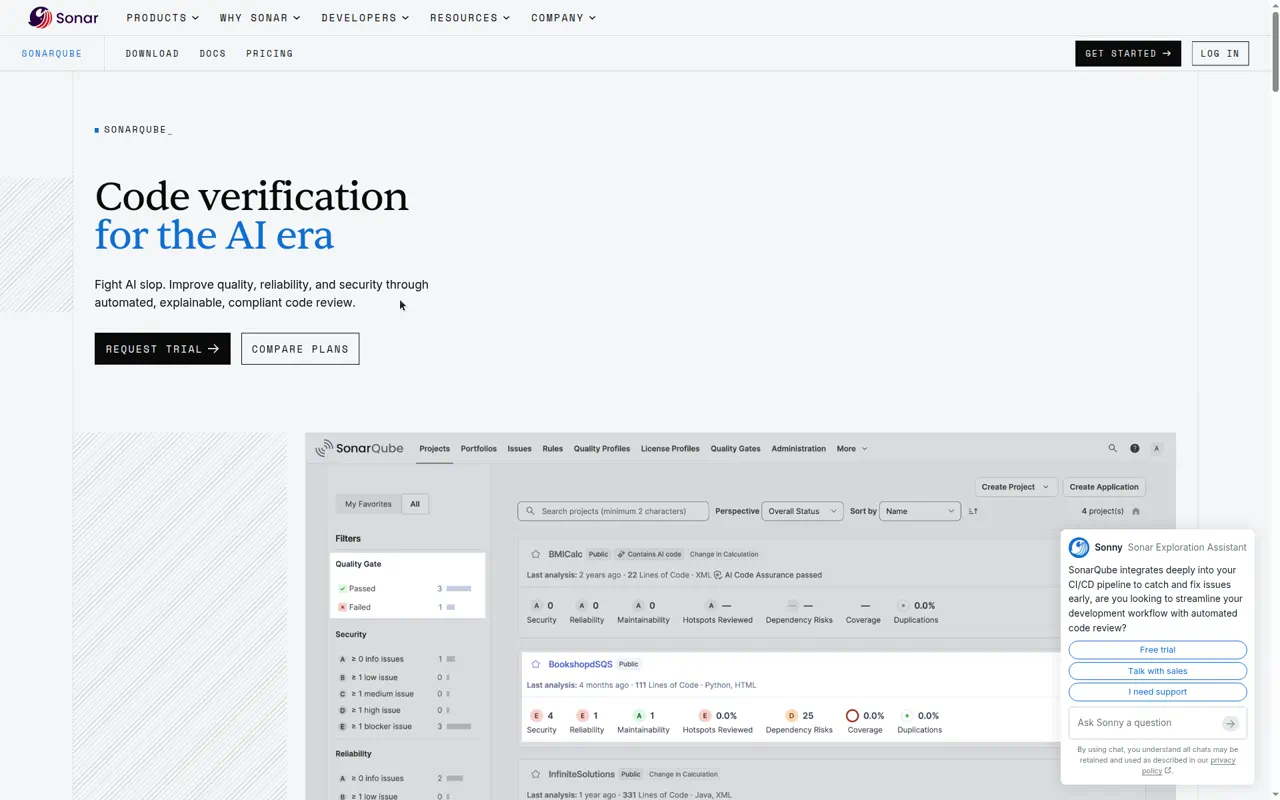
- Vendor website: SonarQube
- Finding types and AI role: Sonar detection remains rule-based. AI CodeFix generates remediation for certified, eligible rules.
- Fix quality and validation: The tool proposes an edit intended to resolve the issue without changing functionality. Run your own tests and quality gates before merge.
- Workflow and approval: A developer requests the fix from an issue and chooses whether to apply it. Use your existing pull request process for review.
- Multi-file and business logic: Public documentation describes a fix for an issue. Do not assume multi-file repairs or business-logic coverage without testing your rules and repositories.
- Privacy and pricing: With Sonar-provided models, the affected code snippet is sent to the selected LLM under terms that prohibit model training on that code. Server deployments can use a configured LLM endpoint. AI CodeFix is available in SonarQube Cloud Team and Enterprise plans and SonarQube Server Enterprise and Data Center editions; Sonar also applies monthly usage limits.
Best fit: Teams already using SonarQube for code quality and security that want controlled, rule-scoped fix suggestions.
GitHub Copilot Autofix
GitHub Copilot Autofix generates a suggested fix for supported CodeQL code-scanning alerts. GitHub also offers an agentic path that can explore the codebase, create a pull request, and re-run CodeQL as part of validation. These are separate workflows with different billing and limitations.
- Vendor website: GitHub Security
- Finding types and AI role: CodeQL detects code-scanning alerts. Copilot Autofix generates a suggested patch for supported alerts; the agentic option performs broader remediation work.
- Fix quality and validation: The standard feature creates a one-step suggested fix. The agentic workflow re-runs the CodeQL query suite, but GitHub documents this as best effort and says it cannot confirm alerts from custom queries or the security-extended suite. Run your CI tests before merge.
- Workflow and approval: Suggestions appear in GitHub’s security workflow and can be turned into a draft pull request. Teams retain their normal review and merge controls.
- Multi-file and business logic: The agentic workflow can explore beyond the affected file. Standard Copilot Autofix is an alert-specific suggestion. CodeQL coverage, not Copilot alone, determines what security findings exist.
- Privacy and pricing: Standard Copilot Autofix is available for public repositories and private or internal repositories with a GitHub Code Security license, without a Copilot subscription or AI-credit consumption. Agentic sessions require Copilot access and consume AI credits. Review GitHub’s responsible-use guidance for data and validation details.
Best fit: Organizations standardized on GitHub and CodeQL that want remediation inside the same alert and pull-request workflow.
Snyk Agent Fix
Snyk Agent Fix, previously called DeepCode AI Fix, generates fixes for vulnerabilities found by Snyk Code. Snyk documents an agentic feedback loop: if a candidate fails a Snyk Code scan, the system feeds the error back and generates a corrected candidate.
- Vendor website: Snyk Code
- Finding types and AI role: Snyk Code supplies the vulnerability finding; Agent Fix produces the remediation and Snyk also provides AI explanations.
- Fix quality and validation: Snyk scans candidate fixes for the original vulnerability and newly introduced issues. Developers should still apply the fix, rescan, and run the project’s test suite.
- Workflow and approval: Agent Fix works in the Snyk IDE workflow and has a pull-request experience. Developers review and apply the change.
- Multi-file and business logic: Snyk explicitly documents Agent Fix as focused on single-file fixes and says it does not automatically fix vulnerabilities that span multiple files. Treat business-logic coverage as a pilot question, not a promised capability.
- Privacy and pricing: Snyk says Agent Fix sends only the code scope relevant to the vulnerability and that customer code is not retained by model providers or used to train the underlying models. Confirm the plan and consumption terms for your account.
Best fit: Developer-first Snyk Code users who value scanner-backed candidate validation and whose highest-priority fixes are usually local to one file.
Semgrep Autofix
Semgrep Autofix creates pull requests or merge requests with AI-generated changes for Semgrep Code and Supply Chain findings. Semgrep’s broader AI offering also includes triage, remediation guidance, noise filtering, and AI-powered detection in certain workflows.
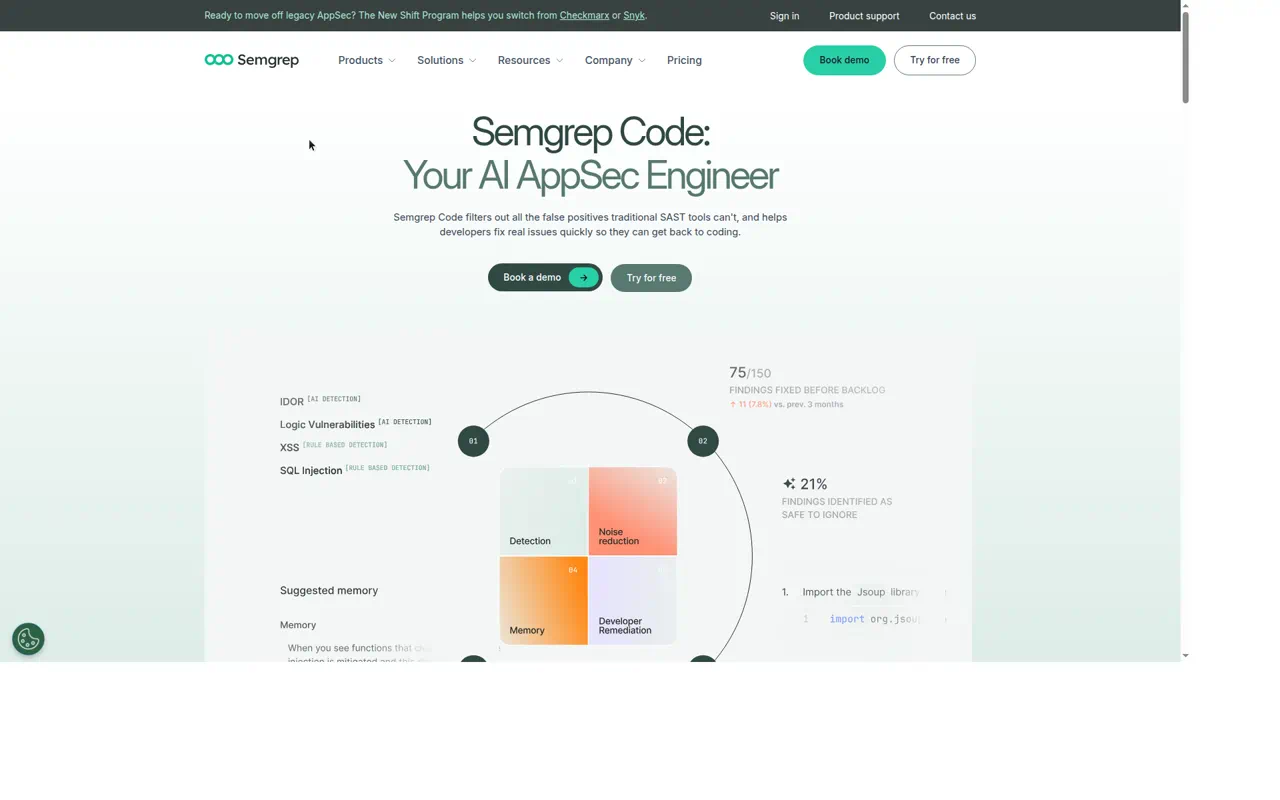
- Vendor website: Semgrep Code
- Finding types and AI role: Semgrep supports Code and Supply Chain remediation. AI can triage findings, generate guidance and fixes, reduce noisy PR comments, and support selected detection workflows.
- Fix quality and validation: Autofix creates a proposed change for review. Semgrep’s documentation does not make a passing application test suite part of the Autofix guarantee, so use normal CI and code review.
- Workflow and approval: Autofix opens a pull request or merge request rather than merging directly. Admins can set confidence thresholds for AI suggestions and configure noise-filter behavior.
- Multi-file and business logic: Do not infer multi-file repair or broad business-logic coverage from a generated PR. Validate the supported rule and finding classes in your pilot.
- Privacy and pricing: Semgrep says its AI subprocessors operate under zero-data-retention agreements and do not train on customer data. It also offers a minimal retention option for eligible customers. AI Autofix uses 20 credits per finding, with plan allowances and overage terms documented in Semgrep billing.
Best fit: Teams that want a rule-driven scanner with configurable AI triage and PR-based remediation.
DeepSource Autofix
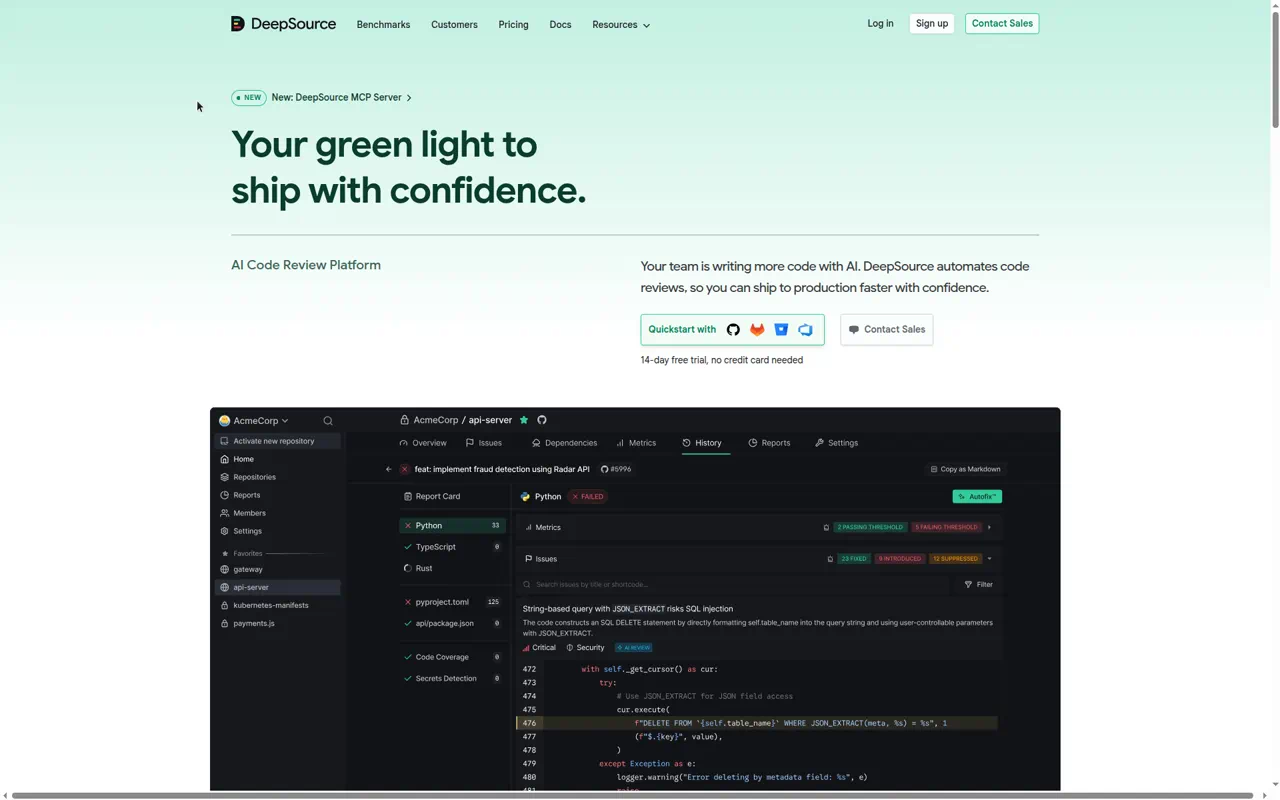
DeepSource Autofix combines static analysis and AI-generated patches for DeepSource findings. Its AI review product covers code-quality, bug, security, and anti-pattern findings in pull requests, so it is broader than a security-only remediation tool.
- Vendor website: DeepSource
- Finding types and AI role: DeepSource combines deterministic analysis with AI review and remediation for findings across code quality and security-oriented checks.
- Fix quality and validation: Proposed changes are shown as a diff and opened through pull-request workflow. The vendor says developers retain final authority; run your own CI checks before merge.
- Workflow and approval: Autofix patches and AI review appear in pull requests, where developers can approve, modify, or reject them.
- Multi-file and business logic: Public product material describes surrounding code context, imports, and related functions, but does not provide a clear public commitment for multi-file repair or business-logic vulnerability coverage. Verify both in a pilot.
- Privacy and pricing: DeepSource documents a contributor subscription with pooled AI credits and metered AI Review usage. Its Enterprise Server supports bring-your-own-key inference directly to a chosen model provider, which can help organizations that need the inference path within an existing compliance boundary.
Best fit: Teams that want automated code review and remediation in the PR for quality, reliability, and security findings together.
A pilot scorecard that procurement can use
Build a small, representative corpus from recent findings, including issues that developers previously fixed manually. Keep the original issue location, the accepted patch, test results, and any relevant authorization cases. Then score each product against the same criteria:
| Criterion | What to measure |
|---|---|
| Finding coverage | Confirmed issues found by the tool, grouped by language, framework, and vulnerability class |
| AI role | Whether AI changes detection, triage, explanation, remediation, or only one of those stages |
| Fix quality | Accepted patches, required edits, reverted patches, and changes that introduce new defects |
| Validation | Scanner retests, compilation, unit and integration test pass rate, and regression coverage |
| Workflow | IDE support, PR or merge-request flow, CI integration, and time to developer action |
| Approval controls | Review requirements, branch protections, confidence settings, feature controls, and audit trail |
| Multi-file and logic support | Results for data-flow, authorization, and multi-file findings in your own application |
| Privacy | Data sent to models, retention, training use, hosting options, and contractual controls |
| Cost | Seats, repositories, scans, AI credits, overages, and engineering time spent operating the tool |
Use fix acceptance rate as one output of the pilot, not a number supplied by a comparison page. A strong result is a patch that developers accept, tests pass, and the original issue stays resolved after the next scan.
Choosing a tool
Choose Corgea when you want AI-native AppSec coverage and review-ready remediation for code risk that includes business logic and authorization context. Choose SonarQube AI CodeFix when the quality and security rules you already use are the primary source of work. Choose GitHub Copilot Autofix when GitHub and CodeQL are the center of your developer workflow. Choose Snyk Agent Fix when Snyk Code is already the detection layer and single-file remediation covers the issues you see most often. Choose Semgrep Autofix when rule control, triage settings, and PR or merge-request automation matter most. Choose DeepSource when automated code review and remediation across quality and security need to share one pull-request workflow.
The practical next step is a pilot with real findings and existing CI, not a feature checklist. Measure the fixes your developers accept and the regressions your tests catch before expanding access.