
The best AI code security tools in 2026 do different jobs: some use AI inside detection to find logic and authorization flaws, while others apply it after a traditional scan to triage alerts, explain findings, or draft a fix. This guide compares 10 tools on AI-native detection, false-positive handling, auto-fix, coverage across SAST, SCA, secrets, and IaC, and pricing model. If you are new to the category, AI SAST explains how AI-native static analysis differs from rule-based scanners, and AI code security covers the wider discipline.
Best AI code security tools compared
Ranked by how much of the detection-to-fix workflow each tool covers with AI, weighted toward AI-native detection and review-ready remediation. The table is directional. Capabilities change quickly, and the only reliable measurement is a pilot on your own repositories.
| # | Tool | Best for | AI-native detection | Auto-fix | Coverage (SAST / SCA / secrets / IaC) | Pricing model |
|---|---|---|---|---|---|---|
| 1 | Corgea | AI-native AppSec plus review-ready fixes | Yes, AI in detection and reasoning | Yes, review-ready fixes in PR and IDE | SAST, SCA, secrets, IaC (plus containers) | Trial or vendor quote |
| 2 | Snyk | Developer-first breadth | Partial, ML-supported SAST | Agent Fix for supported issues | SAST, SCA, secrets, IaC | Free tier plus paid |
| 3 | Semgrep | Transparent rules plus AI reasoning | Partial, rules plus AI reasoning | AI suggestions for supported findings | SAST, SCA, secrets, IaC via rules | Free CE plus paid platform |
| 4 | Checkmarx | Enterprise governance | Partial, hybrid scanning plus AI agents | Review-ready fixes where supported | SAST, SCA, secrets, IaC | Enterprise quote |
| 5 | Veracode | Compliance-led programs | No, scanner-led with AI remediation | Veracode Fix for eligible findings | SAST, SCA, IaC (secrets by plan) | Enterprise quote |
| 6 | GitHub Advanced Security | GitHub-centered teams | Partial, CodeQL plus AI detections | Copilot Autofix for supported alerts | SAST, SCA, secrets (separate product), IaC via CodeQL | Free for public repos, paid private use |
| 7 | SonarQube | Code quality plus security | No, rule-first with AI CodeFix | AI CodeFix in eligible plans | SAST, SCA (paid add-on), secrets, IaC | Community plus commercial |
| 8 | Endor Labs | Context and reachability | Yes, AURI over a code context graph | AURI remediation | SAST, SCA, secrets (no dedicated IaC) | Free developer tier plus paid |
| 9 | Aikido | Security consolidation | No, scanner-led with AI triage and fixes | AutoFix for supported issues | SAST, SCA, secrets, IaC | Free tier plus paid |
| 10 | Qwiet AI / Harness | Pipeline-native SAST and SCA | Partial, CPG plus AI/ML | AI fix suggestions for SAST | SAST, SCA, secrets (no dedicated IaC) | Trial plus vendor quote |
“Yes” in the AI-native detection column means AI participates in finding the vulnerability. “Partial” means a rule or query engine leads and AI extends it. “No” means detection is traditional and AI is applied afterward for triage or fixes.
Quick picks
- Best AI-native detection and fix workflow: Corgea. AI participates in detection and reasoning, reduces false positives through contextual analysis, and produces review-ready fixes in the pull request.
- Best developer-first platform: Snyk. SAST, SCA, secrets, and IaC checks with IDE, pull request, and CI workflows.
- Best for enterprise governance: Checkmarx or Veracode. Broad testing portfolios with policy, reporting, and AI-assisted remediation.
- Best for GitHub-centered teams: GitHub Advanced Security. CodeQL, AI-powered detections, Copilot Autofix, and secret protection inside GitHub.
What changed in this update (August 2026)
- Moved the comparison table to the top and trimmed it to the six columns buyers ask about most: best fit, AI-native detection, auto-fix, coverage, and pricing model.
- Added a ranked order across all 10 tools and a shorter set of quick picks.
- Added a section on how AI code security relates to AI SAST, plus new FAQs on AI tools versus traditional SAST and on AI-generated code.
- Vendor packaging and documentation were last reviewed on August 14, 2026. The Qwiet AI entry reflects its move into Harness.
How we chose these tools
Each product had to use AI in at least one code security task: detection, triage, prioritization, or remediation. We reviewed current vendor product pages and documentation on August 14, 2026. Where Corgea has run a head-to-head test, we link to it: in a July 2026 SAST benchmark on the same codebase, Corgea found 42 of 47 confirmed issues while Aikido found 13, detailed in the Aikido alternatives guide. Vendor performance figures are not treated as independent benchmarks. Pricing, language coverage, and fix eligibility can vary by plan, so those details belong in a proof of value.
How AI code security relates to AI SAST
AI SAST is the detection layer of AI code security: static analysis where AI reasons about intent, control flow, and business logic instead of only matching rules. Traditional SAST still has a place for known, pattern-shaped bug classes, and the best SAST tools guide compares that wider field. The tools in this article add the rest of the workflow around detection: dependency and secrets coverage, triage, and fix generation. Because coding assistants now write a large share of new code, the same tools also need to hold up on AI-generated code, where weak authorization logic and reproduced insecure patterns are common. Corgea’s AI SAST product is built around that combination of AI-native detection and review-ready fixes.
Evaluate AI-native code security on your own code
Use Corgea to find exploitable code risk, reduce noisy findings through contextual analysis, and generate review-ready fixes in the developer workflow.
The 10 best AI code security tools, reviewed
Corgea
Corgea is an AI-native application security platform. AI participates in detection and reasoning, then generates review-ready fixes for developers.
What it is: AI-native SAST for custom code, with broader AppSec coverage across dependencies, secrets, IaC, and containers, plus AI pentesting for runtime validation.
Where AI is used: Corgea uses AI during detection and reasoning. It is designed to find business logic flaws, authentication and authorization gaps, and risky paths that are difficult to express as fixed rules.
False-positive handling: Corgea reduces false positives through contextual analysis and explains why a finding is exploitable or likely noise. It does not claim to eliminate false positives entirely, so plan a pilot to measure noise reduction on your own code.
Auto-fix and remediation: Corgea generates review-ready fixes tied to the specific finding, with an explanation of why the change is safer, delivered in the pull request and IDE for developer review.
Developer workflow: IDE, pull request, CI/CD, and AppSec workflows. Fixes and findings appear where developers already work.
Best fit: AppSec teams that want lower-noise detection and better logic-flaw coverage, with fixes developers can review.
Main limitation: Corgea is a newer vendor than the legacy enterprise platforms. If procurement depends on long vendor tenure or analyst reports, run a structured proof of value with your own repositories.
Snyk
Snyk is a developer security platform spanning custom code, open source, secrets, containers, and IaC.
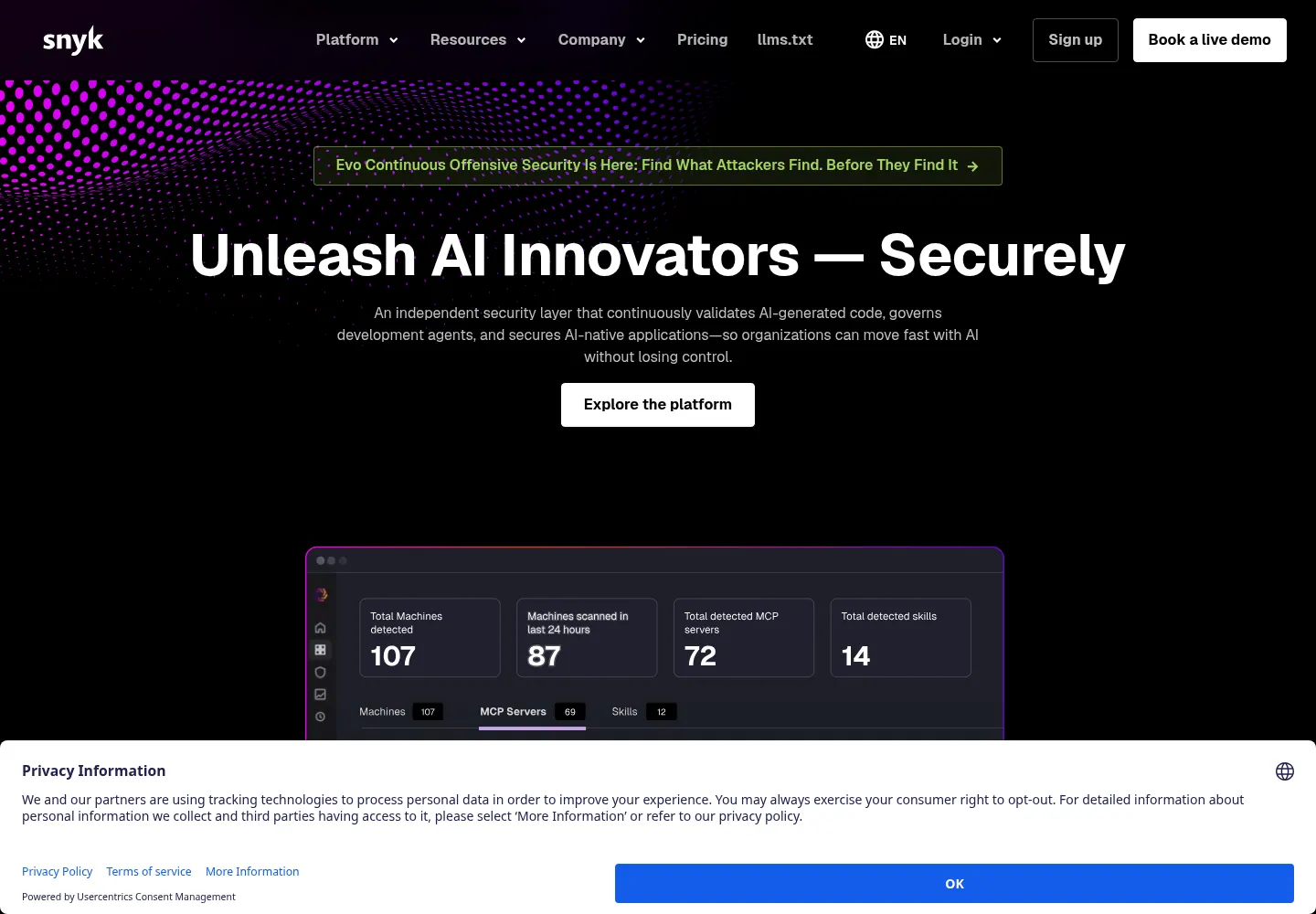
What it is: Snyk Code provides SAST, while Snyk Open Source handles SCA. Snyk also has dedicated products for secrets and IaC.
Where AI is used: Snyk Code uses machine learning in its analysis. Snyk Agent Fix adds an agentic remediation workflow that generates and validates fixes against Snyk’s security context.
Auto-fix and remediation: Agent Fix generates fixes for supported Snyk Code findings. Snyk Open Source can also open pull requests for dependency upgrades and patches.
Developer workflow: IDE plugins, source control integrations, pull request checks, a CLI, and CI/CD integrations give teams several points to catch an issue.
Best fit: Engineering-led teams that want SAST and SCA in one developer-friendly ecosystem.
Check before buying: Confirm which products and plans cover the scanners you need. A team buying only SAST has different economics from one adopting the whole platform.
Semgrep
Semgrep combines a community rule engine with a commercial AppSec platform.
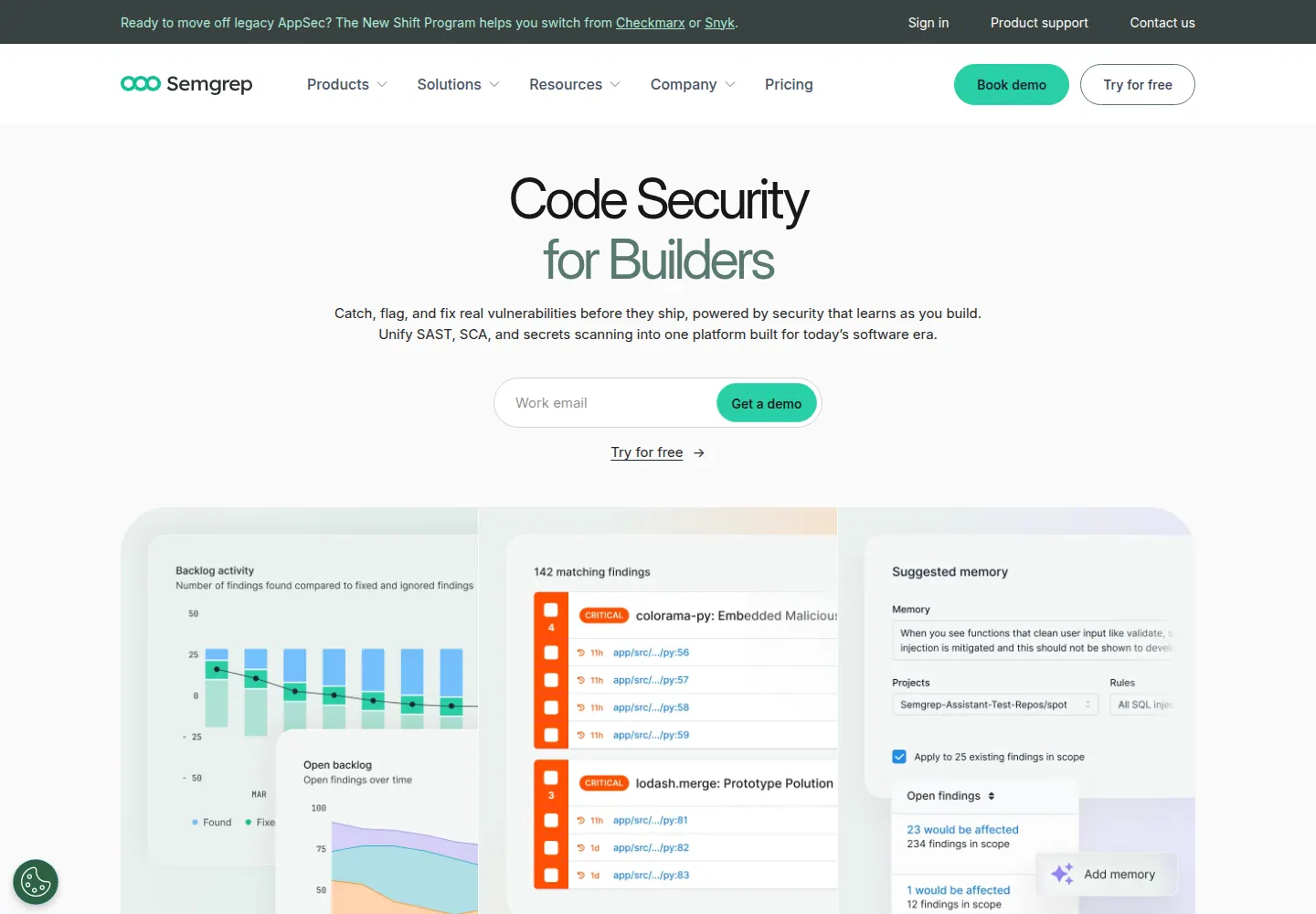
What it is: The Semgrep AppSec Platform includes SAST, supply chain analysis, and secrets scanning. Semgrep Community Edition keeps the open rule engine available for local and CI use.
Where AI is used: Semgrep Multimodal combines rule-based analysis with AI reasoning for detection, triage, and remediation. Teams can also use AI-generated explanations and guidance in pull requests.
Auto-fix and remediation: Rules can contain deterministic fixes. The commercial platform can add AI-generated fix suggestions and remediation instructions for supported findings.
Developer workflow: CLI, pre-commit checks, IDE integrations, CI scans, and pull request comments.
Best fit: AppSec teams that want transparent, tunable detection logic they control.
Check before buying: Test the exact languages, frameworks, and custom rules you rely on. The open engine and paid platform have materially different SCA, secrets, governance, and AI features.
Checkmarx
Checkmarx is an enterprise AppSec platform spanning custom code, open source, secrets, IaC, containers, and API security.
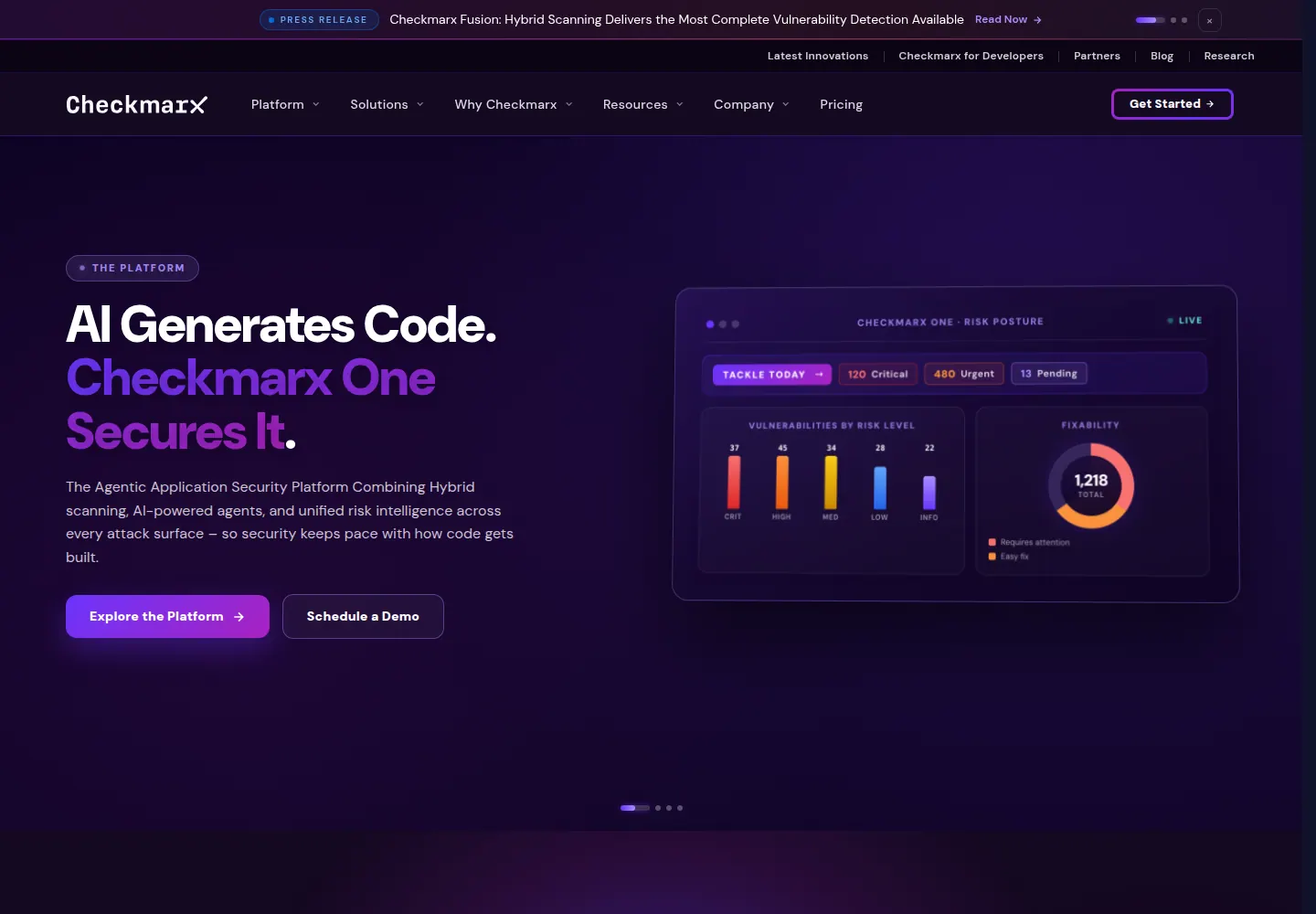
What it is: Checkmarx One combines multiple scanning engines with policy, reporting, and developer integrations.
Where AI is used: Checkmarx One Assist adds agents for in-IDE prevention, triage, and remediation on top of Checkmarx scanning.
Auto-fix and remediation: Developer Assist can apply fixes in supported IDE workflows. Triage and Remediation Assist can produce guidance and review-ready GitHub fix pull requests for eligible SAST and SCA findings.
Developer workflow: IDE, CI/CD, source control, and enterprise application lifecycle integrations.
Best fit: Large programs that need policy control, reporting, and established procurement paths.
Check before buying: Confirm which Assist agents are available now, which scanners feed them, and whether your repository host, IDE, and languages support the desired fix workflow.
Veracode
Veracode is an enterprise application security platform with a compliance-oriented heritage.
What it is: Static analysis, SCA, dynamic analysis, IaC scanning, and governance for application portfolios.
Where AI is used: Veracode Fix uses AI to generate patches for eligible static analysis findings rather than replacing the scanner that found them.
Auto-fix and remediation: Veracode says Fix covers more than 70 percent of detected flaws on average across ten supported languages. That is a vendor figure, so measure coverage on your own findings. Fix works through supported IDE, CLI, CI/CD, and GitHub Action workflows.
Developer workflow: CI/CD, IDE, API, source control integrations, and enterprise dashboards.
Best fit: Regulated organizations managing large portfolios with centralized risk programs.
Check before buying: Fix eligibility varies by language and flaw type. Check your actual backlog against the supported list before using the headline coverage figure in a business case.
GitHub Advanced Security
GitHub Advanced Security brings code scanning, secret scanning, and dependency security into GitHub. Code scanning can use CodeQL or a supported third-party tool.
What it is: GitHub now packages these capabilities as GitHub Code Security and GitHub Secret Protection. Code Security includes CodeQL code scanning, dependency review, security campaigns, and Copilot Autofix. Secret Protection includes secret scanning and push protection.
Where AI is used: Code Security includes AI-powered detections for some languages and frameworks outside CodeQL coverage. Copilot Autofix uses AI to draft fixes for supported code scanning alerts. Secret Protection can use AI to detect unstructured credentials.
Auto-fix and remediation: Copilot Autofix creates suggested changes in the code scanning workflow. Dependabot handles a separate dependency update workflow.
Developer workflow: GitHub pull requests, Actions, code scanning alerts, security campaigns, and Dependabot.
Best fit: Teams standardized on GitHub that want security in the same platform.
Check before buying: Code Security and Secret Protection are separate paid products for private and internal repositories. Map the features you need to the current package instead of assuming one Advanced Security license includes everything.
SonarQube
SonarQube is a widely used static analysis platform for code quality, reliability, and security.
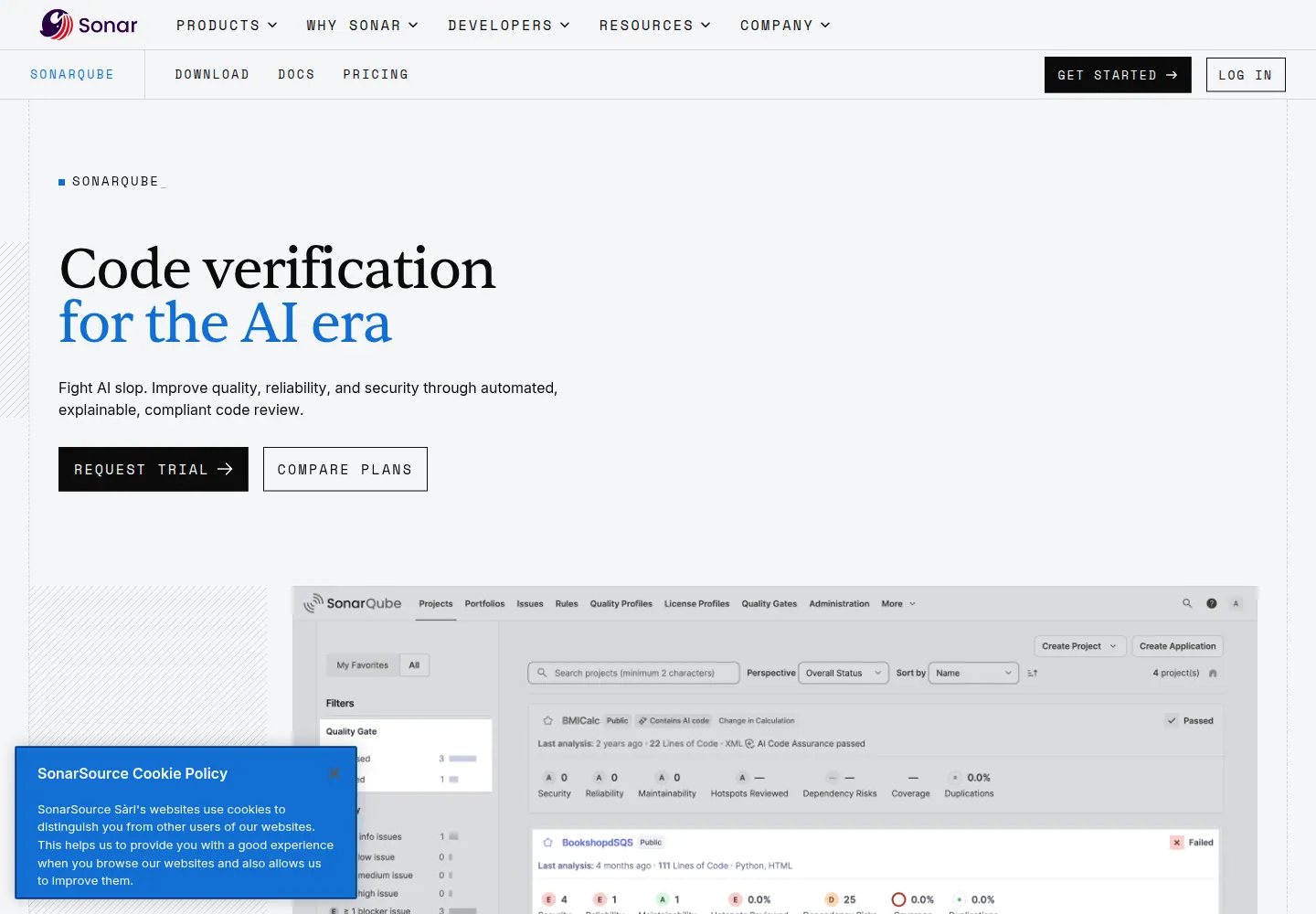
What it is: Code quality and security analysis with quality gates, rule profiles, secrets detection, and IaC rules. SonarQube Advanced Security adds SCA and advanced SAST as a paid add-on starting with Enterprise edition.
Where AI is used: Detection remains primarily static analysis. AI CodeFix sends an eligible issue and affected code to an LLM to propose a fix.
Auto-fix and remediation: In SonarQube Server 2026.1, AI CodeFix is limited to selected rules in Java, JavaScript, TypeScript, Python, HTML, CSS, C#, and C++. It is available in Enterprise and Data Center editions.
Developer workflow: IDE feedback, CI analysis, PR decoration, and quality gates.
Best fit: Teams that want security checks alongside maintainability in one familiar tool.
Check before buying: Separate the base analyzer, the Advanced Security add-on, and AI CodeFix when comparing plans. They do not have identical coverage.
Endor Labs
Endor Labs started with dependency security and reachability, then expanded into AI-native code security through AURI.
What it is: AURI uses a code context graph across first-party code, dependencies, containers, and services. The wider platform includes SAST, SCA, secrets, and container scanning.
Where AI is used: Endor describes AURI as AI-native detection, triage, and remediation. Its agents reason over the context graph to validate findings and work with coding agents on fixes.
Auto-fix and remediation: AURI can provide code-aware remediation, while dependency workflows add reachability and upgrade impact context. The free Developer Edition exposes SAST, SCA, secrets, and malicious-package checks through an MCP server and CLI.
Developer workflow: MCP-compatible coding tools, CLI, source control, CI/CD, pull requests, and AppSec dashboards.
Best fit: Teams that want reachability and application context across first-party and third-party code.
Check before buying: Its AI SAST is newer than its SCA product. Test custom-code findings and fixes with the same rigor as the dependency workflow.
Aikido
Aikido positions as an all-in-one AppSec platform aimed at consolidating multiple scanners for smaller and mid-sized teams.
What it is: A consolidated platform combining SAST, SCA, secrets, IaC, container, cloud, and runtime security.
Where AI is used: AI supports triage and remediation across several scanners. Aikido also offers AI code audit and pentesting capabilities, which are separate from its standard SAST workflow.
Auto-fix and remediation: Aikido AutoFix generates reviewable patches for dependencies, application code, IaC, containers, pentest findings, and AI code audit findings. Developers can review patches in an IDE or receive them through pull requests.
Developer workflow: IDE, source control, pull request, and CI/CD integrations.
Best fit: Startups and SMBs that want broad coverage in one tool without heavy configuration.
Check before buying: Broad coverage makes a feature checklist look strong. Pilot the vulnerability classes, languages, and cloud environments that carry the most risk for your team. In Corgea’s July 2026 SAST benchmark, Aikido’s OpenGrep-based static analysis found 13 of 47 confirmed issues, so test detection depth on custom application logic before relying on it.
Qwiet AI
Qwiet AI is now part of Harness. Its technology is being offered as Harness SAST and SCA, so buyers should evaluate the current Harness product rather than the old standalone positioning.
What it is: Harness says it acquired Qwiet AI for its Code Property Graph and reachability-aware analysis. Harness SAST and SCA documentation lists static analysis, dependency analysis, secrets, containers, policies, and AutoFix.
Where AI is used: The product combines Code Property Graph analysis with AI and machine learning for contextual detection and prioritization.
Auto-fix and remediation: AutoFix generates AI-driven suggestions for SAST findings. Harness now places this workflow inside its Security Testing Orchestration and CI/CD platform.
Developer workflow: Harness pipelines, CI/CD, CLI, and existing Qwiet integrations during the product transition.
Best fit: Harness customers that want native SAST and SCA with reachability context in their delivery pipelines.
Check before buying: Confirm migration, packaging, feature parity, and support for any existing Qwiet deployment. The acquisition changes the practical buying decision.
How to evaluate AI code security tools
A vendor demo can show the workflow, but it cannot tell you how a scanner will perform on your code. Run a pilot on your own repositories and score these criteria.
Where AI is used
Ask where AI sits in the workflow. Detection, triage, prioritization, and remediation are different jobs. AI-native detection can address issues that are difficult to express in a fixed rule. AI-assisted triage can make an existing scanner’s output easier to use. The AI code security guide explains the distinction, and AI SAST goes deeper on detection.
Fix quality
If the tool generates fixes, test them on real findings. Do the fixes compile, pass tests, preserve behavior, and address the actual root cause? Are they explained and reviewable in the pull request, or are they opaque patches? Auto-fix is only valuable if developers trust and accept it.
False-positive handling
Measure confirmed false positives, duplicate findings, and time to a clean triaged list. Favor tools that show evidence, reachability, and framework context, and that let you suppress noise with a clear reason. Be skeptical of any claim to eliminate false positives entirely. See how to reduce false positives in SAST.
Workflow fit
Findings that do not appear in the IDE, the pull request, or your ticketing system become backlog. Confirm the tool integrates with your source control, CI/CD, and developer environment, and that fixes land where developers work.
Language and framework coverage
Marketing-page language lists are not enough. Ask for framework-specific detection, multi-file data flow across your architecture, and authentication and authorization coverage for your stack.
Data privacy
Because AI code security tools process source code, verify data handling, retention, and whether your code is used to train models. Request documentation and, for regulated environments, relevant certifications.
Enterprise controls
Security leaders need SLAs, ownership, trend reporting, exception workflows, and audit evidence. Confirm the governance layer exists before you scale beyond a pilot.
Pricing model
Match the pricing model to how you will roll out: per developer, per committer, per repository, per application, usage-based, or enterprise quote. The bigger cost is usually operational, including triage hours, developer time, tuning, and the risk of unreviewed AI fixes. For a high-noise environment, a cheaper scanner can cost more than a higher-signal tool. Compare against Corgea’s pricing as one reference point.
When not to buy an AI code security tool
Not every team should add an AI code security tool right now. Buying at the wrong time wastes budget and erodes trust in security tooling. Hold off if any of these are true.
- Your codebase is tiny and low-risk. For a small internal tool with no sensitive data, a free scanner and good review discipline may be enough.
- Your current scanner is already low-noise and trusted. If developers act on findings today and your bottleneck is elsewhere, a new tool adds cost without removing a real constraint.
- You have no capacity to triage new findings. A new scanner that surfaces a wall of alerts nobody can process makes things worse. Fix the triage and remediation capacity problem first, or buy a tool specifically because it reduces that load.
- A hard compliance mandate requires a specific incumbent. If procurement or a regulator effectively mandates a named platform, start there and evaluate AI-native options as a complement.
- You cannot run a pilot on your own code. Without a real evaluation, you are buying marketing claims. If you cannot pilot, wait until you can.
Buy when AI removes a measured bottleneck in detection, triage, or remediation.
Frequently asked questions
What is the best AI code security tool?
For teams that want AI-native detection plus review-ready fixes, Corgea is the strongest fit on this list. The best tool for you depends on the bottleneck you are closing: Snyk for developer-first breadth, Semgrep for transparent rule control, Checkmarx or Veracode for enterprise governance, and GitHub Advanced Security for GitHub-centered teams. Validate any shortlist on your own repositories before buying.
What are the top AI code security tools in 2026?
The top AI code security tools in 2026 are Corgea, Snyk, Semgrep, Checkmarx, Veracode, GitHub Advanced Security, SonarQube, Endor Labs, Aikido, and Qwiet AI (now Harness SAST and SCA). Corgea and Endor Labs use AI in detection itself. Most of the others keep a traditional scanner at the center and add AI for triage, explanations, or fix generation.
How do AI code security tools compare to traditional SAST?
Traditional SAST matches patterns and data-flow rules, which makes it predictable and auditable but weak on business logic, authorization, and context-dependent flaws. AI code security tools either use AI inside detection (AI-native) or apply it after a rule-based scan (AI-assisted) to triage, explain, and fix findings. AI-native tools tend to find more logic and authorization issues with less noise, while rule-based SAST remains useful for known, pattern-shaped bug classes. Many teams run both; see AI SAST for the detection side and best SAST tools for the wider static-analysis field.
Do AI code security tools work on AI-generated code?
Yes. AI-generated code should be treated like any untrusted contribution and scanned in the IDE, pull request, and CI like human-written code. AI-native tools are especially useful here because coding assistants often reproduce insecure patterns and weak authentication or authorization logic that fixed rules miss. Also check the dependencies and secrets that generated code introduces. See how to secure AI-generated code.
What is the difference between AI-native and AI-assisted code security tools?
AI-native tools use AI as part of detection and reasoning, so they can find context-dependent issues like logic and authorization flaws. AI-assisted tools keep a traditional scanner at the center and use AI for triage, explanations, or fix suggestions after detection. Both are useful, but they solve different problems.
Which AI code security tool is best for auto-fix?
Several tools generate fixes, including Corgea, Snyk, Veracode Fix, and GitHub Copilot Autofix for supported alerts. The better question is whether fixes are tied to the finding, explained, reviewable in the pull request, and validated before merge. Test fix quality on your own code during a pilot.
How should I evaluate AI code security tools?
Evaluate where AI is actually used, fix quality, false-positive handling, workflow fit, language coverage, data privacy, enterprise controls, and pricing model. Run a pilot on your own repositories and measure confirmed true positives, false positives, missed known issues, triage time, and fix acceptance rate.
Do I always need an AI code security tool?
No. If your codebase is tiny, your current scanner is already trusted, you have no capacity to triage new findings, or a compliance mandate requires a specific incumbent, adding an AI tool may not be right yet. Buy when AI removes a real bottleneck in detection, triage, or remediation.
Is Corgea a replacement for Snyk or Checkmarx?
Corgea can replace or complement other tools depending on your goals. It is strongest when you want AI-native detection plus review-ready fixes across code, dependencies, secrets, IaC, and containers. Corgea does not claim to replace every security tool, so map it to your specific bottleneck and validate on your own repositories.
Next steps
Shortlist two or three tools that match your bottleneck. Run each one against the same repositories, then compare confirmed findings, false positives, triage time, and fix acceptance.
To go deeper, read AI SAST for how AI-native detection works, AI code security for the concepts, AI vulnerability scanner for scanning specifically, and best SAST tools for a static-analysis-focused comparison. To evaluate Corgea on your code, book a demo or review pricing.