
If you are comparing container security tools in 2026, do not stop at the number of CVEs a scanner finds. The useful question is whether a tool can find risk in the images you ship, put the right findings in front of developers, enforce policy in CI/CD, and keep watching workloads after deployment when runtime protection is part of the requirement.
Modern release paths combine Dockerfiles, multi-stage builds, private registries, Kubernetes manifests, operating system packages, and application dependencies. A container security tool should fit that path and make ownership clear. A dashboard that nobody checks before deployment does not reduce much risk.
What container security tools cover
“Container security tool” can refer to three different products:
- Container image scanners inventory packages and match them to known vulnerabilities. Some also find secrets, malware, licenses, and Dockerfile misconfigurations.
- Pipeline and registry controls scan during a build or after an image reaches a registry. They can warn, fail a build, or block an image that violates policy.
- Runtime container security watches deployed workloads for suspicious behavior and adds production context to vulnerability findings.
Trivy and Grype are focused open-source scanners. Snyk Container adds developer workflow and monitoring around image analysis. Aqua, Prisma Cloud, Wiz, and Sysdig cover a broader cloud and runtime security program. Corgea puts container findings in the same AppSec workflow as source code, dependencies, secrets, and IaC.
TL;DR: quick picks
- Best for prioritized image risk in a unified AppSec workflow: Corgea, with container findings in the same PR and CI workflow as code, dependencies, secrets, and IaC.
- Best for teams already using Snyk: Snyk Container, especially when base image recommendations and source control integrations matter.
- Best open-source container scanner: Trivy for broad scan types, or Grype for focused vulnerability and SBOM scanning.
- Best for a broad enterprise container security program: Aqua, Prisma Cloud, or Sysdig when build, registry, Kubernetes, and runtime controls belong in one platform.
- Best for cloud-context prioritization: Wiz when container risk needs cloud exposure, identity, and attack path context.
Container security tools compared
| Tool | Best for | Image and registry scanning | Prioritization | CI/CD fit | SBOM handling | Runtime coverage | Pricing model | Main tradeoff |
|---|---|---|---|---|---|---|---|---|
| Corgea | Prioritized image risk in unified AppSec | Yes | Risk based and tied to release context | PR and pipeline friendly | Yes | Build and registry focused | Trial or vendor quote | Newer vendor, so validate it on your images |
| Snyk Container | Existing Snyk users | Yes | Application and workload context | Source control, CLI, and CI | Generation is Enterprise early access | Kubernetes workload monitoring, not runtime defense | Free tier plus paid plans | Most useful as part of the Snyk platform |
| Trivy | Open-source pipeline baseline | Images, filesystems, repositories, and Kubernetes | Severity filters and scan metadata | CLI and CI native | Generates and scans CycloneDX and SPDX | Scans Kubernetes configuration and vulnerabilities, not behavior | Free and open source | Triage, ownership, and remediation workflow are up to you |
| Grype | Focused vulnerability and SBOM scanning | Images, filesystems, and SBOMs | EPSS, KEV, risk score, and match details | CLI and CI native | Reads Syft, SPDX, and CycloneDX; pair with Syft to generate | None | Free and open source | It does not provide a management platform |
| Aqua | Enterprise container programs | Images, registries, code, and cloud workloads | Runtime and exploitability context | CI, registry, admission, and policy controls | Check required format during evaluation | Workload protection and drift prevention | Vendor quote | Broader rollout than a stand-alone scanner |
| Prisma Cloud | Enterprises using a CNAPP | Repositories, images, registries, and workloads | Vulnerability, compliance, and runtime context | CI, registry, and deployment policy | Exports CycloneDX for image scans | Runtime defense for containers and Kubernetes | Vendor quote | More platform scope and administration than a CLI scanner |
| Wiz | Cloud exposure prioritization | Build, registry, and running container scans | Security Graph and attack path context | CI guardrails and admission control | Confirm export needs during evaluation | Agentless assessment plus an optional runtime sensor | Vendor quote | Built for a wider cloud security program |
| Sysdig | Runtime-aware Kubernetes teams | Pipeline, registry, and runtime image scans | In-use packages and runtime context | CLI, registry, policy, and runtime | Uses CycloneDX-compatible image inventories | Runtime threat detection and response | Vendor quote | Strongest fit when runtime is in scope |
Evaluate container scanning on your own images
Use Corgea to prioritize high-impact image risk, connect container findings to the broader AppSec workflow, and guide remediation before release.
The best container security tools, reviewed
1. Corgea
Corgea container scanning is built for teams that want container security without the base-image alert avalanche. It surfaces risky image contents, prioritizes what matters for release decisions, and keeps container findings inside the same workflow as dependency scanning, secrets scanning, and IaC scanning.
What it is: Image-aware container scanning inside an AI-native AppSec platform.
Best fit: Platform, AppSec, and service teams that need prioritized container risk in pull requests and CI/CD, not a separate scanner backlog.
Prioritization model: Corgea focuses on high-impact package and image risk rather than treating every base-image CVE equally. That aligns with the product positioning around release-ready remediation guidance.
Developer workflow: Findings land in the developer review path so container fixes can be discussed alongside code and dependency changes.
Limitations: Corgea is newer than legacy CNAPP vendors. Run a pilot on representative production images and measure triage time, not just CVE counts.
Choose this if: you want container scanning tied to a unified AppSec workflow with prioritized remediation.
Avoid this if: your primary need is deep runtime enforcement and you already have a mature CNAPP program you do not plan to change.
2. Snyk Container
Snyk Container is the container scanning product within the broader Snyk developer security platform.
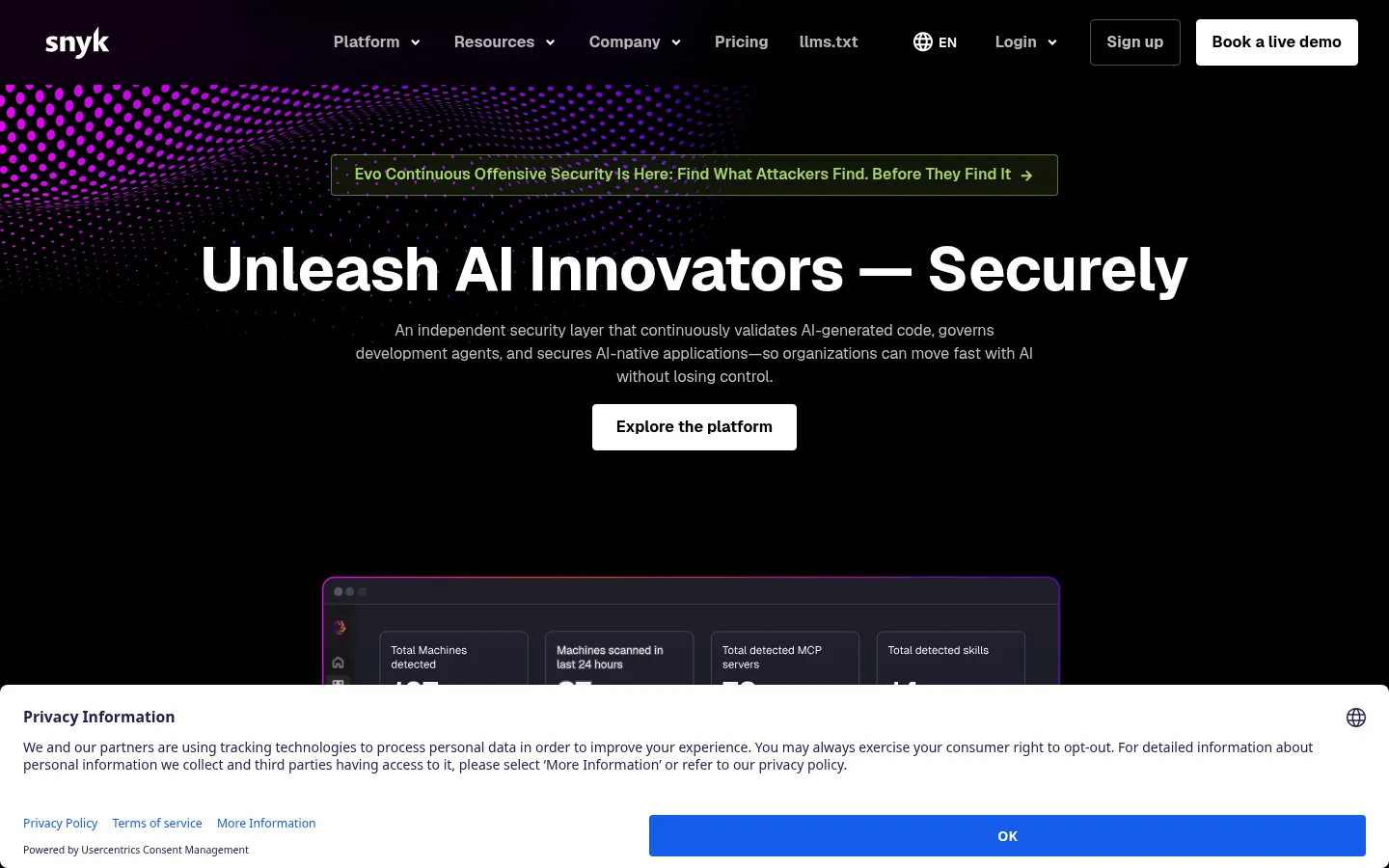
What it scans: Snyk analyzes operating system and application dependencies in container images. Its product page also documents native Git scanning, CI/CD scans, base image recommendations, and continuous monitoring for newly disclosed vulnerabilities.
Developer workflow: Pull request scans point developers to vulnerable Dockerfile commands and dependencies. Snyk can monitor imported Kubernetes workloads and their associated images, according to its Kubernetes integration documentation.
SBOM support: The snyk container sbom command generates CycloneDX or SPDX output for an image. Snyk currently labels this feature Enterprise early access.
Best fit: Teams already standardized on Snyk for SCA and SAST that want container coverage in the same developer ecosystem.
Limitations: Kubernetes monitoring finds image vulnerabilities and workload configuration issues, but it is not the same as active runtime defense. Snyk’s product page points customers to Sysdig for runtime container security.
3. Trivy
Trivy is a widely adopted open-source scanner for container images, filesystems, repositories, and IaC.
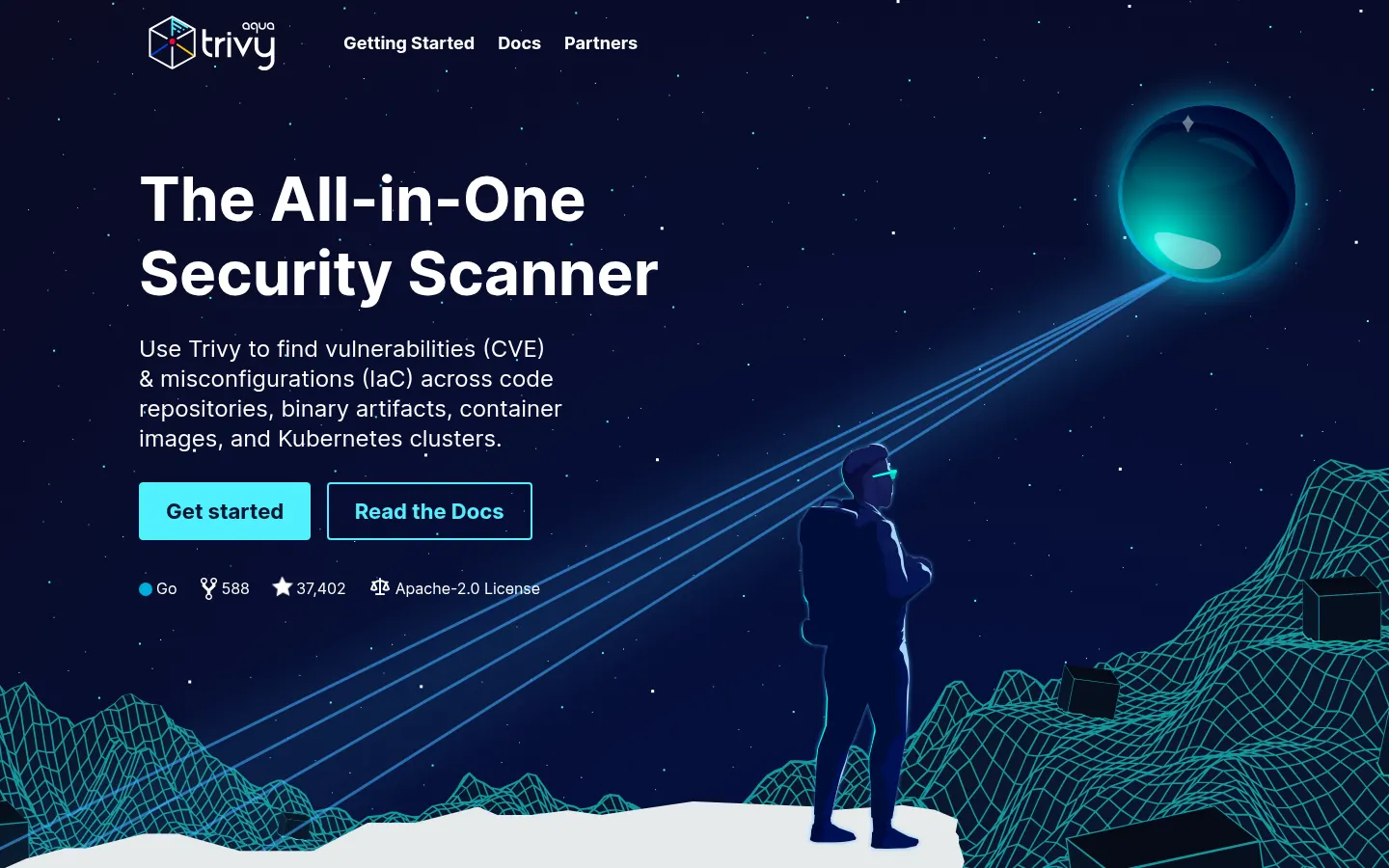
What it scans: The container image documentation lists vulnerabilities, misconfigurations, secrets, and licenses. Vulnerability and secret scanning are enabled by default for image contents. Image configuration checks for secrets and Dockerfile misconfigurations require their own flags.
SBOM support: Trivy can generate CycloneDX and SPDX documents from images, then scan supported SBOM files for vulnerabilities and licenses.
Best fit: Platform teams that want a free CI baseline and are willing to manage policies, ownership, and remediation workflow themselves.
Strengths: One CLI covers image vulnerabilities, secrets, IaC checks, license checks, and SBOM work. That makes Trivy useful when a team wants fewer separate scanners in a pipeline.
Limitations: Trivy reports the scan result but does not provide a native developer remediation queue, ownership model, or runtime threat protection platform.
4. Grype
Grype from Anchore matches packages in container images against vulnerability databases and works well with Syft for SBOM generation.
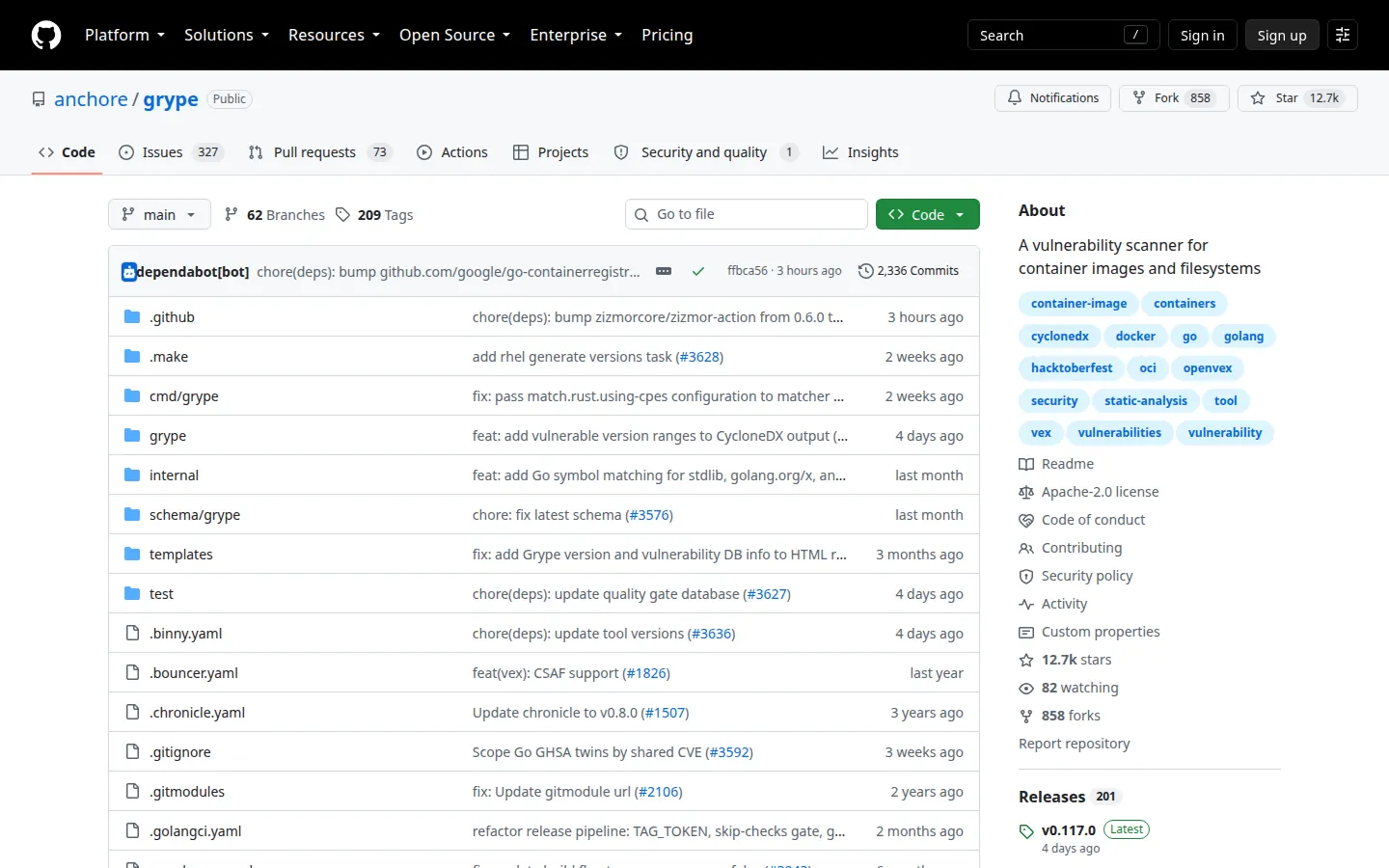
What it scans: The official Grype project documentation covers container images, filesystems, and SBOMs. It supports common operating system and language package ecosystems, plus Docker, OCI, and Singularity image formats.
Prioritization: Grype exposes EPSS, CISA KEV, risk scores, VEX data, and package match details. This is more useful than severity alone, though teams still need to decide how those signals affect build policy.
SBOM support: Grype reads Syft, SPDX, and CycloneDX SBOMs. Use Syft when you need to generate an SBOM, then use Grype to check it for known vulnerabilities.
Best fit: Teams building SBOM-first supply chain workflows that want a focused vulnerability scanner.
Limitations: Grype does not include secret scanning, runtime protection, a hosted findings dashboard, or a developer remediation workflow.
5. Aqua
Aqua Security is an enterprise cloud-native application protection platform spanning build, registry, and runtime.
What it scans: Aqua’s container security product page lists known vulnerabilities, malware, embedded secrets, misconfigurations, and open-source issues in images. Assurance policies can stop images that do not meet an organization’s thresholds from reaching deployment.
Runtime coverage: Aqua applies runtime policies to container workloads, detects drift, and can block unauthorized activity. It also uses production context and exploitability signals to rank vulnerabilities.
Best fit: Large organizations buying CNAPP-style coverage across the container lifecycle.
Limitations: Aqua covers more deployment and runtime controls than a stand-alone scanner. Smaller teams should check whether they need that scope before taking on the rollout.
6. Prisma Cloud
Prisma Cloud from Palo Alto Networks provides cloud-native security with container, registry, and compliance workflows.
What it scans: The official Prisma Cloud container security page describes scans for repositories, images, registries, CI/CD pipelines, and running containers. Policies can alert on or block images by severity and compliance status.
Runtime and SBOM coverage: Prisma Cloud profiles container processes, network behavior, and filesystem behavior for runtime defense. Its SBOM documentation says image scans can export CycloneDX 1.4 in JSON or XML.
Best fit: Enterprises with existing Palo Alto or Prisma investments and centralized cloud governance needs.
Limitations: Prisma Cloud is a full platform with vulnerability, compliance, access, and runtime controls. Teams seeking only a fast build scanner will have more product to configure.
7. Wiz
Wiz prioritizes cloud and workload risk using attack path context, which can help teams focus container issues that matter for exposure.
What it scans: Wiz’s container and Kubernetes security page describes image scanning in build pipelines and registries, IaC scanning for Dockerfiles and Kubernetes manifests, and agentless assessment of running containers.
Policy and runtime coverage: Wiz Guardrails can apply CI policies, and its Admission Controller can block noncompliant images. The platform combines agentless scanning with optional sensor-based threat detection at runtime.
Best fit: Cloud security teams optimizing for exposure reduction across VMs, containers, and cloud misconfigurations.
Limitations: Wiz is designed around cloud-wide risk correlation. Confirm the developer workflow and SBOM export format if those are central to your container scanning program.
8. Sysdig
Sysdig combines runtime security, Kubernetes visibility, and image scanning for teams that want build and runtime correlation.
What it scans: Sysdig’s vulnerability management documentation covers container image scans in CI/CD, registries, and runtime workloads. Sysdig converts image contents into a CycloneDX-compatible SBOM before matching packages to vulnerabilities.
Runtime context: Sysdig can focus results on packages loaded at runtime and keeps vulnerability and policy evaluations current for running workloads. Its broader platform also provides runtime threat detection based on Falco rules.
Best fit: Kubernetes-heavy environments where runtime telemetry should inform image risk decisions.
Limitations: If runtime detection is out of scope, an open-source image scanner may cover the immediate requirement with less platform overhead.
How to evaluate container security tools
Run each shortlisted tool on the same representative images and pipelines. A useful pilot checks:
- The tool scans representative production images, not only a clean demo image.
- It handles private registries and multi-arch images you actually ship.
- Scan time fits your CI budget, including database downloads and cache behavior.
- Results separate fixable application packages from inherited base-image findings.
- Developers can see ownership, a fixed version, and the image layer or Dockerfile command that introduced a package.
- Pull request, CI, registry, and admission controls cover the stages where your team needs a gate.
- SBOM output uses the CycloneDX or SPDX version required by customers and compliance teams.
- Policy gates can start in advisory mode and tighten as signal improves.
- Secret scanning covers image contents and image configuration, not only the source repository.
- Runtime claims distinguish vulnerability monitoring from behavioral threat detection and blocking.
- Container findings connect to dependency, IaC, cloud exposure, and runtime data where relevant.
- Reports show accepted risk, exceptions, policy history, and remediation progress without manual spreadsheet work.
Record true positives, duplicate findings, unsupported packages, scan time, and time to identify the correct owner. Those measurements are more useful than comparing raw CVE totals because scanners use different vulnerability feeds, package matching rules, and defaults.
Pair container scanning with dependency scanning for application packages and IaC scanning for Kubernetes and Helm manifests. For implementation guidance, see Docker security best practices and the Kubernetes security checklist.
Related container and AppSec guides
- Docker security best practices for image hardening and CI/CD scanning.
- Kubernetes security checklist for cluster and manifest controls.
- Application security testing complete guide for where container scanning fits in the SDLC.
- Best SCA tools for dependency risk inside and outside containers.
- IaC security tools for Terraform, Helm, and cloud manifest scanning.
- Secrets detection tools for credential leaks in repos, pipelines, and images.
Ready to reduce base-image noise and focus on release-ready container fixes? Try Corgea container scanning or book a demo.