

Secrets detection tools scan code and related systems for exposed API keys, access tokens, passwords, private keys, and other credentials. The practical goal is to catch a leak before it reaches a shared repository, then revoke or rotate the credential before someone can use it.
The products in this guide take different approaches. Some are open-source command-line scanners for git repositories. Others add push protection, historical scanning, credential validity checks, incident management, or coverage for chat, container images, and file storage. The right choice depends on where secrets can leak in your organization and who owns the response.
Quick picks
- Best for secrets in a unified AppSec workflow: Corgea, for teams that want secrets findings and remediation alongside code, dependency, container, and IaC scanning.
- Best dedicated secrets security platform: GitGuardian, for broad source coverage, validity checks, and managed incident response.
- Best open-source scanner with credential verification: TruffleHog.
- Best lightweight open-source git scanner: Gitleaks.
- Best native option for GitHub: GitHub Secret Protection, which includes secret scanning and push protection.
- Best native option for GitLab: GitLab Secret Detection.
- Best fit for current Snyk customers: Snyk Secrets.
- Best fit when secrets are part of a wider DLP program: Nightfall.
Secrets detection tools compared
| Tool | Best for | Main scan surfaces | History scan | Preventive control | Credential validation | Main tradeoff |
|---|---|---|---|---|---|---|
| Corgea | Unified AppSec workflow | Repositories and pull requests | Yes | Commit and PR checks | Contextual triage | Newer vendor, so validate coverage on your repositories |
| GitGuardian | Dedicated secrets programs | VCS, containers, package registries, collaboration and file platforms | Yes | Developer CLI, hooks, IDE and VCS monitoring | Validity checks where supported | A dedicated secrets and NHI platform rather than broad AppSec testing |
| TruffleHog | Open source with verification | Git, filesystems, cloud and SaaS sources | Yes | Pre-commit and pre-receive hooks | Programmatic verification | Team workflow and governance require the enterprise product or separate tooling |
| Gitleaks | Fast open-source baseline | Git repositories, directories, files, stdin and optional archive extraction | Yes | Hooks and GitHub Action | No built-in provider verification | Triage, ownership and remediation are do it yourself |
| GitHub Secret Protection | GitHub-native teams | GitHub repositories, issues, discussions and wikis | Yes | Push protection | Validity checks for supported provider patterns | Centered on GitHub and plan-dependent features |
| Snyk Secrets | Existing Snyk platform users | IDE, CLI, SCM, pull request and CI workflows | Current codebase and recurring scans | IDE, pre-commit, PR and CI checks | Contextual scoring rather than universal provider checks | Does not scan binary or lock files |
| GitLab Secret Detection | GitLab-native teams | Pushes, commits, pipelines, merge requests, issues and comments | One-time historic scan available | Secret push protection | Automatic revocation for supported secret types | Coverage and management features vary by GitLab tier |
| Nightfall | Secrets within a wider DLP program | GitHub plus text, files and API-connected data | Yes for connected GitHub repositories | Real-time scan on GitHub pushes | Active-risk validation for supported credential types | Broader DLP scope may be more than a code-only team needs |
Evaluate secrets scanning on your own repositories
Use Corgea to catch exposed credentials early and guide rotate-and-remove remediation inside the developer workflow.
The best secrets detection tools, reviewed
1. Corgea
Corgea secrets scanning is built around early detection and fast containment. It helps teams catch tokens, keys, and sensitive material before they spread across branches, builds, and artifacts. The workflow then guides the author to remove the secret and rotate the credential where the leak was introduced.
What it is: Credential leak detection inside an AI-native AppSec platform that also covers AI SAST, dependency scanning, container scanning, and IaC scanning.
Best fit: AppSec and platform teams that want secrets hygiene embedded in pull requests rather than a separate incident queue.
Strengths: Developer-first remediation, unified triage, and consistent workflow with other security findings.
Limitations: Validate detection coverage and false-positive rate on your repositories, especially monorepos with test fixtures and sample configs.
2. GitGuardian
GitGuardian is a dedicated secrets security and non-human identity platform. Its source integrations cover git hosts, container and package registries, collaboration tools, file storage, ticketing systems, and custom sources such as CI/CD logs.
Best fit: Security teams running a focused secrets program across many repositories and SaaS integrations.
Detection and prioritization: Historical and real-time scans feed a central incident workflow. GitGuardian performs non-intrusive validity checks for supported secret types and can check custom hosts for some self-managed services.
Remediation: The incident remediation workflow supports assigning incidents, sharing them with the developer, tracking remediation, and revoking supported credentials from the platform.
Limitations: GitGuardian goes deep on secrets and non-human identities. Teams that also need SAST, dependency, container, or IaC scanning will still need other AppSec products or integrations.
3. TruffleHog
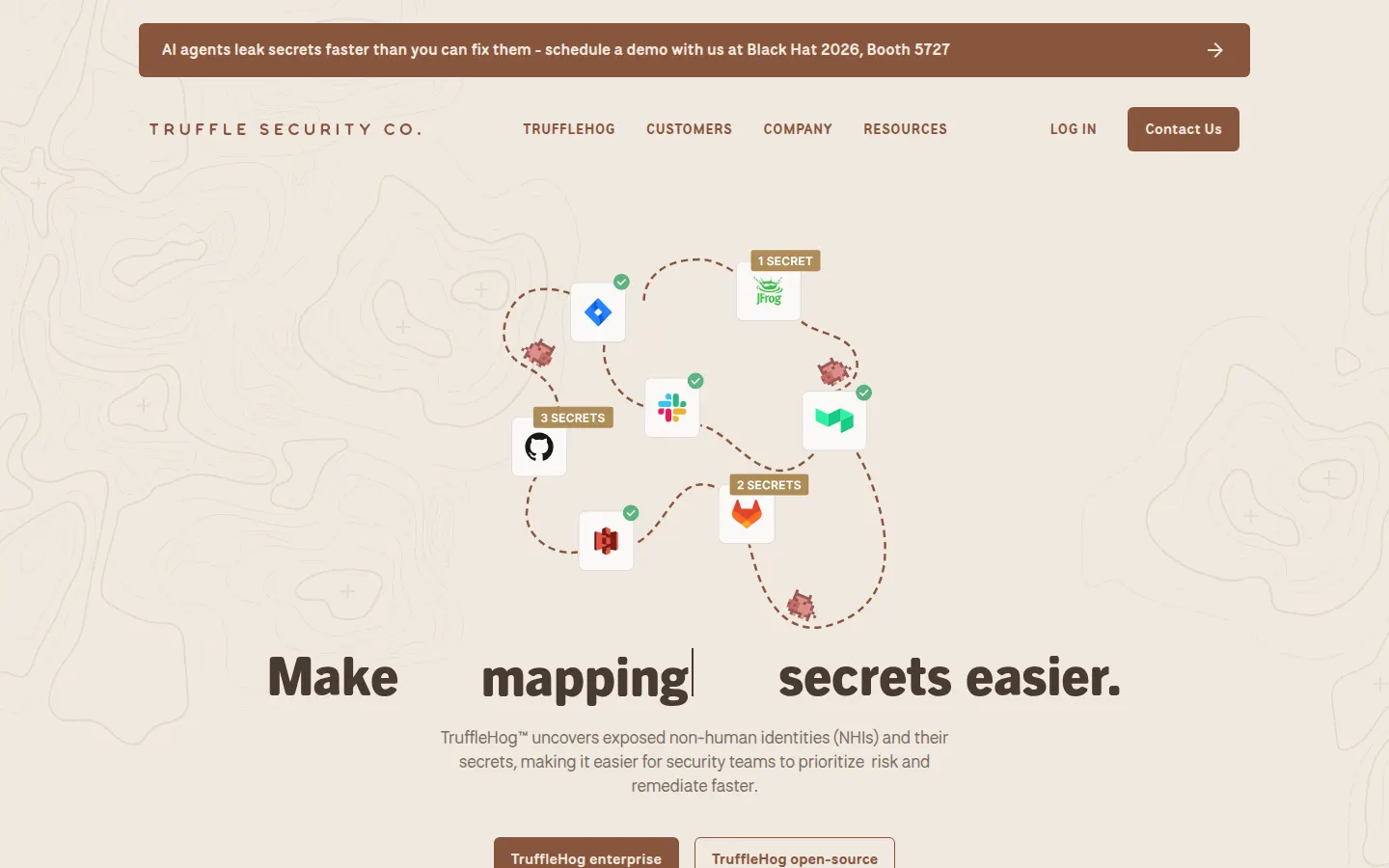
TruffleHog is an open-source secrets scanner from Truffle Security. The official product page documents scanning for secrets in repository history, comments, Docker images, and other sources. Its defining feature is programmatic credential verification against the issuing service.
Best fit: Teams that want an open-source scanner with built-in verification, plus the option to move to an enterprise platform.
Coverage: The open-source CLI scans git repositories, filesystems, GitHub, GitLab, Docker images, object storage, and several SaaS and cloud sources. It can run in CI and in pre-commit or pre-receive hooks.
Noise handling: TruffleHog classifies results as verified, unverified, or unknown based on whether it can test the credential. Verification lowers noise, but teams should review which outbound checks are acceptable before sending credentials to provider APIs.
Limitations: The open-source scanner does not provide the ownership, policy, and collaboration workflow of the enterprise product.
4. Gitleaks
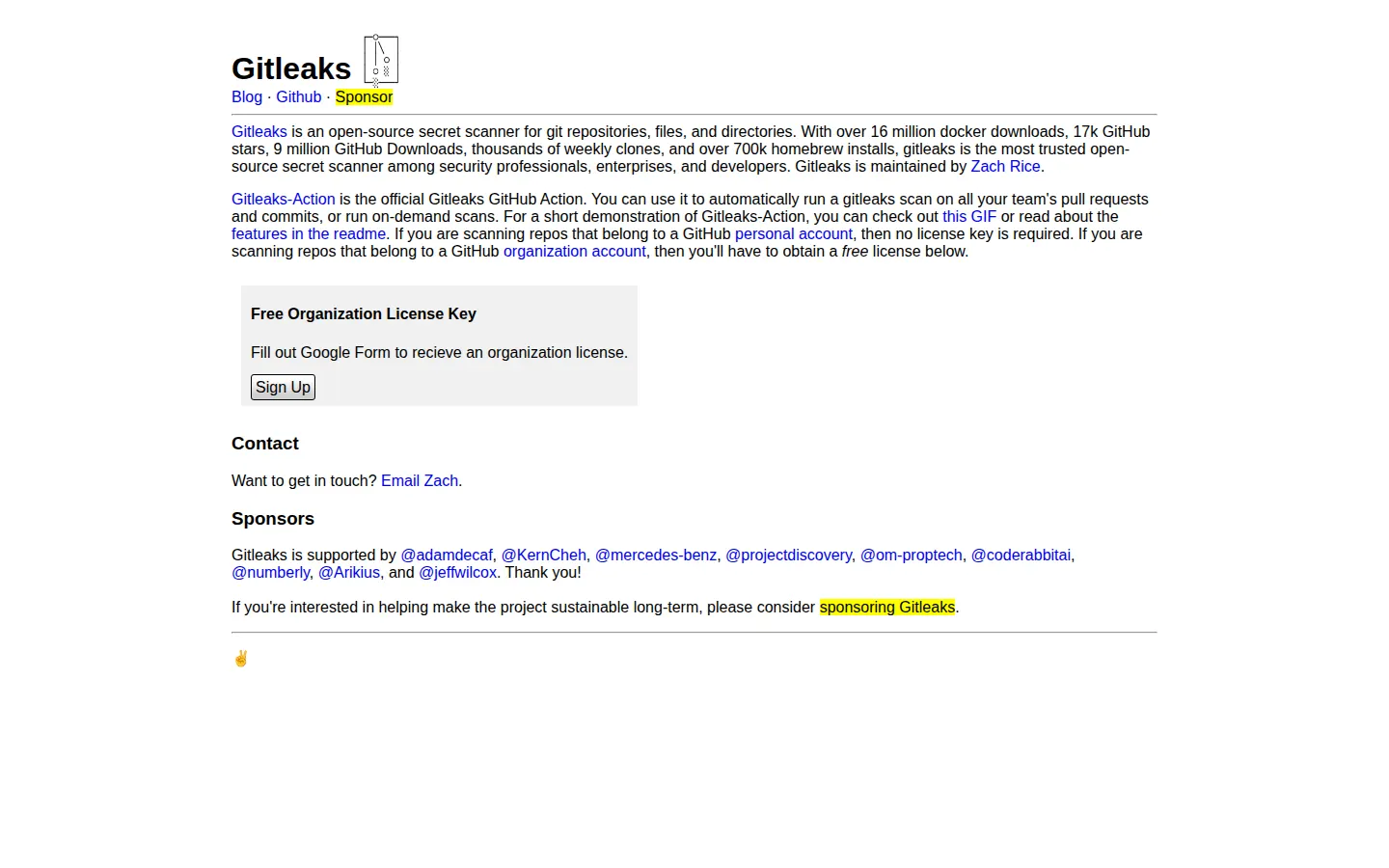
Gitleaks is a lightweight open-source secrets scanner maintained by Zach Rice. Its current CLI has three scan modes: git for repository history, dir for files and directories, and stdin for streamed input. Optional archive extraction can inspect formats such as zip and tar files.
Best fit: Teams wanting a simple, fast baseline with minimal setup.
Developer workflow: The official Gitleaks site provides a GitHub Action for pull requests, commits, and on-demand scans. Teams can also use Gitleaks in pre-commit hooks and other CI systems.
Noise handling: Rules can use allowlists and stopwords to suppress known test data or paths. Gitleaks detects candidate secrets but does not make provider API calls to confirm whether a credential is active.
Limitations: Gitleaks produces findings and reports. Incident assignment, credential rotation, dashboards, and policy management need separate tooling.
5. GitHub Secret Protection
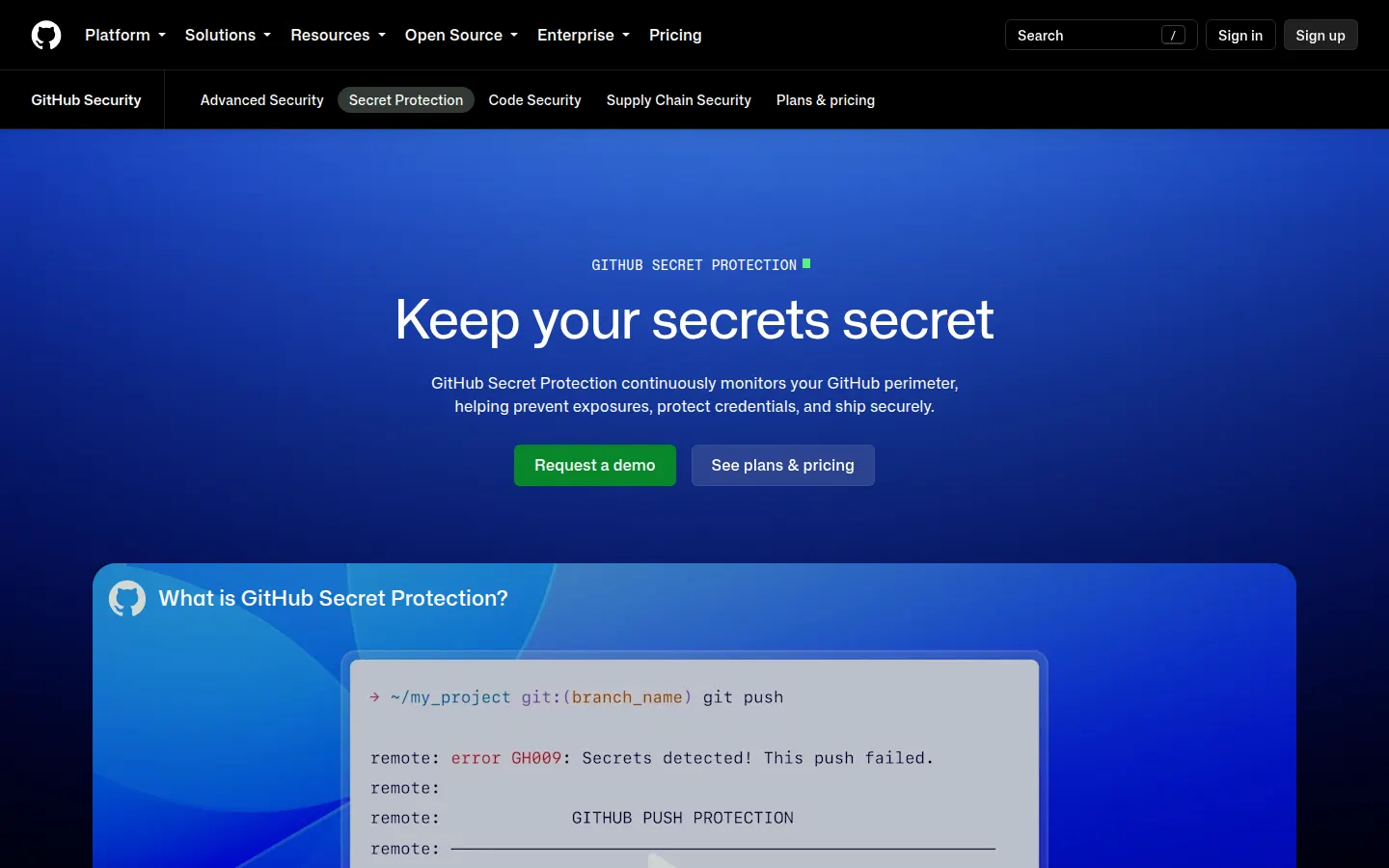
GitHub Secret Protection packages secret scanning, push protection, policy controls, and credential metadata into GitHub. The underlying secret scanning documentation remains the reference for setup and alert management.
Best fit: Organizations standardized on GitHub that want alerts and preventive controls in the same repository interface.
Prevention and prioritization: Push protection blocks supported secrets before they reach protected repositories. Organizations can define custom patterns and use delegated bypass. GitHub can also run validity checks for supported provider patterns, but not for generic patterns or passwords.
Coverage: Secret scanning checks full git history and can also find supported secrets in issues, pull requests, discussions, and wikis. The supported patterns table shows which secret types support partner alerts, push protection, validity checks, metadata, and Base64 detection.
Limitations: GitHub Secret Protection is the natural choice for GitHub repositories, but it does not provide the same cross-platform source coverage as a dedicated secrets security product.
6. Snyk Secrets
Snyk now has a dedicated Snyk Secrets product alongside its code, open-source dependency, container, and IaC products. This is distinct from the limited hardcoded-secret rules that may appear in Snyk Code scans.
Best fit: Teams already using Snyk that want secrets findings governed in the same AppSec platform.
Detection: According to the Snyk Secrets documentation, the engine combines entropy checks, regex, machine learning, and semantic context. It scans plain-text source, configuration, and property files, but excludes binaries and lock files.
Developer workflow: Scans run through supported IDEs, the snyk secrets test CLI command, pre-commit hooks, SCM imports, recurring tests, pull request checks, and CI/CD.
Limitations: Snyk documents a limit of 800 findings per repository scan. Its contextual scoring can reduce test-fixture noise, but buyers should confirm which credential types, SCMs, and history requirements their plan supports.
7. GitLab Secret Detection
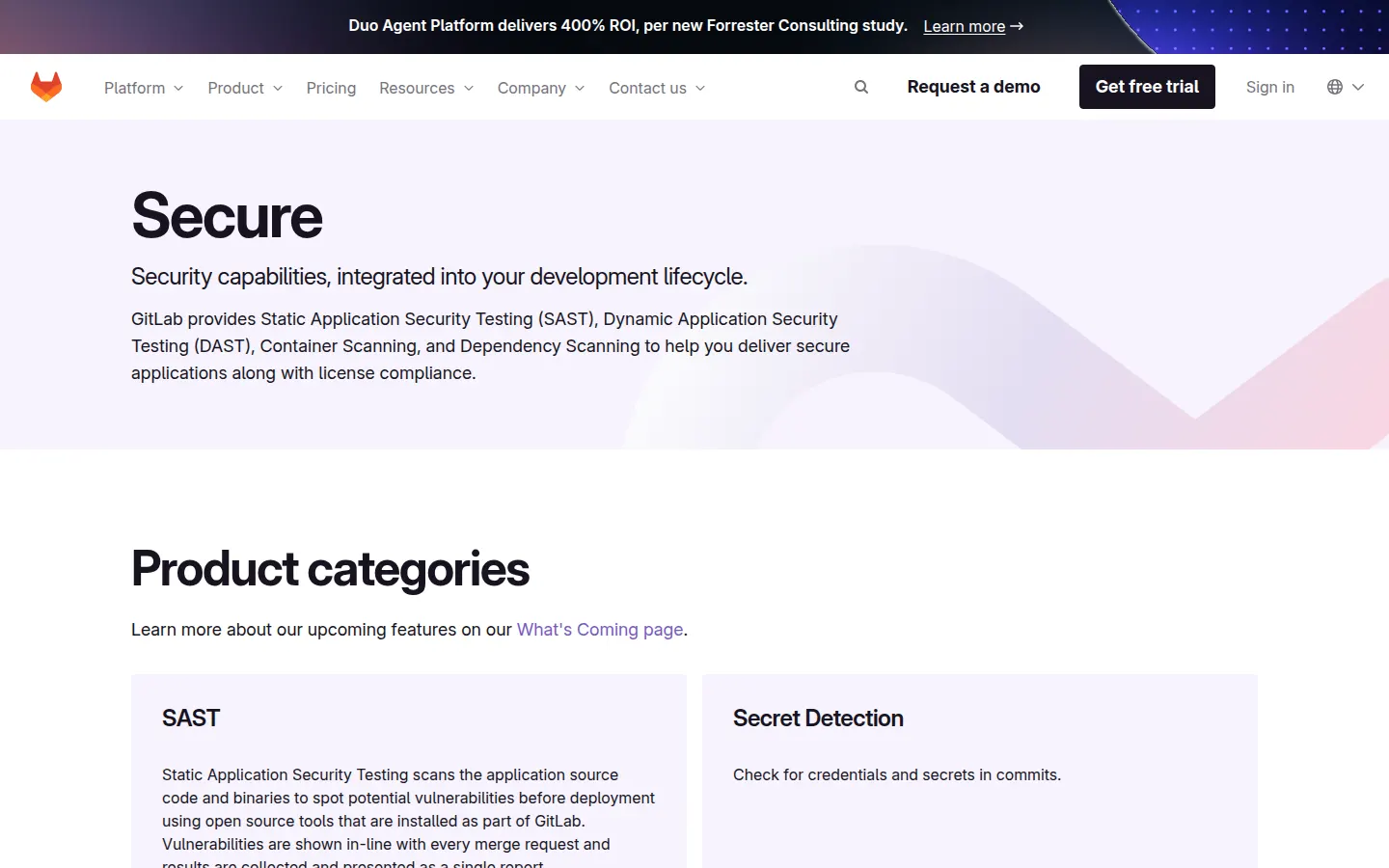
GitLab Secret Detection provides several native controls for GitLab projects. Pipeline secret detection scans code after it is committed, while secret push protection checks pushed diffs in a pre-receive hook and blocks high-confidence matches by default.
Best fit: Teams standardized on GitLab that want secret scanning results in pipelines, merge requests, and the vulnerability report.
Coverage: Standard pipeline scans focus on the current repository state and new commits. GitLab recommends a one-time historic scan after enabling the analyzer to inspect earlier commits and branches. Client-side detection can also check issue and merge request descriptions and comments before they are saved.
Remediation: GitLab records leaked secrets in its vulnerability workflow and can automatically revoke some supported secret types. Exclusions and custom rulesets help tune results.
Limitations: Push protection checks only the diffs included in a push, so it does not replace pipeline or historic scanning. Availability of management and response features depends on the GitLab tier and deployment.
8. Nightfall
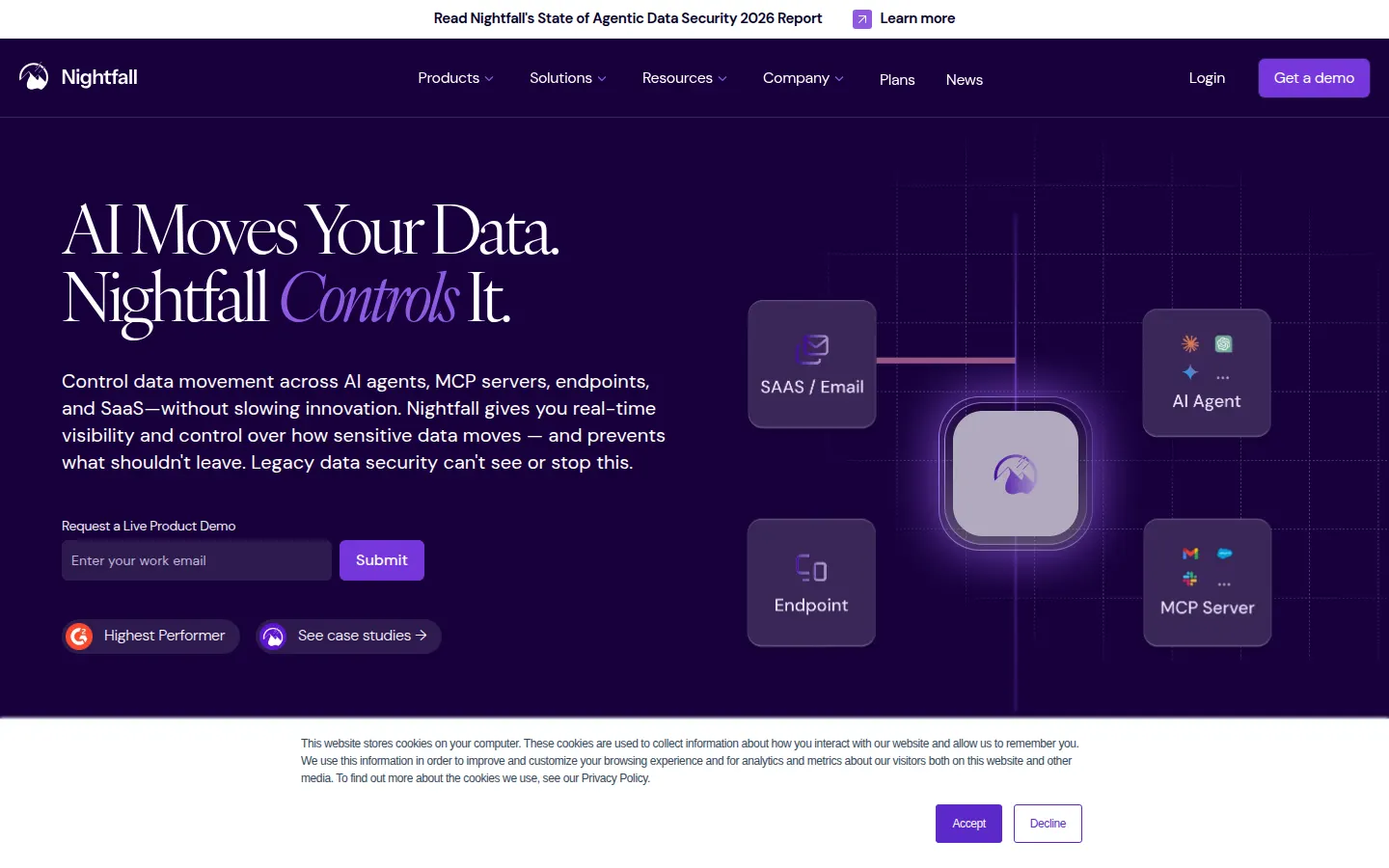
Nightfall is a data loss prevention platform that detects secrets alongside PII, PHI, payment data, and other sensitive information. Its GitHub integration scans commits for API keys and other secrets in supported GitHub Cloud and Enterprise deployments.
Best fit: Security teams that need secrets detection as part of a wider DLP program across SaaS applications, endpoints, email, browsers, and AI tools.
Detection and coverage: Nightfall supports real-time scans on GitHub pushes and historical scans of connected repositories. Its secrets detection documentation describes machine learning detection, vendor and service labels, and active-risk validation for supported credentials. The developer API can also scan text and files with built-in or custom detectors.
Limitations: Nightfall has broader sensitive-data coverage than a code-only secret scanner. Teams looking for a small open-source CLI may find that scope and commercial operating model unnecessary.
How secrets detection tools work
Most secret scanners combine several techniques:
- Pattern matching identifies structured credentials such as provider-specific API keys.
- Entropy checks look for high-randomness strings that resemble tokens.
- Contextual analysis uses file paths, variable names, surrounding code, or machine learning to separate real credentials from examples and test fixtures.
- Credential validation checks whether a detected secret is still active by contacting its provider. This helps prioritize response, but security teams should review how each tool handles outbound checks and secret data.
- History scanning inspects earlier commits because deleting a secret in the latest commit does not remove it from git history.
A scanner finding is only the start of remediation. Treat an exposed credential as compromised, revoke or rotate it, remove it from current code and history where appropriate, then investigate logs for suspicious use. Marking an alert as resolved without rotating a live credential leaves the underlying risk in place.
Open-source scanners or a managed platform?
Gitleaks and the open-source TruffleHog CLI are good starting points when a team wants fast repository and CI coverage without buying a platform. They work best when the organization already has a way to route findings, identify owners, track credential rotation, and enforce configuration across repositories.
Managed products add central policy, dashboards, source integrations, and response workflows. Native GitHub and GitLab controls reduce setup for teams committed to one code host. GitGuardian reaches more places where developer secrets can spread, while Snyk and Corgea place secret findings beside other AppSec results. Nightfall is aimed at organizations that need to find sensitive data beyond source code.
How to evaluate secrets detection tools
- Run each tool against representative repositories, including monorepos, generated files, test fixtures, and custom credential formats.
- Measure precision and recall with a controlled test set. Do not choose a scanner from its detector count alone.
- Confirm which new-commit, pull request, push protection, and local developer controls are available.
- Test a full history scan and estimate the backlog before turning on blocking rules.
- Check whether validation calls send credentials to provider endpoints and whether that behavior can be controlled.
- Make sure developers can suppress test data without creating broad blind spots.
- Trace a finding through assignment, revocation or rotation, code removal, and closure.
- Verify coverage for CI logs, container images, package artifacts, chat, or cloud storage if those systems are in scope.
- Compare policy management, audit logs, data residency, access control, and deployment options.
- Review pricing against repository, contributor, scan-volume, and feature limits.
For broader context, read the CI/CD security guide, Terraform security best practices, and best SAST tools when secrets scanning is part of a platform evaluation.
Related secrets and AppSec guides
- IaC security tools for credentials in Terraform and cloud manifests.
- Container security tools for secrets baked into images.
- CI/CD security guide for pipeline token and OIDC hygiene.
- Application security testing complete guide for where secrets scanning fits in the SDLC.
- Docker security best practices for keeping secrets out of images.
To evaluate secrets scanning in the same workflow as the rest of AppSec, try Corgea secrets scanning or book a demo.